PRT-KLCD Protege Alphanumeric LCD Keypad User Manual | April 2011 37
Disabling User Codes
Disabling a user code has the added benefit of monitoring the attempted use of any user credentials by allow
access denied events to be processed for the user (User Code/Card Number).
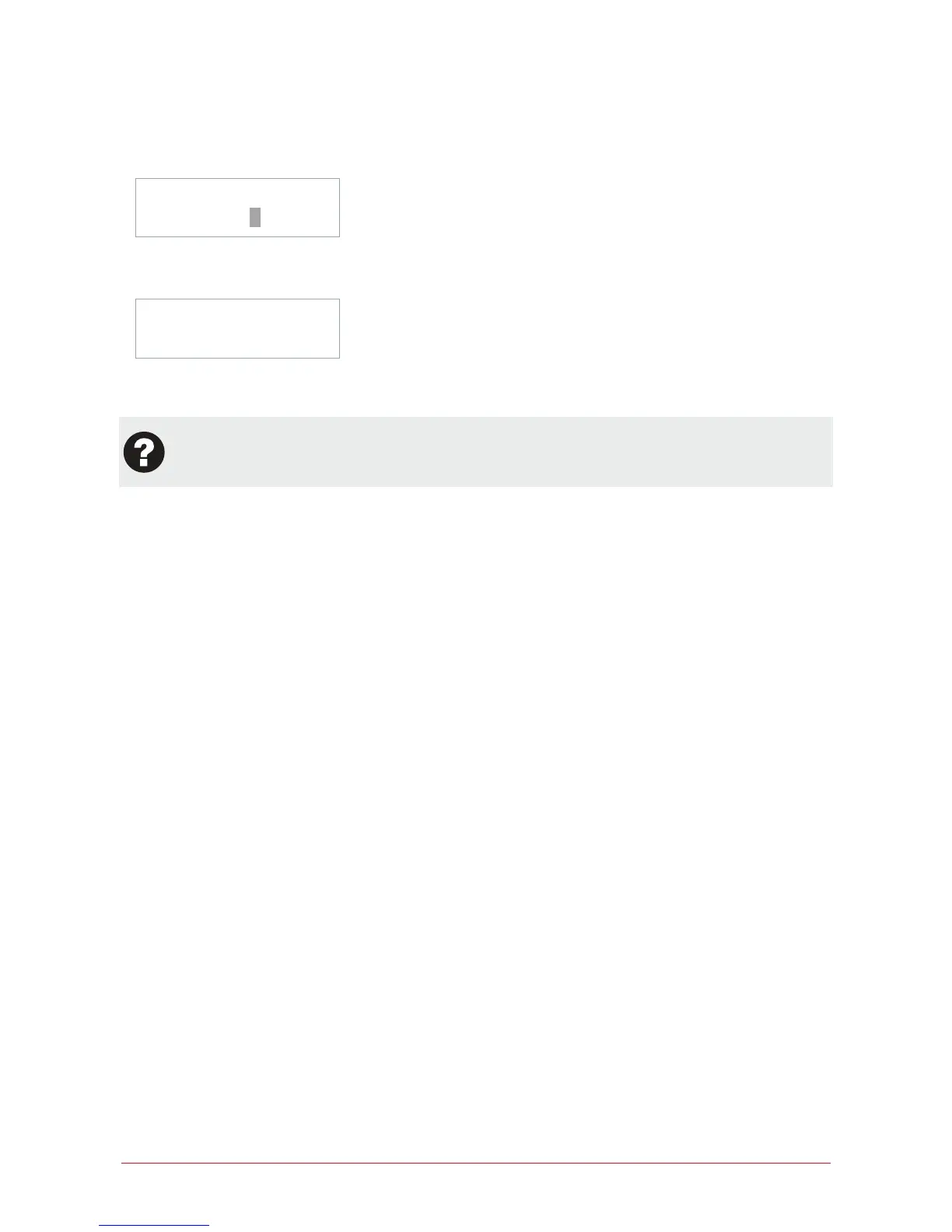
Select user to
modify: UN00010
Select the user. Once the desired user is displayed press the [ENTER] key. Press repeatedly until the access
level programming screen is shown.
UN00010 Access Î
None
Once the user name is displayed use the list selection keys [1] and [3] to scroll to the access level none. Once
selected press the [ENTER] key.
When the user attempts to use the User Code at an LCD Keypad or presents the associated card for
the user to a card reading device they will be denied access. An event will be recorded in the event log
that can be viewed.
Changing User Codes
To change a user code follow the procedures in Programming User Codes (see page 31). Where required modify
the settings of the user.



 To Next Page