16
3.7 Menu – Heating circuits
Theheatingcircuitsmenuhasthefollowing
options, there are other options but these
arehiddenfromtheUser/Installer:
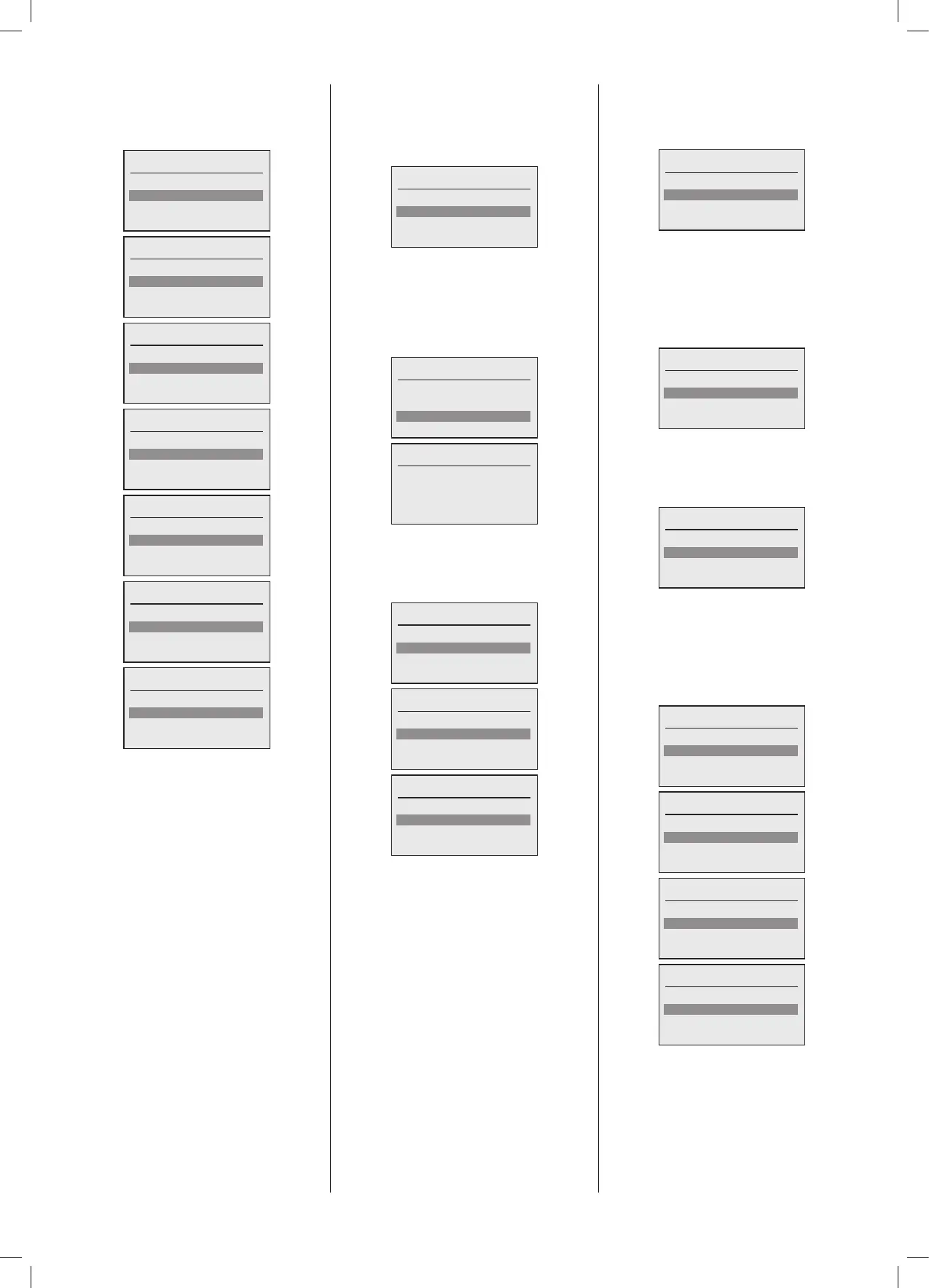
Heating circuits
Status
Operating mode
Room temperature
Heating circuits
Status
Operating mode
Room temperature
Flow temperature
Heating circuits
Operating mode
Room temperature
Flow temperature
Settings
Heating circuits
Room temperature
Flow temperature
Settings
Time clock
Heating circuits
Flow temperature
Settings
Time clock
Holiday program
Heating circuits
Settings
Time clock
Holiday program
Heating circuits
Time clock
Holiday program
3.7.1 Menu – Heating circuits - Status
Thestatussubmenugiveyouaccesstosee
thecurrentrealtimevaluesof theheating
circuits.
Thestatusmenuhasthefollowingoptions:
Status
Summary
Real time values
3.7.2 Menu – Heating circuits – Status
- Summary
Thesummarysubmenuliststhecongured
heatingcircuitsthatareconguredandcan
be selected, which then shows the main
valuesfortheheatingcircuit.
Summary
HC1 Boiler 1.1
HC2 Boiler 2.1
HC3 Boiler 2.2
HC1 Boiler 1.1
Status: OpenTherm
Operation: Standby
Room setp.: 0.0ºC
Flow setp.: 0.0ºC
3.7.3 Menu – Heating circuits – Status
– Real time values
TheRealtimevaluesmenuhasthefollowing
options:
Real time values
Demand inputs
Sensors
Outputs
Real time values
Demand inputs
Sensors
Outputs
Real time values
Sensors
Outputs
3.7.4 Menu – Heating circuits – Status
– Real time values – Demand inputs
Onceinputsisselectedthescreenwillshow
theconguredlistofheatingcircuits:
Demand inputs
HC1 Boiler 1.1
HC2 Boiler 2.1
HC3 Boiler 2.2
Onceaheatingcircuitisselected,thenthe
following screen will display the current
RealtimevaluesfortheconguredInputs,
onceagainitemsthatarenotconguredwill
beshownwithnovaluebutwith2dashes
to indicate this, the list can be scrolled if
requiredtoshowallvalues:
Demand inputs
SL1: - -
OT1: 80ºC
Room setp.: - -
3.7.5 Menu – Heating circuits – Status
– Real time values – Sensors
Once sensors is selected the screen will
showtheconguredlistofheatingcircuits:
Sensors
HC1 Boiler 1.1
HC2 Boiler 2.1
HC3 Boiler 2.2
Onceaheatingcircuitisselected,thenthe
following screen will display the current
Realtimevaluesfortheconguredsensors,
onceagainitemsthatarenotconguredwill
beshownwithnovaluebutwith2dashes
to indicate this, the list can be scrolled if
requiredtoshowallvalues:
HC1 Boiler 1.1
Room temp.: 17.8ºC
Outside temp.: - -
Source temp: 37.2ºC
HC1 Boiler 1.1
Room temp.: 17.8ºC
Outside temp.: - -
Source temp: 37.2ºC
HC ow sensor: - -
HC1 Boiler 1.1
Outside temp.: - -
Source temp: 37.2ºC
HC ow sensor: - -
HC1 Boiler 1.1
Source temp: 37.2ºC
HC ow sensor: - -





 To Next Page