6
3.1 Glossary
3.1.1 Menu function resource
denitions
• Plant – related to the master or
standalone boiler for plant control
(common)functions
• Boiler–onlyrelatedtoanindividualboiler
andonlyusedbythatboiler
• Heating Circuit – only related to an
individualheatingcircuit
• DHWcircuit–onlyrelatedtoanindividual
DHWcircuit
3.1.2 Pump denitions
• Systempump–usedtocirculatewater
through the Heating and/or Domestic
HotWatercircuitsaswellaseitherthe
boiler or the secondary side of a Low
LossHeaderorPlateHeatExchanger.
• Shared boiler pump – used to only
circulate water through more than one
boiler
• Shunt pump – used to circulate an
amountofwaterbetweenowandreturn
tolimitthetemperaturedifferential
• Boilerpump–usedtoonlycirculatewater
throughasingleboiler
• HCpump–apumporvalvethatallows
owthroughaHeatingCicruit
• DHWpump–apumporvalvethatallow
owthroughaDomesticHotWatercircuit
3.2 Introduction
Oncetheboilersareinstalledandcongured
therearestillanumberoffunctionsavailable
fortheoverallsystemSettings,theStatusof
theBoilers,HeatingCircuits,andCascade.
The status screens of each boiler in the
cascadearethesame,theyshowthesame
informationinrelationtotheboiler,andeach
slavewillshowthefollowingscreen:
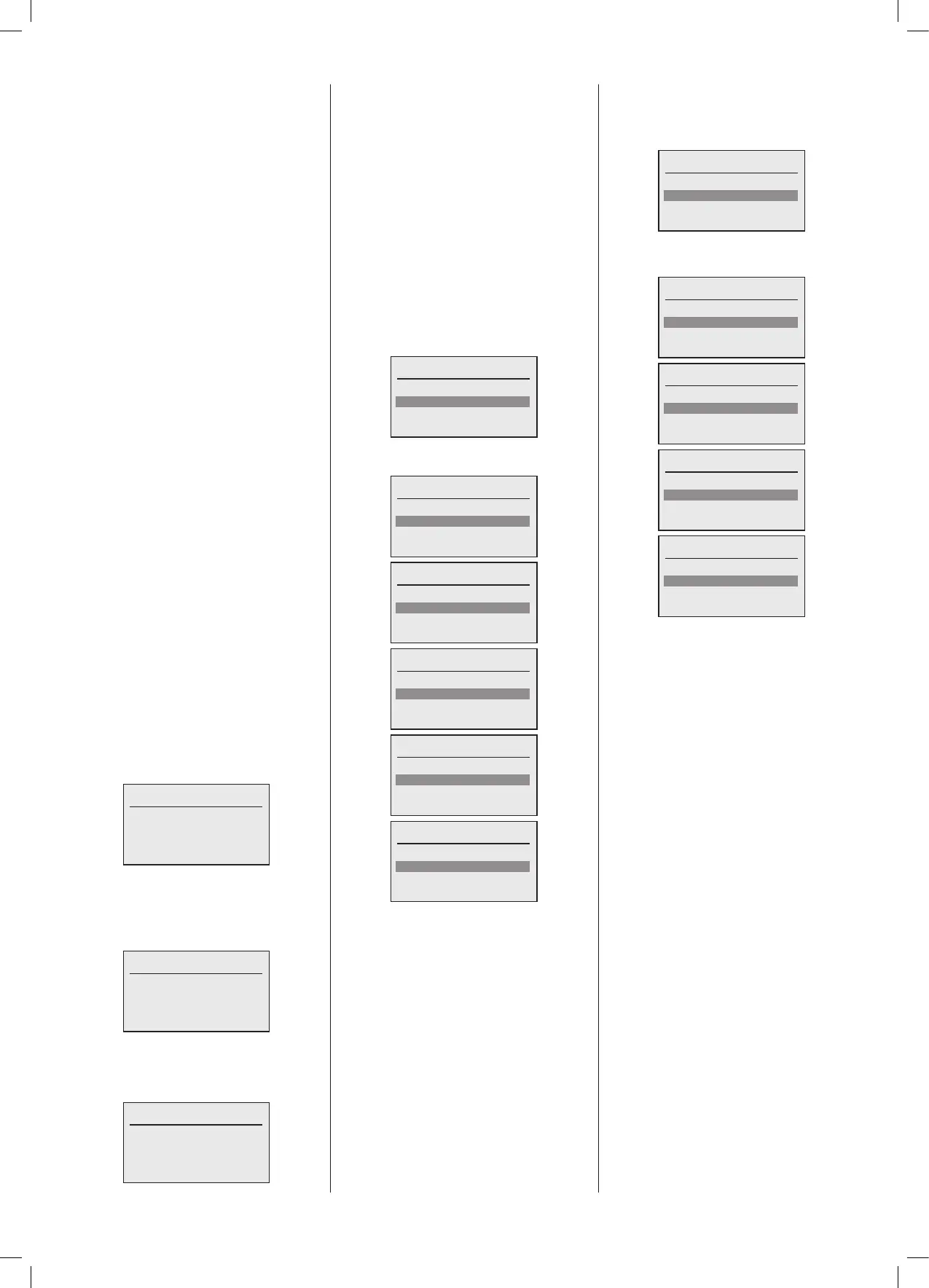
< Boiler Name & Model No. >
Operation: Standby
Boiler Setp.: 0%
Boiler cap.: 0%
Flow temp.: 40.2ºC
TheMaster willshowthe sameexceptfor
asmallleftpointingchevroninthetopleft
handcorner,thisisindicatingthatthereisa
secondstatusscreenaccessbyturningthe
knobanticlockwise:
< Boiler Name & Model No. >
Operation: Standby
Boiler Setp.: 0%
Boiler cap.: 0%
Flow temp.: 40.2ºC
OntheMaster boiler in the cascade there
is an additionalstatus screen which gives
information in relation to the system, on
rotatingtheknobanticlockwise:
< Boiler Name & Model No. >
Operation: Standby
Plant Setp.: 0%
Plant cap.: 0%
Header: 40.2ºC
The chevron will now be right pointing
and appear on the top right hand corner,
indicatingthatthereisanotherstatusscreen
accessedbyrotatingtheknobclockwise.In
thiscasebacktotheBoilerstatusscreen.
Ifanyboilerfaultsexist,therewillbeanother
right pointing chevron on the boiler status
screen.Forboilerspecicfaultsrefertothe
BoilerUserguide.
3.3 Menu
When any of the buttons are pressed or
the knob rotated the display backlight will
brightenupfromitsstandbyreducedlevel.
Toselectthemenu,pressthe‘Select’button,
themenuwillappear:
Menu
Conguration
Boiler Menu
Plant
Themenucanbescrolleddownandcontains
thefollowingitems:
Menu
Conguration
Boiler Menu
Plant
Heating circuits
Menu
Boiler Menu
Plant
Heating circuits
DHW
Menu
Plant
Heating circuits
DHW
Cascade
Menu
Heating circuits
DHW
Cascade
Menu
DHW
Cascade
Note:SlaveboilersdonothavetheCascade
menu option.
3.4 Menu - Conguration
The conguration menu has the following
options, there are other options but these
arehiddenfromtheUser/Installer:
Conguration
General
3.4.1 Menu - Conguration – General
TheGeneralmenuhasthefollowingoptions:
General
Language
Date
Time
General
Language
Date
Time
Access level
General
Date
Time
Access level
General
Time
Access level





 To Next Page