9
3.5 Menu – Boiler
Theboilermenuhasthefollowingoptions,
thereareotheroptionsbutthesearehidden
fromtheUser/Installer:
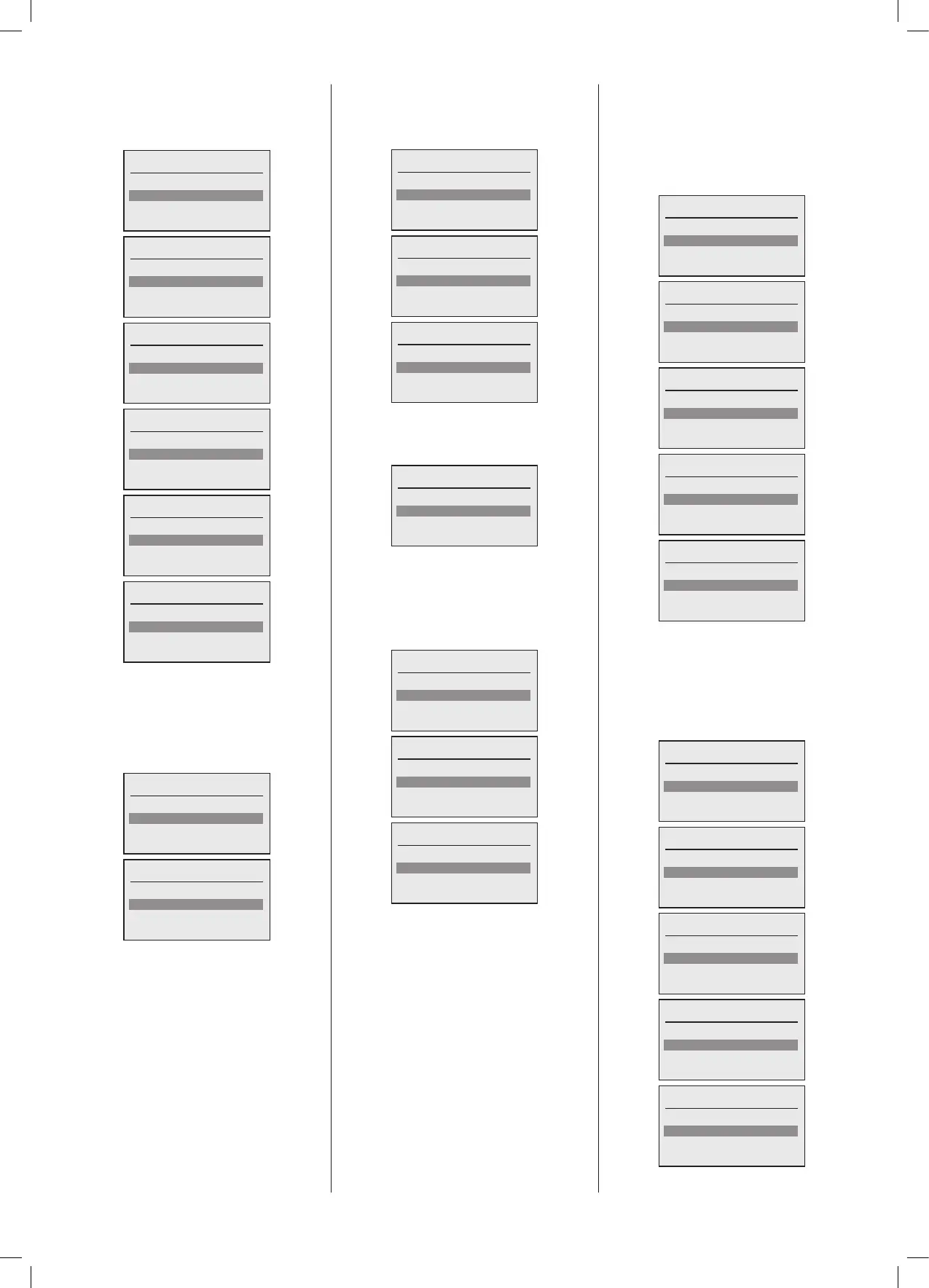
Boiler menu
Status
Service
Settings
Boiler menu
Status
Service
Settings
Flue offset
Boiler menu
Service
Settings
Flue offset
Hours run
Boiler menu
Settings
Flue offset
Hours run
Faults
Boiler menu
Flue offset
Hours run
Faults
Boiler menu
Hours run
Faults
3.5.1 Menu – Boiler - Status
Thestatus sub menus giveyouaccessto
checkthecurrentcongurationoftheboiler.
Italsoallowsyoutoseethecurrentrealtime
valuesoftheboiler.
Thestatusmenuhasthefollowingoptions:
Status
Conguration
Real time values
Status
Conguration
Real time values
3.5.2 Menu – Boiler – Status -
Conguration
The conguration menu has the following
options:
Conguration
Inputs
Outputs
Parameters
Conguration
Inputs
Outputs
Parameters
Conguration
Outputs
Parameters
3.5.3 Menu – Boiler – Status –
Conguration - Inputs
Theinputsmenuhasthefollowingoptions:
Conguration
Boiler 1
Boiler 2
Depending upon how many boilers are
conguredinthecascade,theywillappear
hereinasequentiallist.
Onceaboilerisselected,thenthefollowing
menuallowsyoutoselectwhichconguration
parametersyouwanttodisplay:
Boiler 1
Demand control
Temperature sensors
Other sensors
Boiler 1
Demand control
Temperature sensors
Other sensors
Boiler 1
Temperature sensors
Other sensors
Demand Control
WhenthemenuoptionDemand control is
selected the following screen will now be
displayed,itemsthatarenotconguredwill
beshownwithnovaluebutwith2dashes
to indicate this, the list can be scrolled to
showallvalues:
Demand Control
SL1: - -
SL2: DHW1 Boiler 1
OT1: HC1 Boiler 1.1
Demand Control
SL1: - -
SL2: DHW1 Boiler 1
OT1: HC1 Boiler 1.1
OT2: - -
Demand Control
SL2: DHW1 Boiler 1
OT1: HC1 Boiler 1.1
OT2: - -
0-10V: - -
Demand Control
OT1: HC1 Boiler 1.1
OT2: - -
0-10V: - -
Demand Control
OT2: - -
0-10V: - -
Temperature Sensors
WhenthemenuoptionTemperaturesensors
isselectedthefollowingscreenwillnowbe
displayed,itemsthatarenotconguredwill
beshownwithnovaluebutwith2dashes
to indicate this, the list can be scrolled to
showallvalues:
Temperature sensors
DHW/Room2: - -
Flue: - -
H/X: Yes
Temperature sensors
DHW/Room2:- -
Flue: - -
H/X: Yes
Header: - -
Temperature sensors
Flue: - -
H/X: Yes
Header: - -
Outside: - -
Temperature sensors
H/X: Yes
Header: - -
Outside: - -
Room1: - -
Temperature sensors
Header: - -
Outside: - -
Room1: - -





 To Next Page