18
ifm System Manual ecomatmobile BasicDisplay (CR0451) V01
Configurations Set up programming system
Setup the target
2687
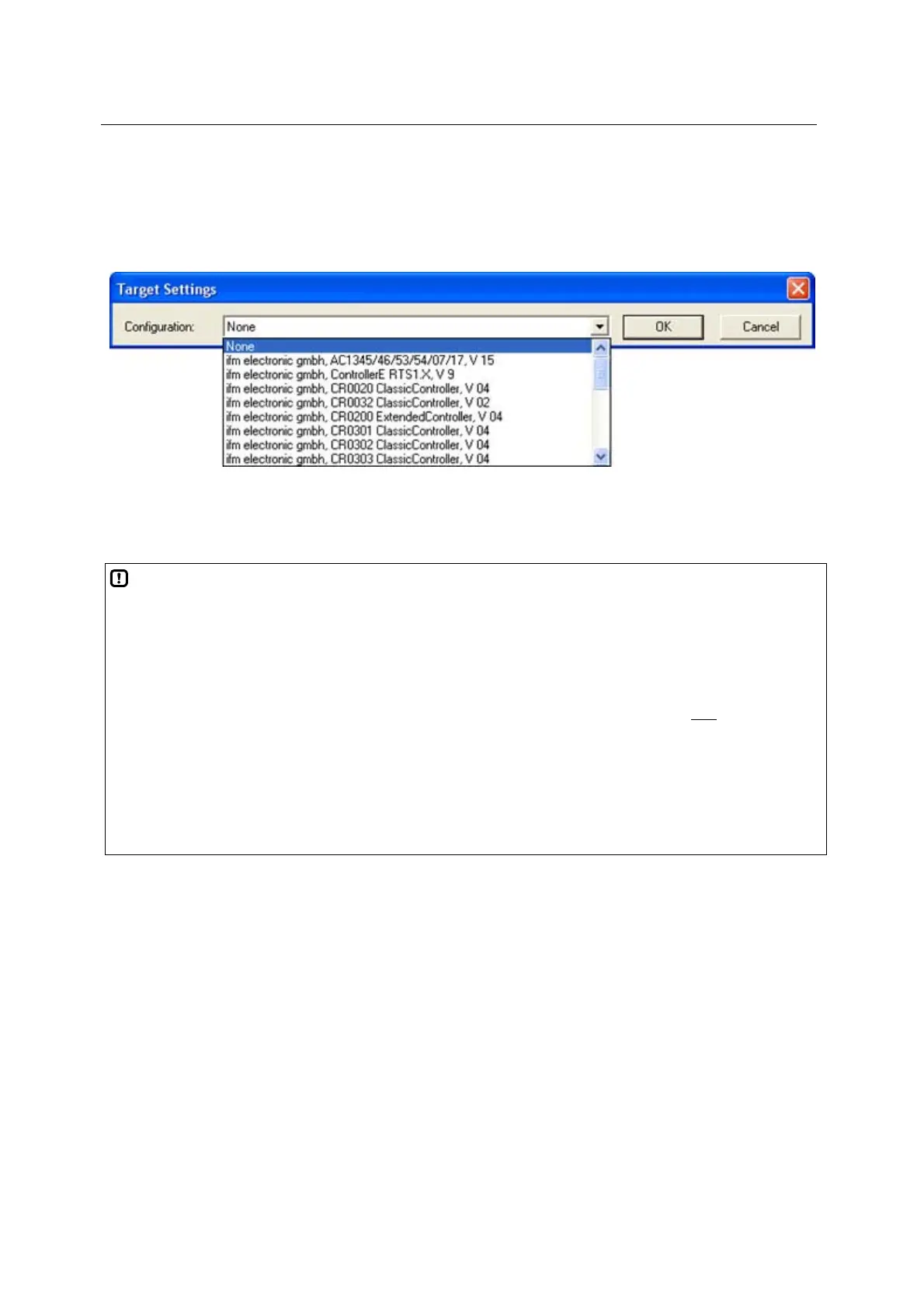
When creating a new project in CoDeSys
®
the target file corresponding to the controller must be
loaded. It is selected in the dialogue window for all hardware and acts as an interface to the hardware
for the programming system.
Figure: Target system settings
At the same time, all important libraries and the PLC configuration are loaded when selecting the
target. These can be removed by the programmer or complemented by further libraries, if necessary.
NOTE
The software versions suitable for the selected target must always be used:
operating system (CRnnnn_Vxxyyzz.H86 / CRnnnn_Vxxyyzz.RESX)
PLC configuration (CRnnnn_Vxx.CFG)
device library (ifm_CRnnnn_Vxxyyzz.LIB )
and the further files ( chapter Overview of the files and libraries used (→ page 236
))
CRnnnn
Vxx: 00...99
yy: 00...99
zz: 00...99
device article number
target version number
release number
patch number
The basic file name (e.g. "CR0032") and the software version number "xx" (e.g. "02") must always have
the same value! Otherwise the device goes to the STOP mode.
The values for "yy" (release number) and "zz" (patch number) do not have to match.
IMPORTANT: the following files must also be loaded:
the internal libraries (created in IEC 1131) required for the project,
the configuration files (*.CFG)
and the target files (*.TRG).



 To Next Page