19
ifm System Manual ecomatmobile BasicDisplay (CR0451) V01
Configurations Set up programming system
Activating the PLC configuration
2688
During the configuration of the programming system ( previous section) automatically also the PLC
configuration was carried out.
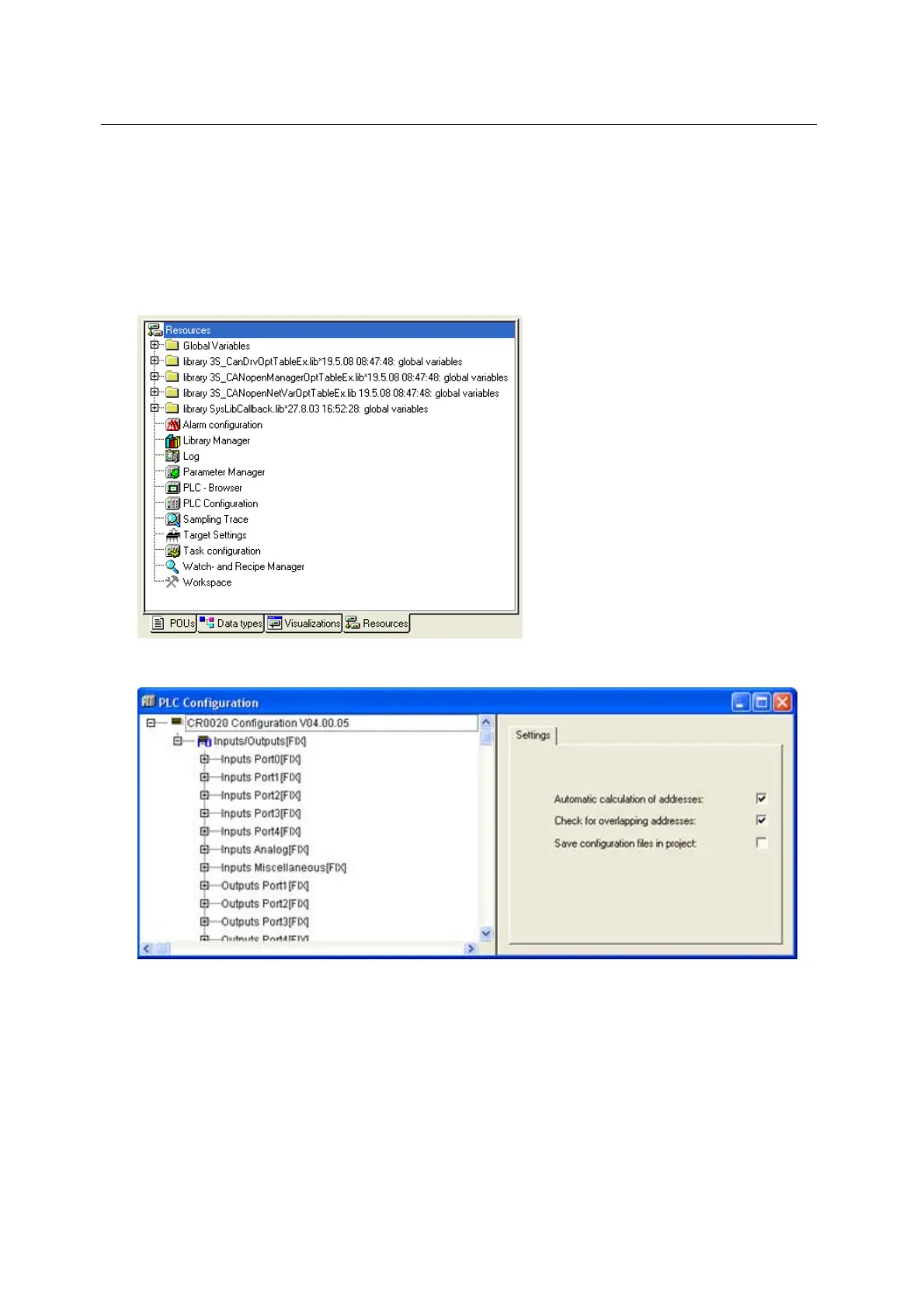
The point [PLC Configuration] is reached via the tab [Resources]. Double-click on [PLC Configuration]
to open the corresponding window.
► Click on the tab [Resources] in CoDeSys:
► Double-click on [PLC Configuration] in the left column.
> Display of the current PLC configuration ( following figure):



 To Next Page