20
ifm System Manual ecomatmobile BasicDisplay (CR0451) V01
Configurations Set up programming system
Based on the configuration the following is available in the program environment for the user:
All important system and error flags
Depending on the application and the application program, these flags must be processed and
evaluated. Access is made via their symbolic names.
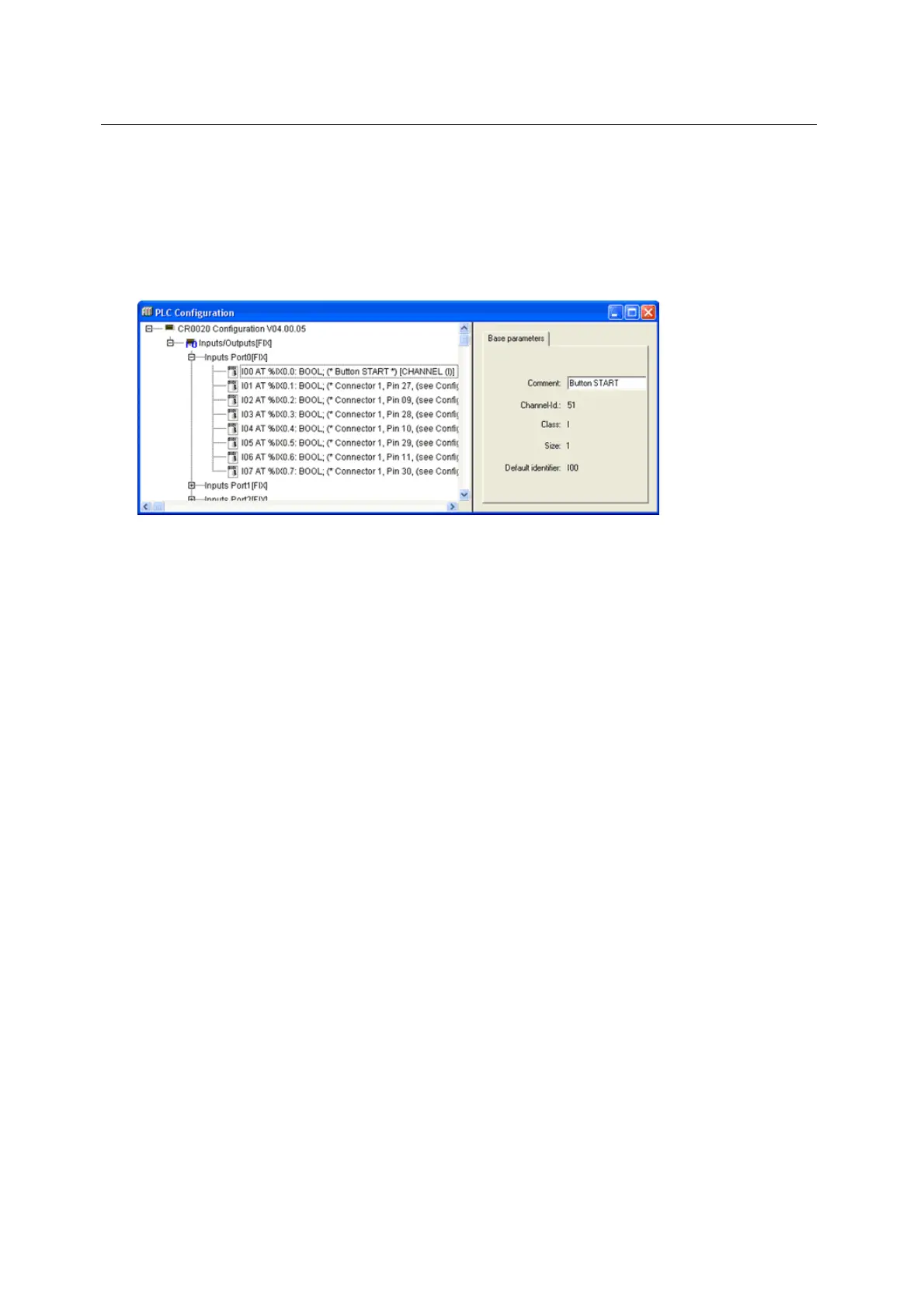
The structure of the inputs and outputs
These can be directly symbolically designated (highly recommended!) in the window [PLC
Configuration] (example figure below) and are available in the whole project as [Global
Variables].



 To Next Page