17
UK
9.2 Display mode
Indication of the parameters and the set parameter values�
► Briefly press [ENTER]�
> The unit goes to the display mode� Internally it remains in the operating mode�
The set parameter values can be read:
► To scroll through the parameters, briefly press the "up"/"down" button�
► To display the parameter value, briefly press [Enter]�
> After another 15 s the unit returns to the Run mode�
9.3 Programming mode
Set the parameter values → 10.1 General parameter setting�
10 Parameter setting
During parameter setting the unit remains internally in the operating mode� It
continues its monitoring function with the existing parameters until the change has
been completed�
10.1 General parameter setting
10.1.1 Set a parameter value
1
Select parameter
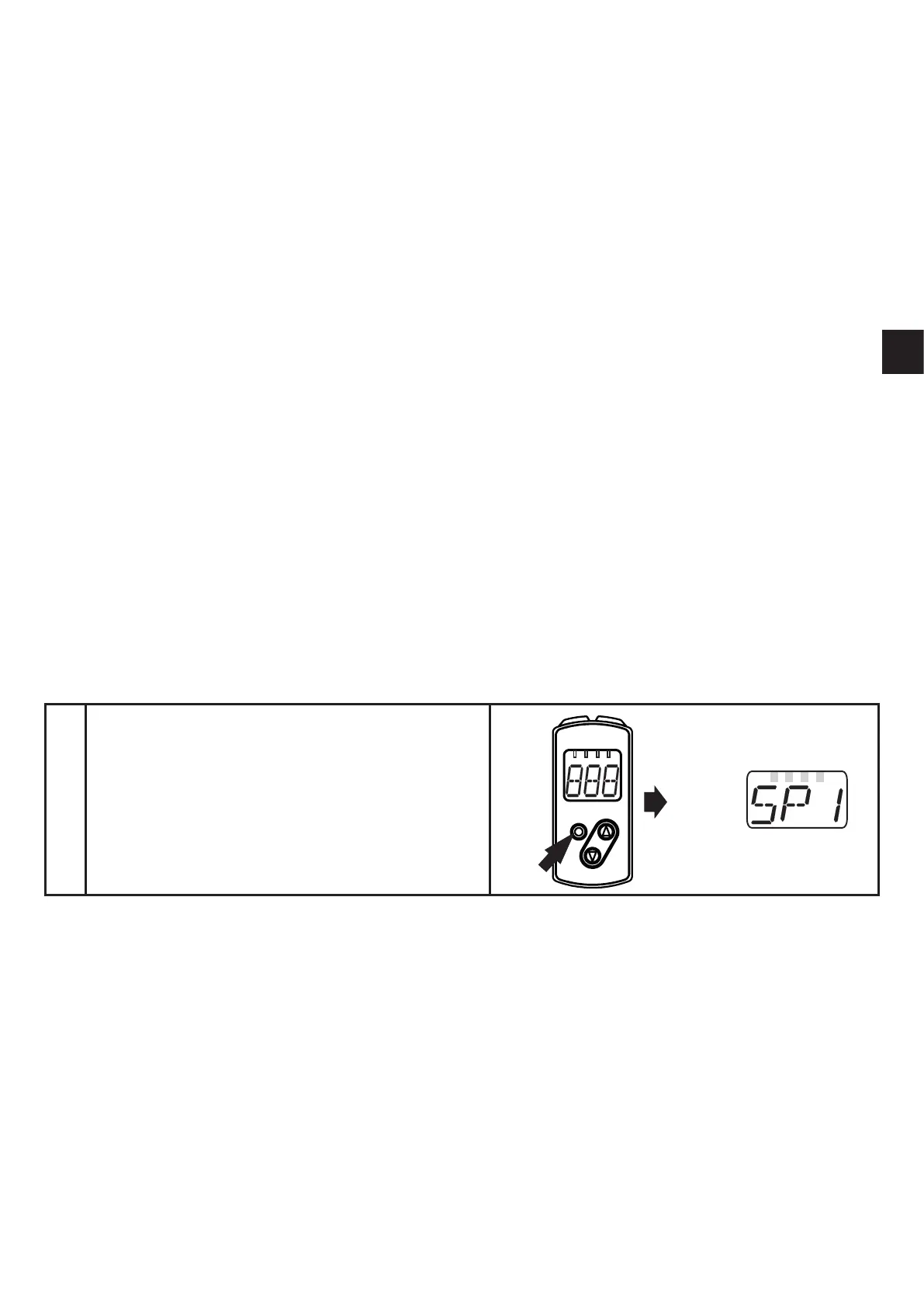
► Press [ENTER] to access menu level
1�
► Press the "up"/"down" button until the
requested parameter is displayed�



 To Next Page