24
10.2.7 Window function for OUT2
It is possible to define an object reflectivity window for the object detection for
output (OUT2)�
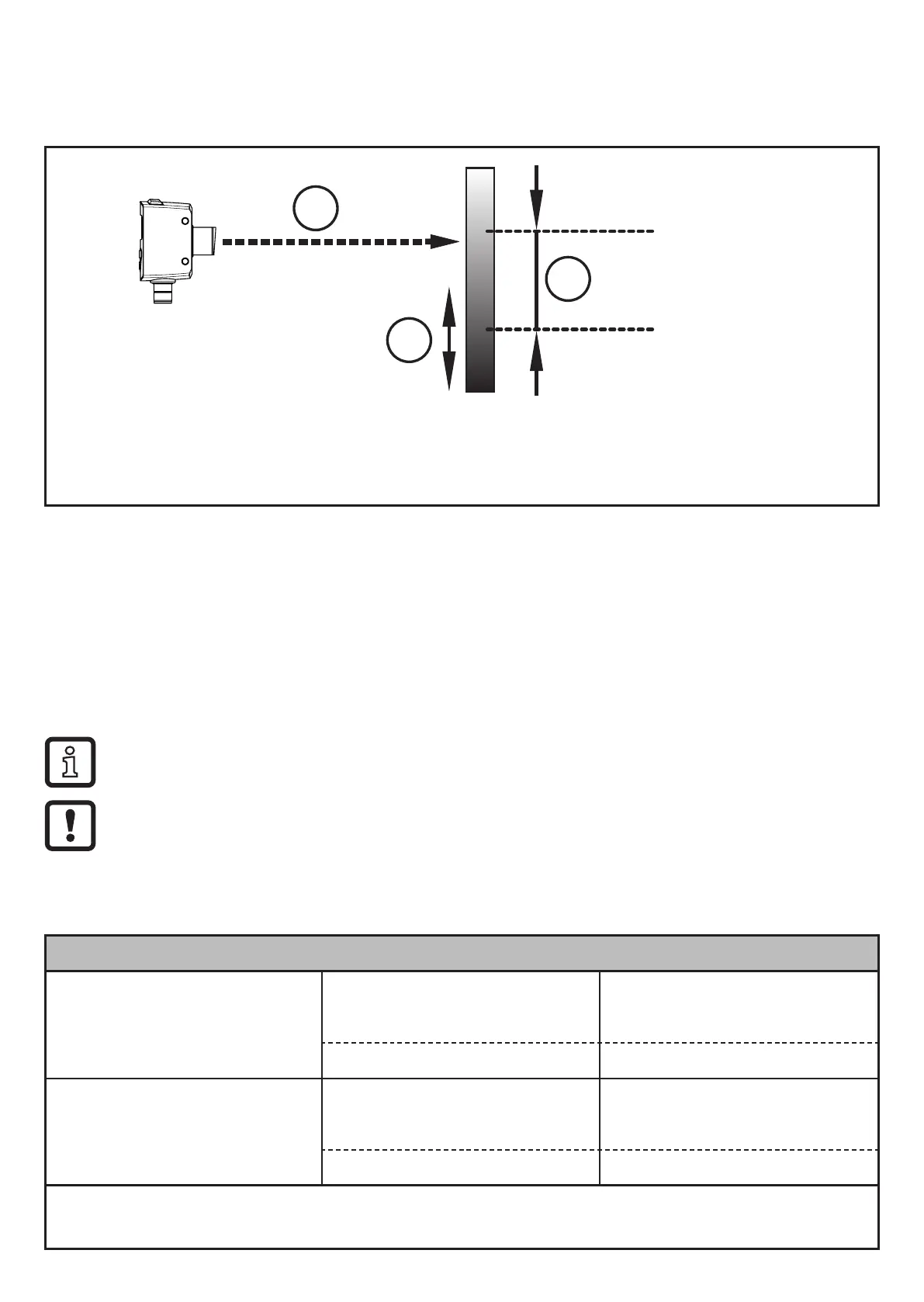
A =[bP2]
B =[dP2]
2
3
1: Laser beam
2: Direction of movement object
3: Window
A: Switch point "bright" [bP2]
B: Switch point "dark" [dP2]
Switches when the object is detected
If the measured value is between switch point "bright" [bP2] and switch point
"dark" [dP2], the output is switched on (when [OU2] = [Fno])�
Switches off when the object is detected
If the measured value is between switch point "bright" [bP2] and switch point
"dark" [dP2], the output is switched off (when [OU2] = [Fnc])�
The parameters [bP2] and [dP2] can also be set via the teach function� The
reset points are set dynamically by the sensor�
The minimum distance between [bP2] and [dP2] is 1 %�
Condition: dP2 < bP2
e�g� teaching of dP2 > bP2 is not adopted by the sensor�
Switching status of the outputs for OUT2
Output function Object reflectivity (R) Switching status
[Fno]
R < [dP2]
open
R > [bP2]
[dP2] < R < [bP2] closed
[Fnc]
R < [dP2]
closed
R > [dP2]
[dP2] < R < [bP2] open
Both window limits ([bP2] and [dPx]) work with a switching hysteresis
→ 10.3.1 Set the display / Example of output function [Hno]�



 To Next Page