22
A =[SP2]
B
2
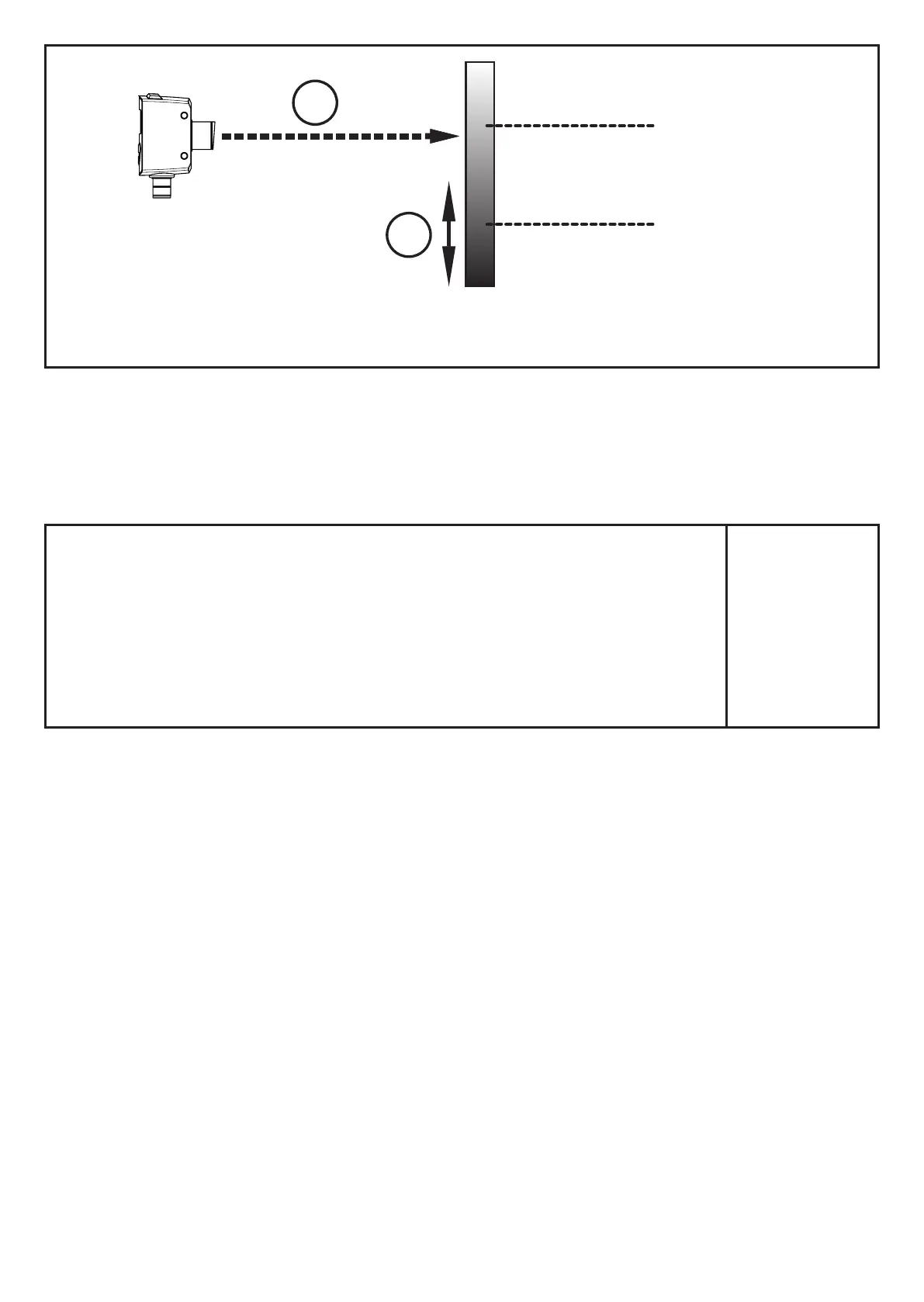
1: Laser beam
2: Direction of movement object
A: Set point "bright" [SP2]
B: Reset point
If the output function [Hnc] has been selected, the set and reset points are
reversed� The output switches on if the object reflectivity is decreased� If the object
reflectivity is increased, the output switches off�
10.2.5 Set the switch point for the hysteresis function OUT1 /OUT2
► In [OU1] / [OU2], select the output function [Hno] or [Hnc]�
► Confirm with [ENTER]�
► Select [SP1] and set the switch point�
► Confirm with [ENTER]�
ou1
5p1
ou2
5p2



 To Next Page