The StellarMate Plus Manual
125 / 341
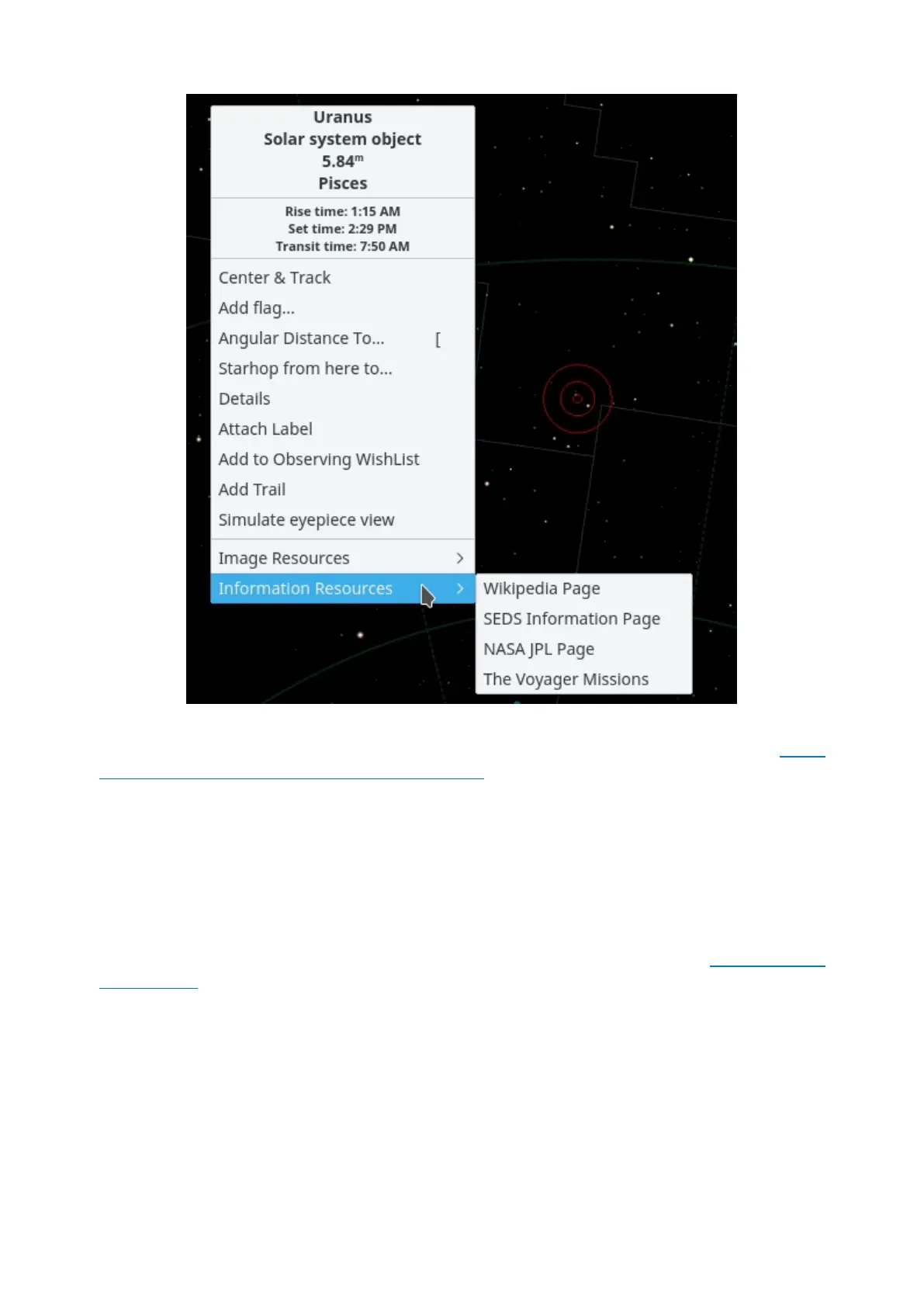
The appearance of the popup menu depends somewhat on the kind of object
you right-click on, but the basic structure is listed below. You can get more
detailed information about the popup menu.
The top section contains some lines of information which are not selectable: the
object's names ("Uranus"), object type ("Solar system object"), and the
constellation which contains the object ("Pisces"). The next three lines show the
object's rise, set, and transit times. If the rise and set times say "circumpolar", it
means that the object is always above the horizon for the present location.
The middle section contains actions which can be performed on the selected
object, such as Center & Track, Details, and Attach Label. See the popup menu
description for a full list and description of each action.
The bottom section contains links to images and/or informative webpages about
the selected object. If you know of an additional URL with information or an
image of the object, you can add a custom link to the object's popup menu. Use
the Details item in the popup menu to open the Object Details dialog. On
the Link tab use the Add Link... item.
Finding Objects



 To Next Page