The StellarMate Plus Manual
126 / 341
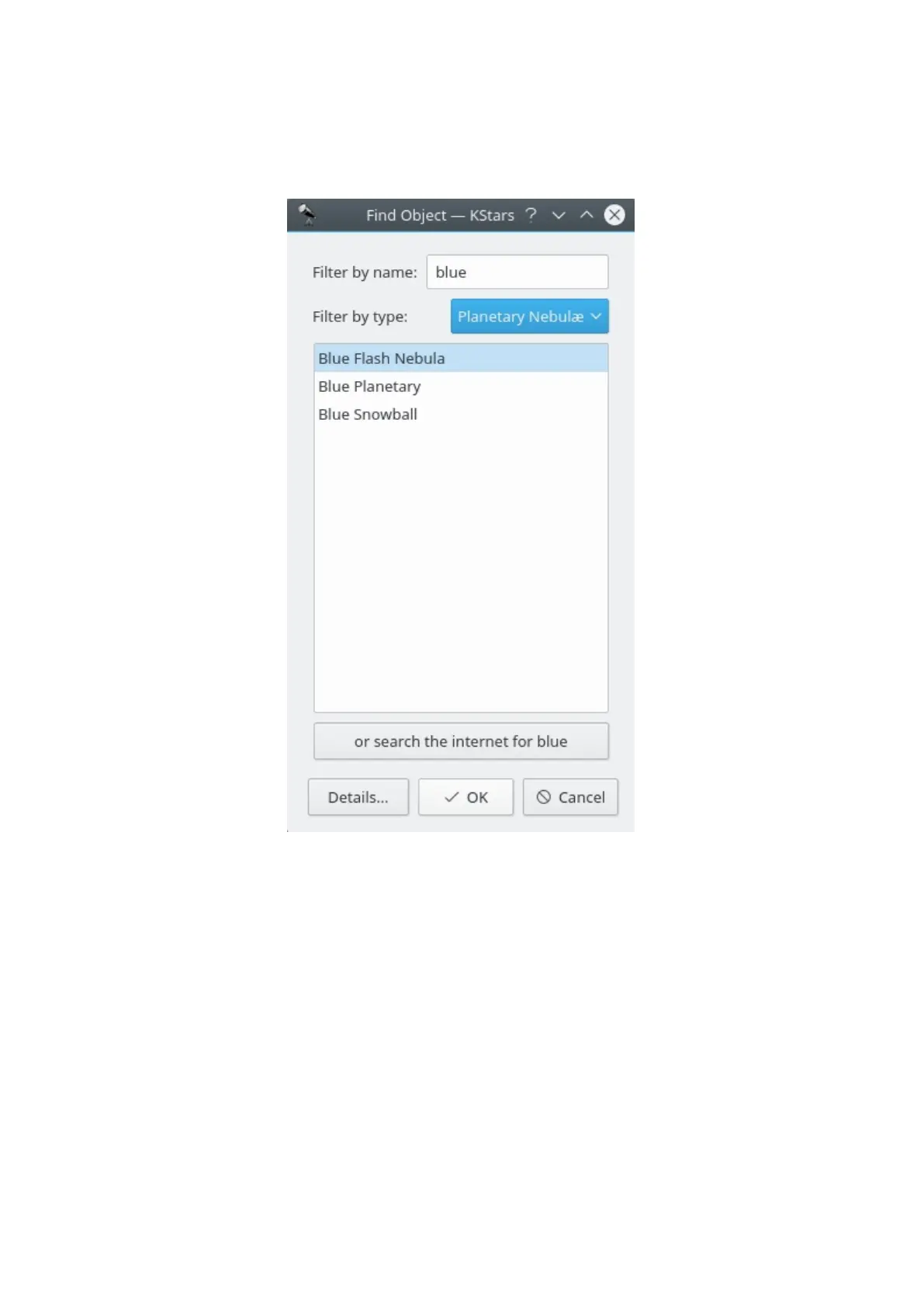
You can search for named objects using the Find Object tool, which can be
opened by clicking on the search icon in the toolbar, by selecting Find
Object... from the Pointing menu, or by pressing Ctrl+F. The Find Object window
is shown below:
The window contains a list of all the named objects that KStars is aware of. Many
of the objects only have a numeric catalog name (for example, NGC 3077), but
some objects have a common name as well (for example, Whirlpool Galaxy). You
can filter the list by name and by object type. To filter by name, enter a string in
the edit box at the top of the window; the list will then only contain names which
start with that string. To filter by type, select a type from the combo box at the
bottom of the window.
KStars provides another method for resolving the objects that are missing from
any of its predefined catalogues, by using an internet connection. Thus, if you
want to find an object that KStars is not aware of, you can easily do this by
querying several professional astronomical databases as: SIMBAD, NED or VizieR.
This can be done by entering the object's name and then press the or search the
internet for ObjectName button. After your object is found, you can use it exactly
as any object that is already loaded into KStars (i.e. adding it to the Observing
WishList). If the object was not found in the online databases, then a warning



 To Next Page