The StellarMate Plus Manual
127 / 341
dialogue will pop-up. Once you resolve an object by using this method, it is
stored in KStars database, so if you close KStars and open it again, your object
will still be there.
You can choose to enable or disable this feature by checking or unchecking
the Resolve names not known to KStars using online services check box
from Catalogs tab, inside of Settings →Configure KStarswindow. If this
checkbox is checked, when an object name unknown to KStars is entered in
the Find Dialog, KStars will contact online services to learn about the desired
object and then add it directly to KStars database. The objects acquired in this
manner are stored in a fake catalog, called “_Internet_Resolved”. Thus, you can
enable or disable the display of these objects by checking or unchecking
the “_Internet_Resolved” catalog from the catalogues list. Note that you can not
delete this fake catalogue, as you can do with a custom catalogue. If this
checkbox is unchecked, then the Find Dialog window will be exactly the same,
excepting a minor change: the online searching button will no longer be visible.
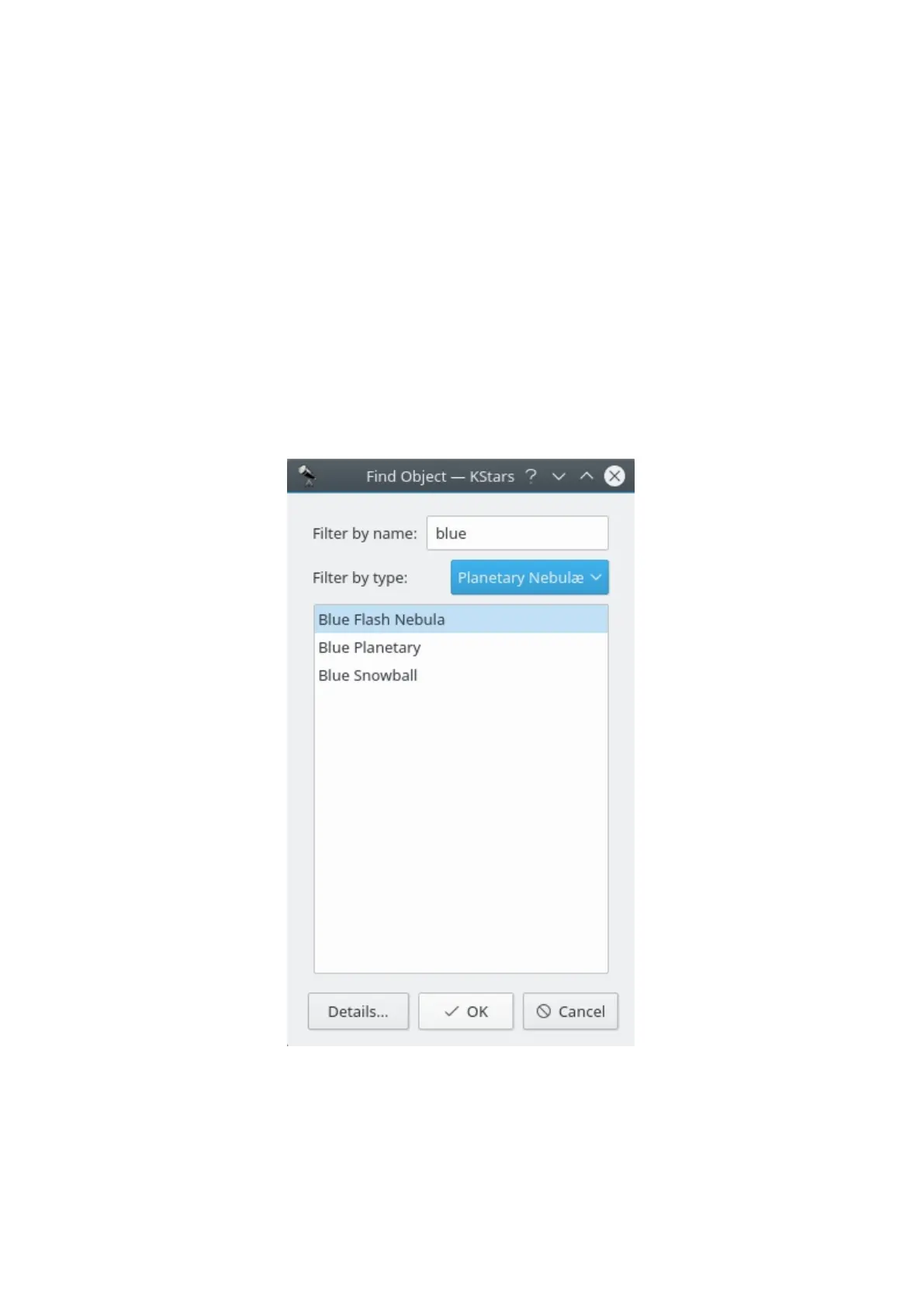
To center the display on an object, highlight the desired object in the list, and
press Ok. Note that if the object is below the horizon, the program will warn you
that you may not see anything except the ground (you can make the ground
invisible in the Guides settings page, or by pressing the Ground button in the
View toolbar).



 To Next Page