The StellarMate Plus Manual
137 / 341
It will report any problems, and if any lines at all were successfully parsed, you
are given a choice to accept the data file (ignoring any unparsed lines), or to
cancel the operation to attempt to resolve the problems first.
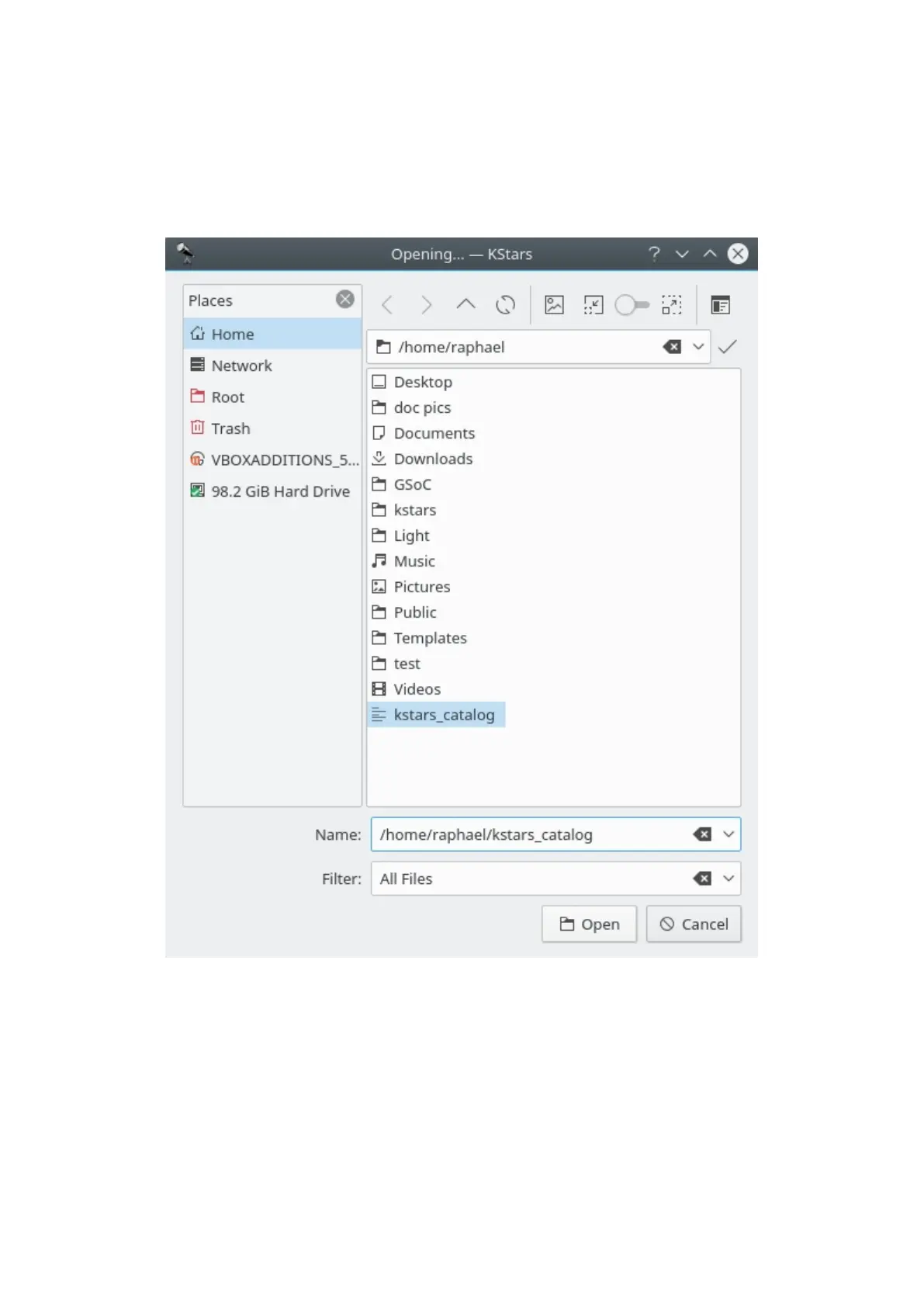
You can load a new catalog using the Load Catalog... button. A new window will
appear, asking you to specify the file that contains the catalog.
Once the data file has been accepted, your custom catalog will be loaded on
startup along with the standard catalogs. In the Catalogs window is a checkbox
for each catalog which toggles the display of catalog objects.



 To Next Page