The StellarMate Plus Manual
138 / 341
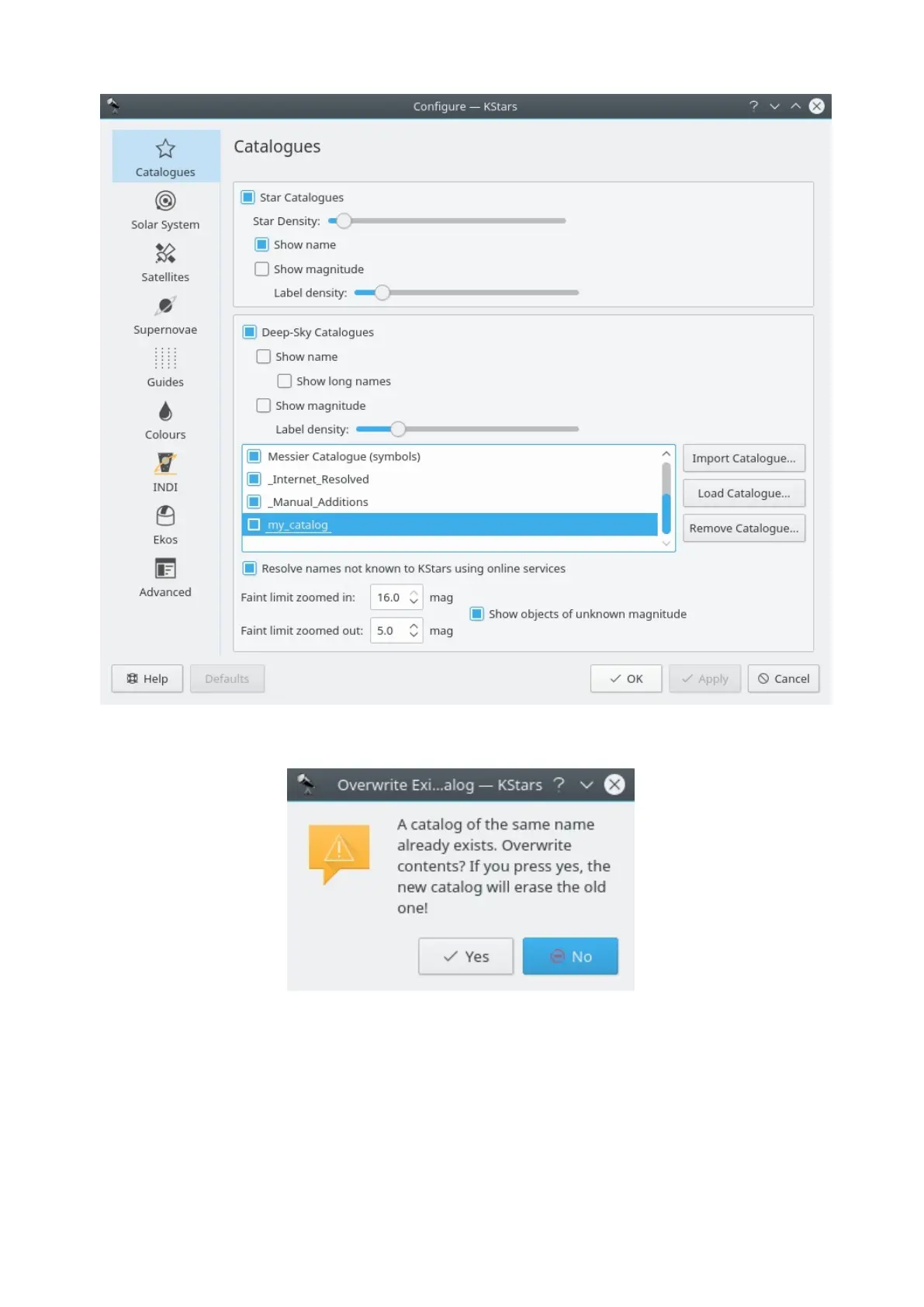
Note that, if you want to load a catalog that is already loaded, a warning dialog
will pop-up.
You can remove custom catalogs by highlighting its checkbox in
the Catalogs window, and pressing the Remove Catalog... button (this button is
active only if a custom catalog is highlighted in the list of checkboxes). Note that
it can not be used for removing KStars default catalogs.



 To Next Page