The StellarMate Plus Manual
177 / 341
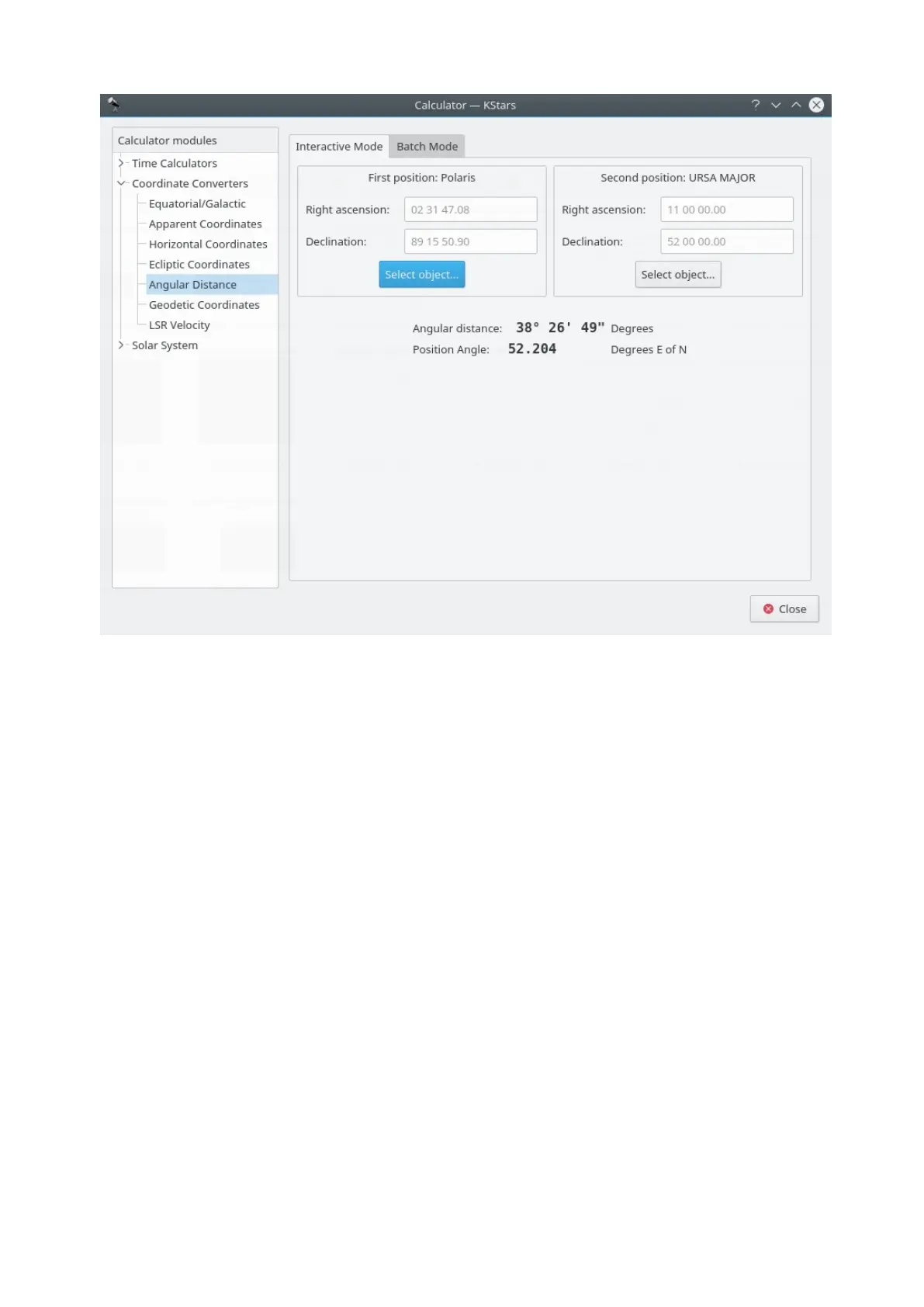
The Angular Distance tool is used to measure the angle between any two points
on the sky. You simply specify the Equatorial coordinates of the desired pair of
points, and then obtain the angle between the two points.
There is also a Batch mode for this module. In batch mode, you specify an input
filename which contains a number of parameters (up to four) on each line: the
initial right ascension (RA), initial declination (Dec), final right ascension and final
declination. By default, each line should contain four numbers signifying the RA
and Dec values for pairs of points. Alternatively, you can specify a single value
for any of these four coordinates in the calculator panel (the corresponding
values in the input file should be skipped if they are specified in the calculator).
Once you have specified the input filename and an output filename, simply press
the Run button to generate the output file.
Apparent Coordinates module



 To Next Page