The StellarMate Plus Manual
178 / 341
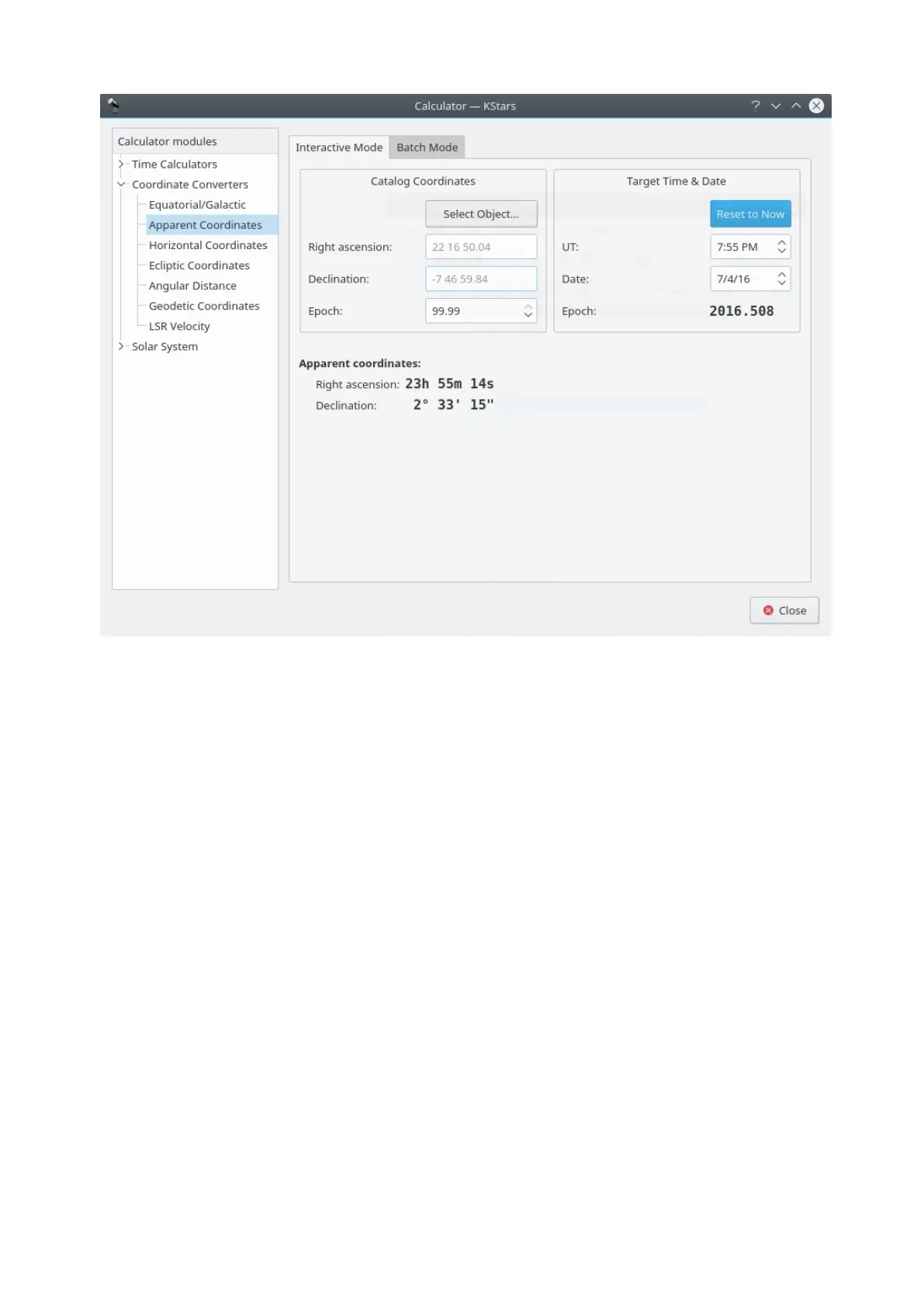
The Apparent Coordinates module converts the catalog coordinates of a point in
the sky to its apparent coordinates for any date. The coordinates of objects in
the sky are not fixed, because of precession, nutation and aberration. This
module takes these effects into account.
To use the module, first enter the desired target date and time in the Target Time
& Date section. Then, enter the catalog coordinates in the Catalog
Coordinates section. Alternatively you can set the catalog coordinates by
selecting an object using the Find Object dialog. You can also specify the
catalog's epoch here (usually 2000.0 for modern object catalogs). Then the
object's coordinates for the target date will be displayed in the Apparent
Coordinates section.
Ecliptic Coordinates module



 To Next Page