The StellarMate Plus Manual
180 / 341
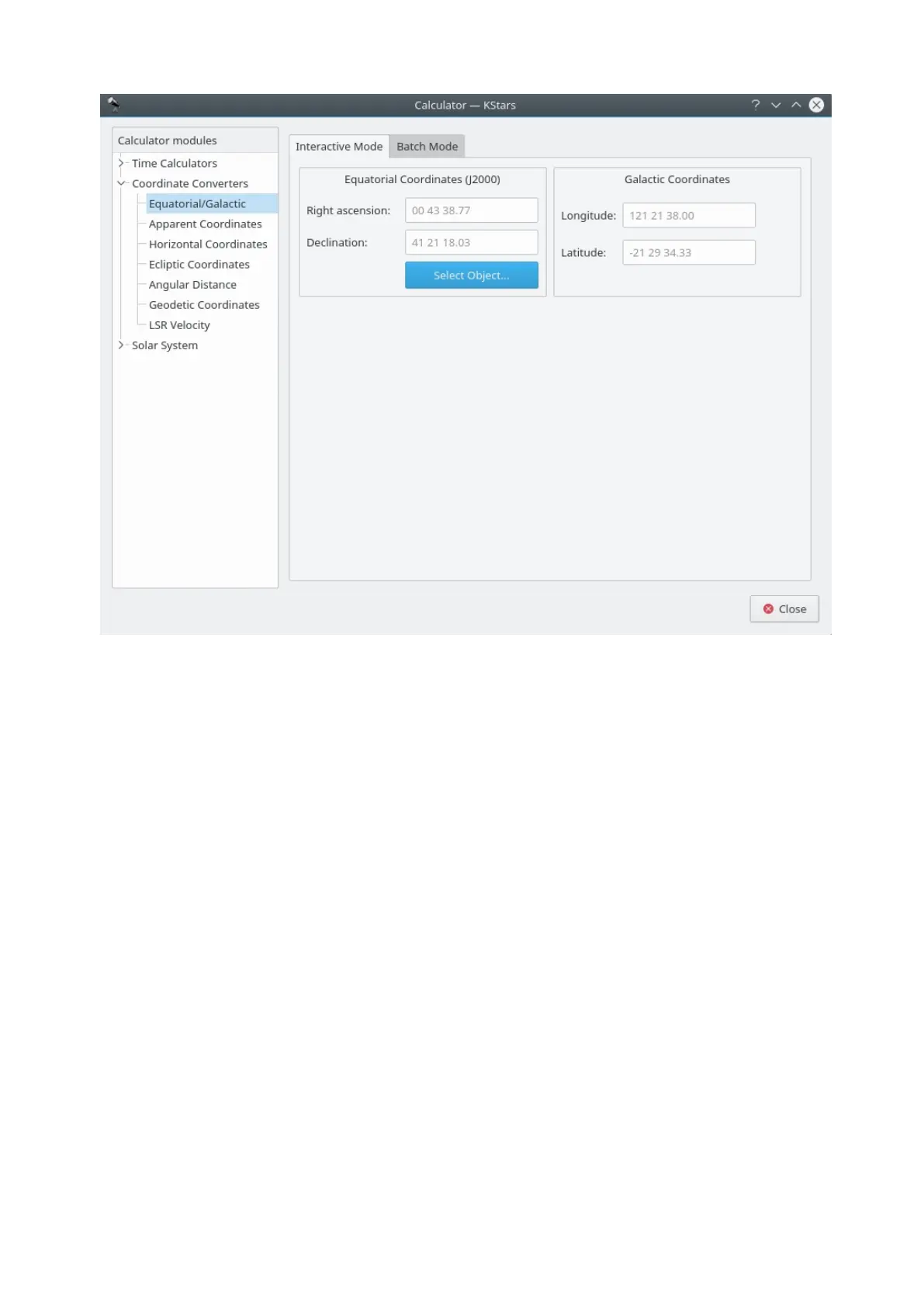
This module converts from Equatorial coordinates to Galactic coordinates, and
vice versa. Fill in the coordinate values in either the Galactic
coordinates or Equatorial coordinates section. Alternatively set the equatorial
coordinates by selecting an object using the Find Object dialog. Then the
complementary coordinates will be filled in.
The module contains a batch mode for converting several coordinate pairs at
once. You must construct an input file in which each line contains two values: the
input coordinate pairs (either Equatorial or Galactic). Then specify which
coordinates you are using as input, and identify the input and output filenames.
Finally, press the Run button to generate the output file, which will contain the
converted coordinates (Equatorial or Galactic; the complement of what you
chose as the input values).
Horizontal Coordinates module



 To Next Page