The StellarMate Plus Manual
181 / 341
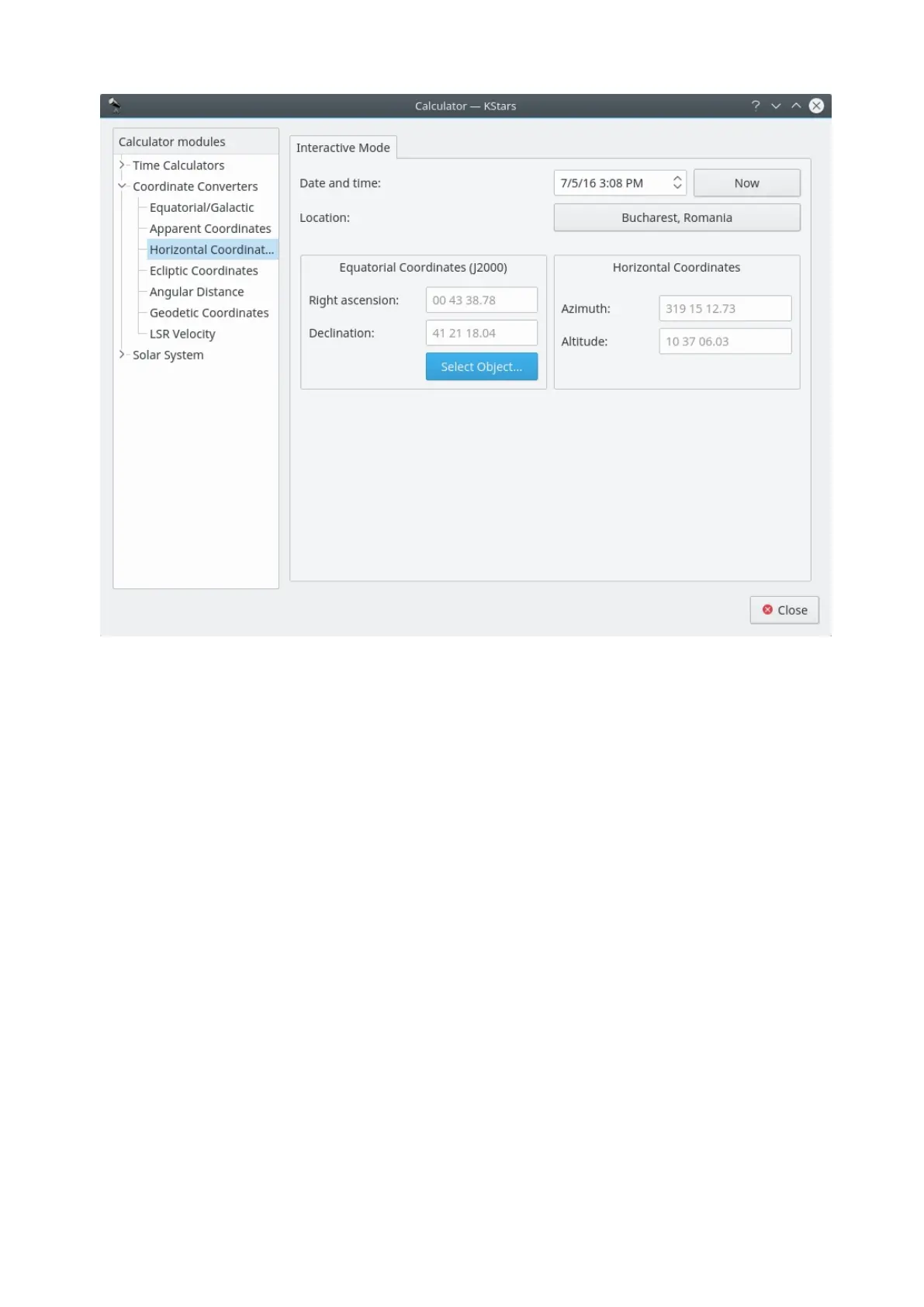
This module converts from Equatorial coordinates to Horizontal coordinates.
First, select the date, time, and geographic coordinates for the calculation. Then,
fill in the equatorial coordinates to be converted or use the Find Object dialog in
the Equatorial Coordinates section. The corresponding Horizontal coordinates
will be presented in the Horizontal Coordinates section.
Geodetic Coordinates module



 To Next Page