The StellarMate Plus Manual
205 / 341
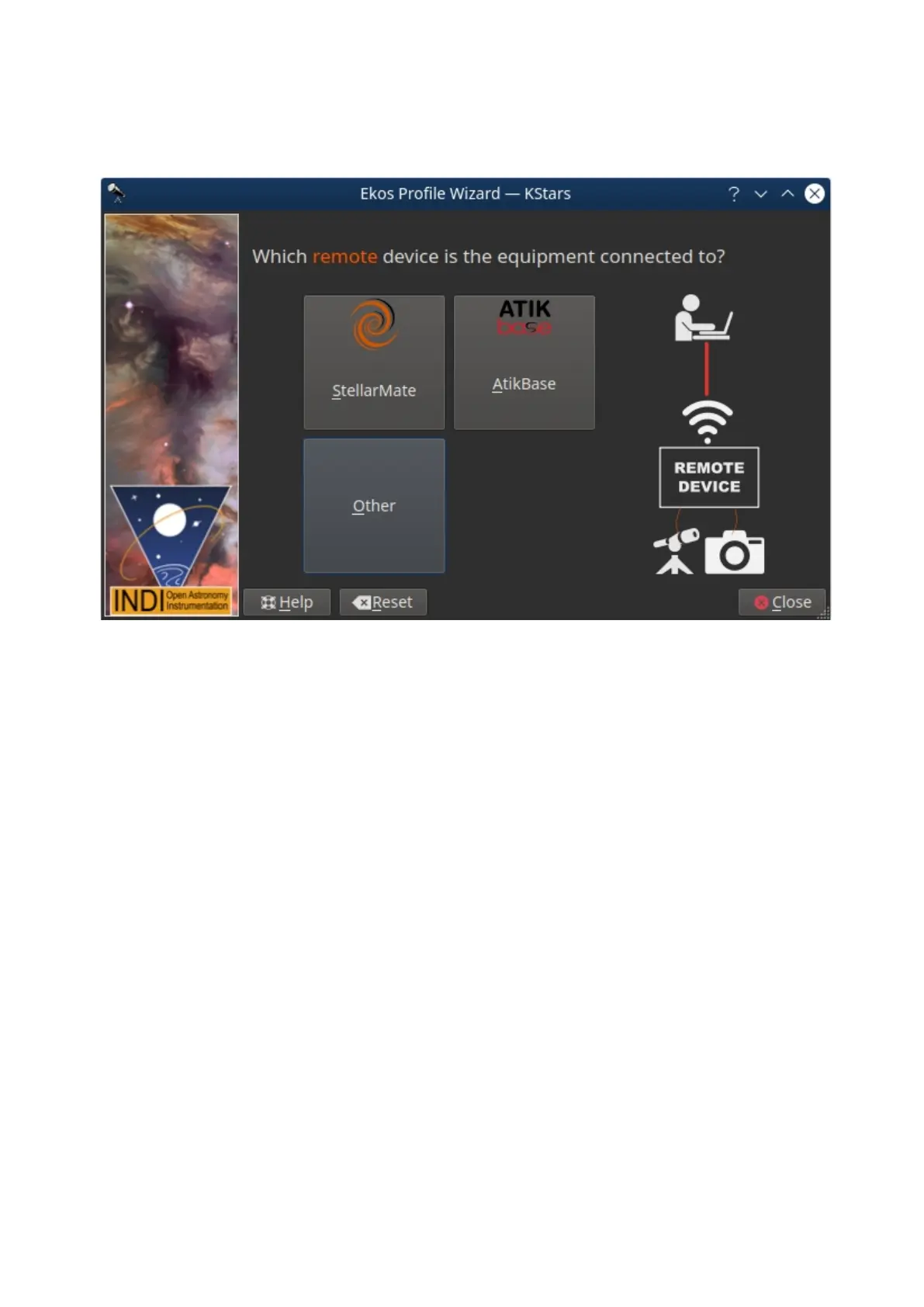
Remote Device Type page, here you will choose what type of device you are
using. It could be StellarMate, AtikBase or any other remote devices such as
another Computer for example.
Remote Connection Page
In case selected StellarMate in the last step, you shall be presented with the
Remote Connect Page for StellarMate, here you will enter the hostname or IP
address of the StellarMate unit. You can get the hostname from the StellarMate
mobile App. Alternatively, you can construct the hostname from StellarMate
HotSpot SSID. You should see the SSID when you search for WiFi networks
nearby. For example, suppose the SSID is stellarmate. The hostname should be
stellarmate.local. That is, if you remove the underscore, and append .local, then
you will get the unit hostname. You can always use the StellarMate App to change
the unit default hostname to a name of your choice.



 To Next Page