The StellarMate Plus Manual
204 / 341
The first greeting screen contains some links to learn more about Ekos & INDI.
Click Next to continue.
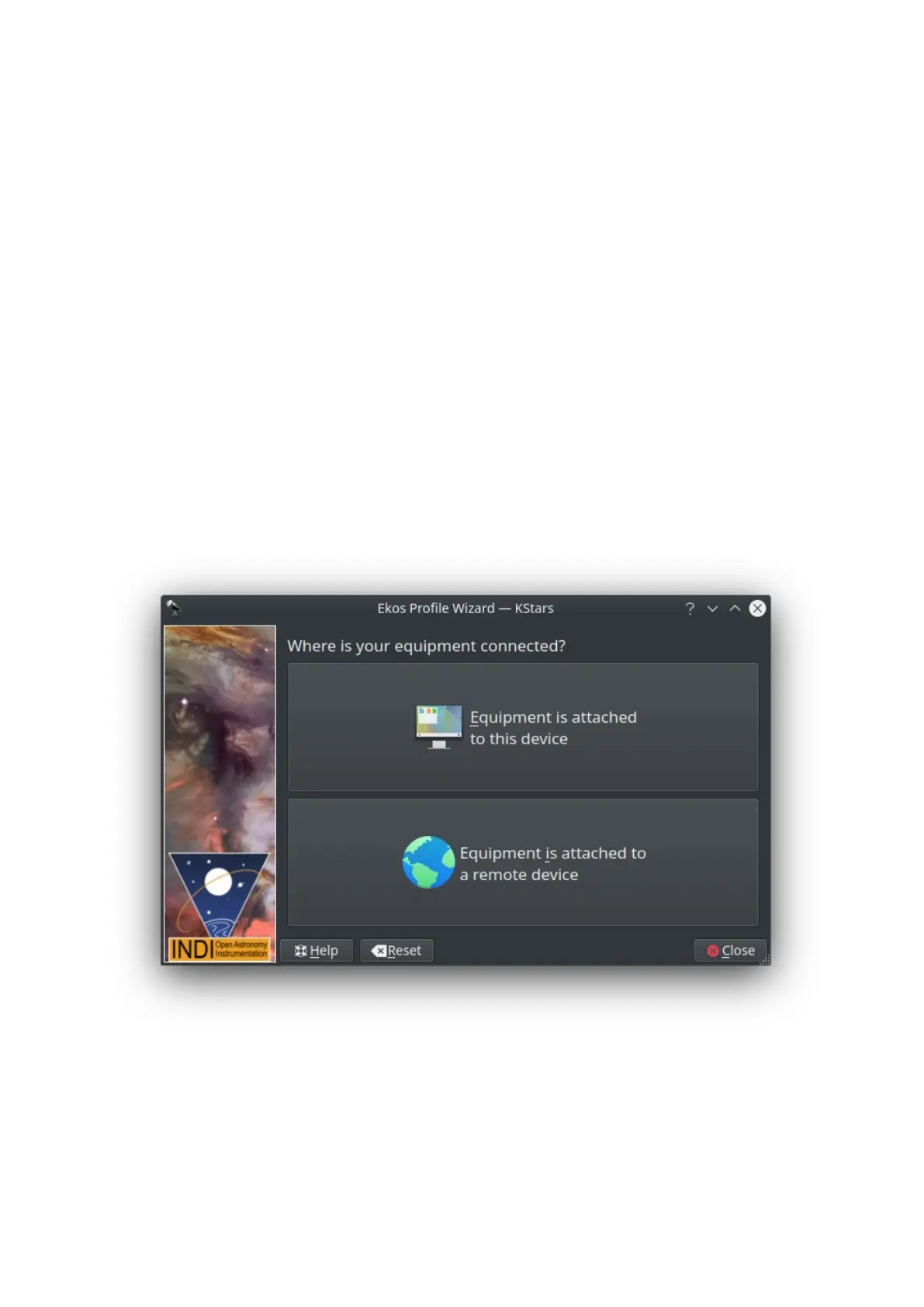
Equipment Location Page
Next, you will be presented with the equipment location page. Your selection
depends on where your equipment is connected to:
o Equipment is attached to this device: Select this option if Ekos is
running on your StellarMate (via HDMI or VNC), PC (Windows®/Linux®)
or Mac® OS.
o Equipment is attached to a remote device: Select this option if Ekos is
running on your PC (Windows®/Linux®) or Mac® OS, and your
equipment is connected to a remote computer.
o Equipment is attached to StellarMate: Select this option if Ekos is
running on your PC (Windows®/Linux®) or Mac® OS, and your
equipment is connected to StellarMate or another remote device.
Click Next to continue.
Remote Device Type Page
In case selected the 2nd option in the last step, you shall be presented with the



 To Next Page