The StellarMate Plus Manual
203 / 341
trails. In the guide module, it can automatically select a suitable guide star and
then lock the mount to always keep that star in its position. If the guide module
detects any deviation from this locked position, it sends correction pulses to the
mount to bring it back to the original position.
Mount Module
Mount control can be either done via the Sky Map interactively or via the Mount
Control Panel in the mount module. Configure telescope properties (focal length
& aperture) for both your primary imaging telescope and guide scope. However,
it is recommended to select the telescopes in the equipment profile and not
change the values directly in the mount module.
Observatory Module
Dome parking state and position can be controlled in this module. Shutter can be
closed or opened. A weather panel is also available for users to check the
weather if they have a weather station.
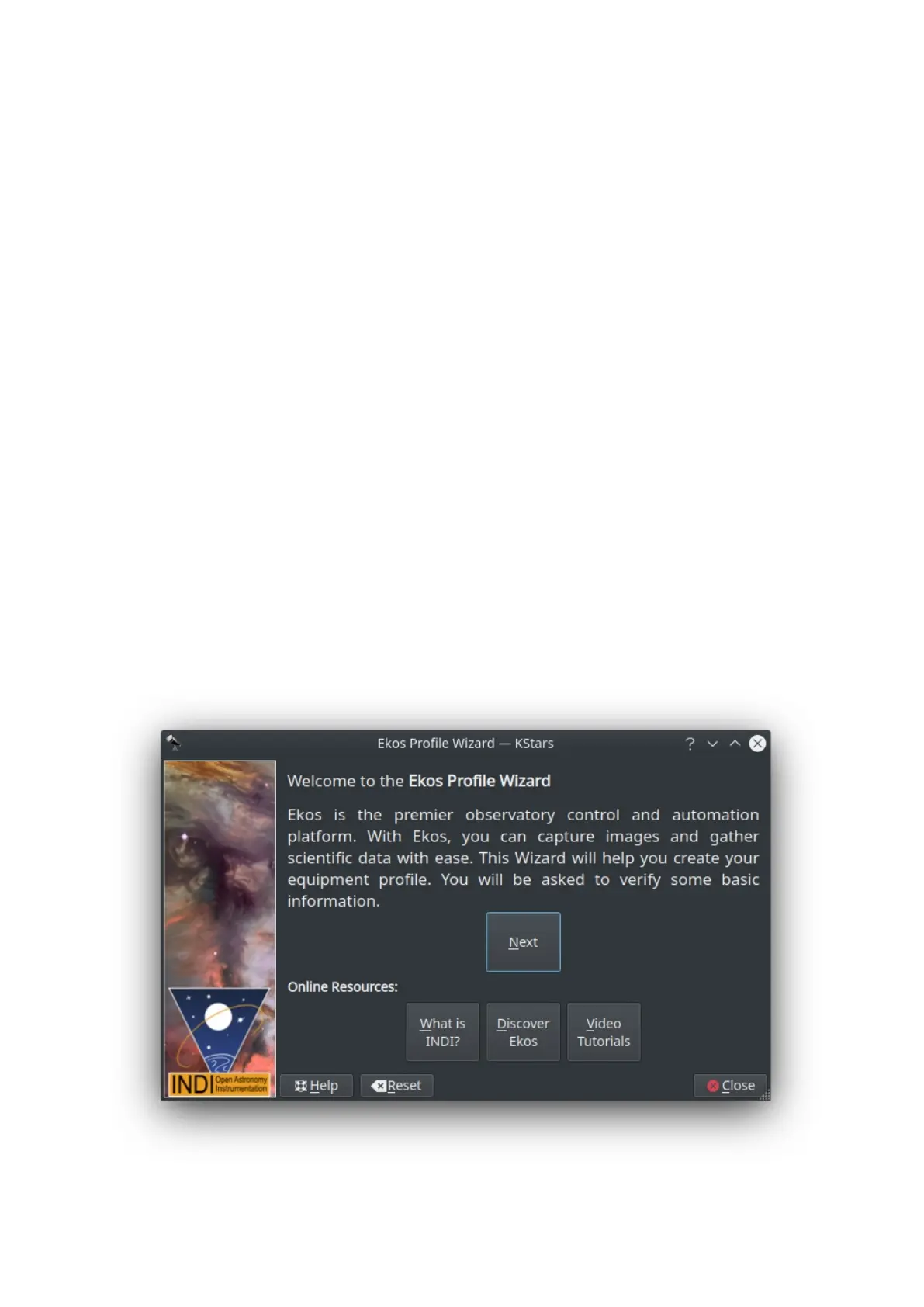
Profile Wizard
The Profile Wizard is a handy tool to setup your equipment for the first time. It
should popup automatically the first time you run KStars. Follow the guided
instructions to setup your first equipment profile.
Greeting Page



 To Next Page