The StellarMate Plus Manual
233 / 341
the focuser zero position is when the drawtube is fully retracted. When
focusing outwards, the focuser position increases, while it decreases when
focusing inwards. The following focuser types are supported:
· Absolute: Absolute Position Focusers such as RoboFocus, MoonLite, etc.
· Relative: Relative Position Focusers.
· Simple Focusers: DC/PWM focusers with no position feedback.
For absolute focusers, you can set the ticks count. To view a continuous feed of
the camera, click the Framing view refresh button. An image shall be captured
repeatedly according to the CCD settings in the CCD and Filter Wheel group. You
can focus in format align vertical bottom and out align vertical top by pressing
the respective buttons, and each shall move by the step size indicated in the
focus settings. For absolute and relative focusers, the step size is in units of ticks
and for simple DC focusers, the step size is in milliseconds. The step size can be
changed by specifying its value in the 2nd Steps field. To set an initial focus
position or go to a focus position, click on the Go to absolute focus position
button. To stop the focus motion, click on the Stop focuser motion button.
To begin the autofocus process, simply click the Auto Focus button. To stop the
Auto Focus process, click on the Stop button.
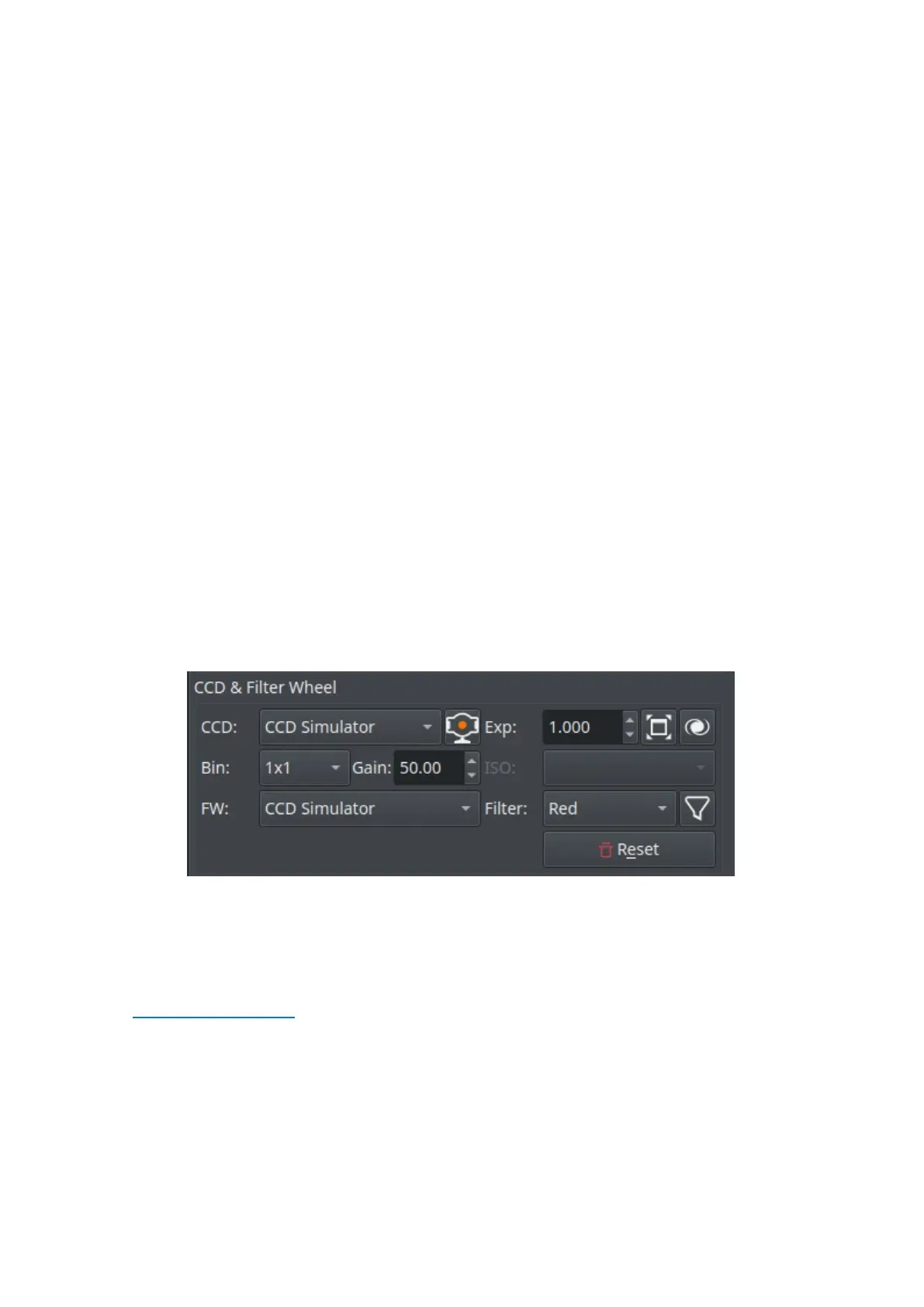
CCD & Filter Wheel Group
You must specify the CCD and Filter Wheel (if any) to be used during the
focusing process. You can lock a specific filter within the filter wheel to be
utilized whenever the autofocus process is invoked. Usually, the user should
select the Clear/Luminescence filter for this purpose so that Ekos always uses the
same filter to perform the autofocus process. This locked filter is also used in
the Alignment Module whenever it performs any astrometry capture. For DSLRs
cameras, you can change the ISO settings. You may reset the focusing subframe
to full frame capture if you click the Reset button.
· CCD: Select the active camera. If your camera has a guide head, you can
select it from here as well.
· Exp: Specify exposure duration in seconds.
· Toggle Fullscreen: Shows the focus frame in fullscreen, clicking on the button



 To Next Page