The StellarMate Plus Manual
239 / 341
Introduction
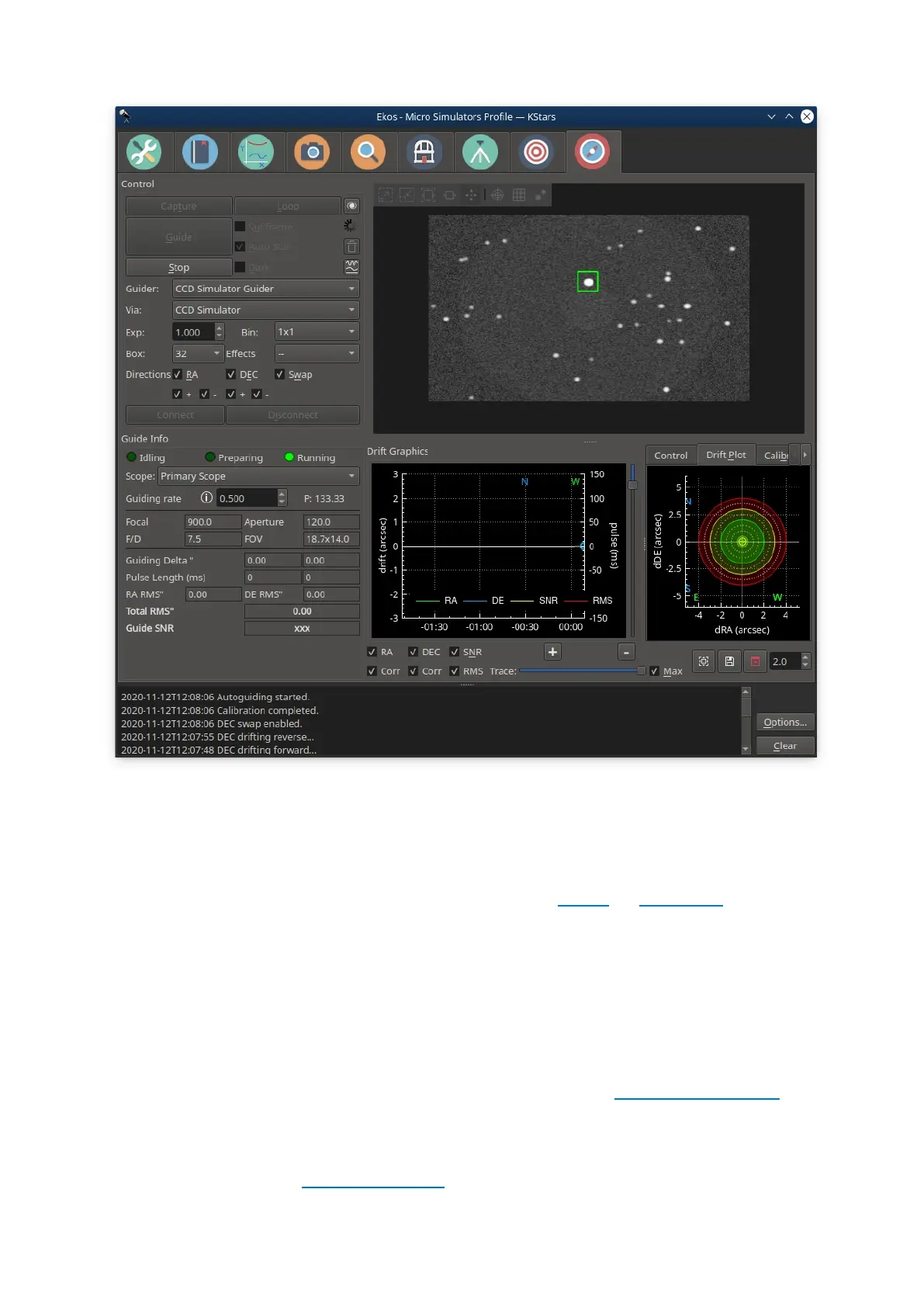
Ekos Guide Module enables autoguiding capability using either the powerful built-
in guider, or at your option, external guiding via PHD2 or lin_guider. Using the
internal guiding, guider CCD frames are captured and sent to Ekos for analysis.
Depending on the deviations of the guide star from its lock position, guiding
pulses corrections are sent to your mount Via any device that supports ST4
ports. Alternatively, you may send the corrections to your mount directly, if
supported by the mount driver. Most of the GUI options in the Guide Module are
well documented so just hover your mouse over an item and a tooltip will popup
with helpful information.
To perform guiding, you need to select a Guider CCD in Ekos Profile Setup. The
telescope aperture and focal length must be set in the telescope driver. If the
Guider CCD is attached to a separate Guide Scope, you must also set the Guide
Scope's Focal Length and Aperture. You can set these values under
the Options tab of the telescope driver or from the Mount module. Autoguiding is


 To Next Page