The StellarMate Plus Manual
278 / 341
the values set for your telescope in your current running profile.
· Focal Length (mm): Specify the value of focal length for your
telescope. Defaults to the values set for your telescope in your current running
profile.
Configurations: You can set up to 6 configurations for your mount module. To
save the information, select an unused Config # from the drop-down menu and
then enter a name in the field next to it, then click on Save Telescope Info.
Note
It is recommended to specify the primary & guide telescopes in the
Ekos Profile as this ensures the correct information is always used for
this profile regardless of the INDI driver state.
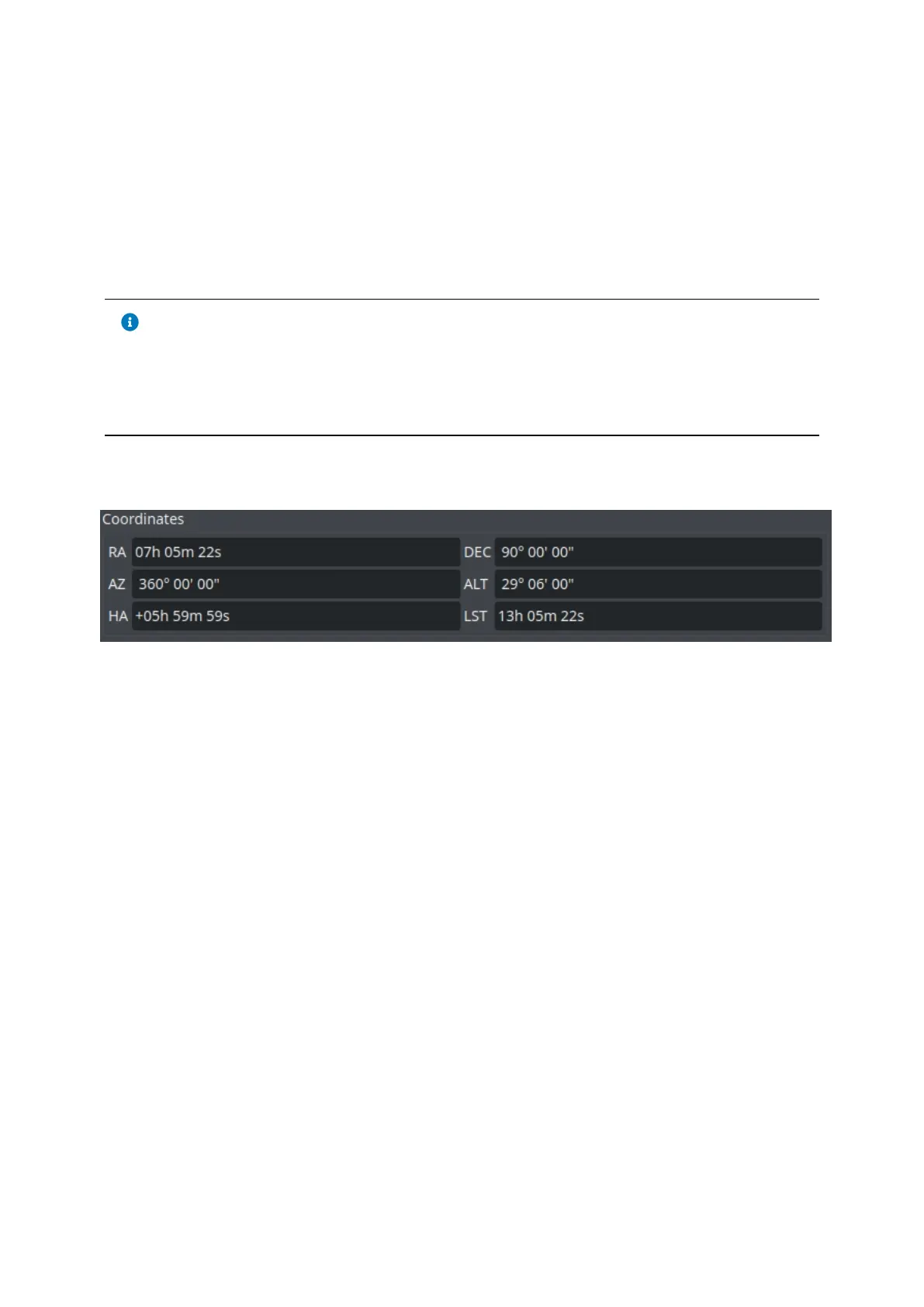
Coordinates
This group shows the following values of your mount:
·RA: Right Ascension
·DEC: Declination
·AZ: Azimuth
·ALT: Altitude
·HA: Hour Angle
·LST: Local Sidereal time
·
Meridian Flip
You can do a Meridian Flip from the Mount Module.
Equatorial mounts flip after crossing the meridian in order to prevent the imaging
equipment train from hitting the tripod. With Ekos, you can set an hour angle limit
which if exceeded, the mount will be commnded to flip. The mount must begin
tracking east of the meridian in order to the meridian flip to be commanded in
Ekos.
When commanding a meridian flip, Ekos will suspend the autoguiding process and
waits until the mount completes the flip. Once the mount begins tracking again
post meridian flip, Ekos will plate-solve and make any necessary slew commands
to bring the mount to the exact location it was tracking prior to the flip.
Next, it will automatically capture a frame and select a suitable guide star,



 To Next Page