The StellarMate Plus Manual
279 / 341
performs calibration, and resumes autoguiding. If In-Sequence focuing is enabled,
it will also capture and focus a suitable star. It then resumes the capture process
form where it left.
All these steps are completely automated and require no user intervention!
So just set when you want the meridian flip to occur at the mount module.
Remember that the setting is in Hour Angle (HA). 1 HA = 15 degrees, therefore
0.1 HA = 1.5 degrees West of the Meridian.
Always use a positive value to ensure proper meridian flip takes place. Using zero
could theoretically work but it is at the very edge where the decision to flip or
not is made by the mount, so it's safer to use a slightly higher value like 0.1 HA.
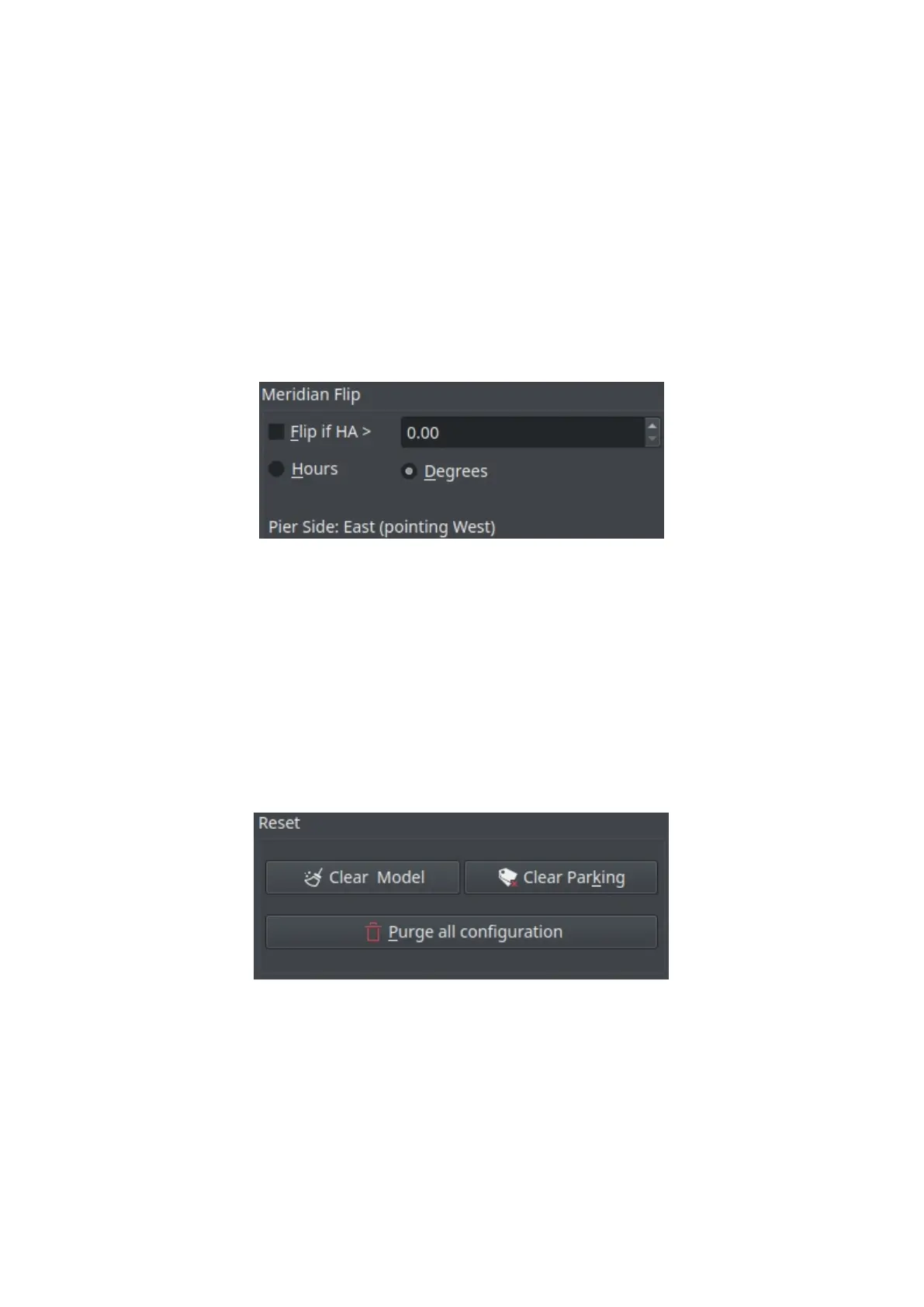
Controls brief description
· Flip if HA >: Request a meridian flip if the hour angle exceeds the specified
value. Capture and Guiding will be suspended and resumed after the flip is
complete.
· Hours: Set Hour Angle unit to Hours
· Degrees: Set Hour Angle unit to Degrees. If the mount is configured to flip at
5 degrees, set the value in Ekos to 3 degrees less (2 degrees).
· Pier Side: Shows the pier side direction.
·
Reset
· Clear Model: Deletes all mount alignment points.
· Clear Parking: Clears parking information.
· Purge all configuration: Deletes all the configuration files (config #1, config
#2, etc)
Auto Park



 To Next Page