The StellarMate Plus Manual
280 / 341
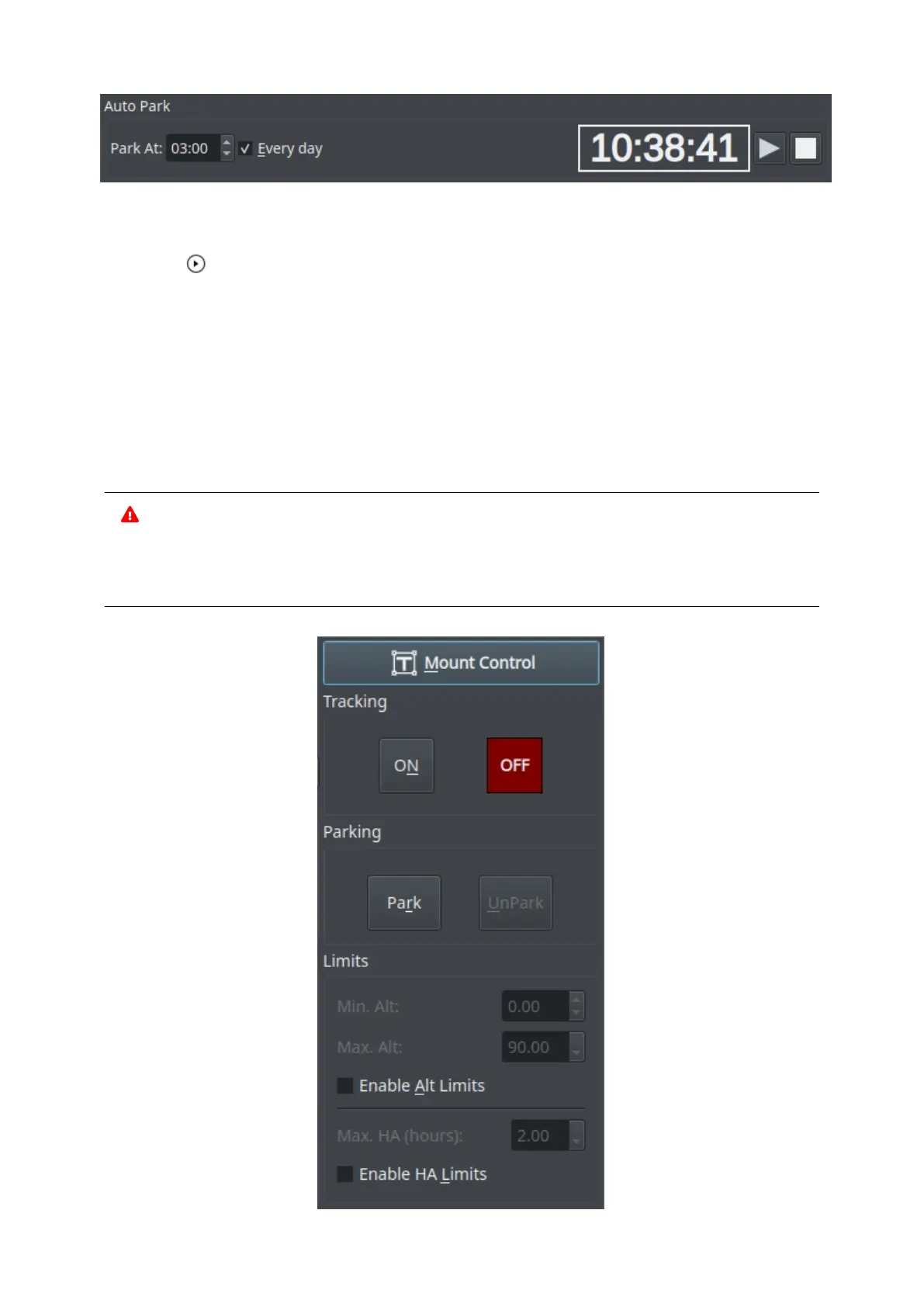
This feature Auto Parks your mount at a specific time and you can choose if you
want to park it everyday or not. To start the Auto Parking process, click on
the Start button.
· Park At: Specify the time when you would to park your mount.
· Everyday: If you want to park your mount everyday at a specific time, then
check this checkbox.
· Timer: Displays the countdown until the mount is parked. To activate the
countdown, click on the Start button.
· Start: Starts the Auto Parking process.
· Stop: Stops the Auto Parking process.
WARNING
Auto Parking should not be used when scheduler is active as it can
interfere with the scheduler operation.



 To Next Page