The StellarMate Plus Manual
294 / 341
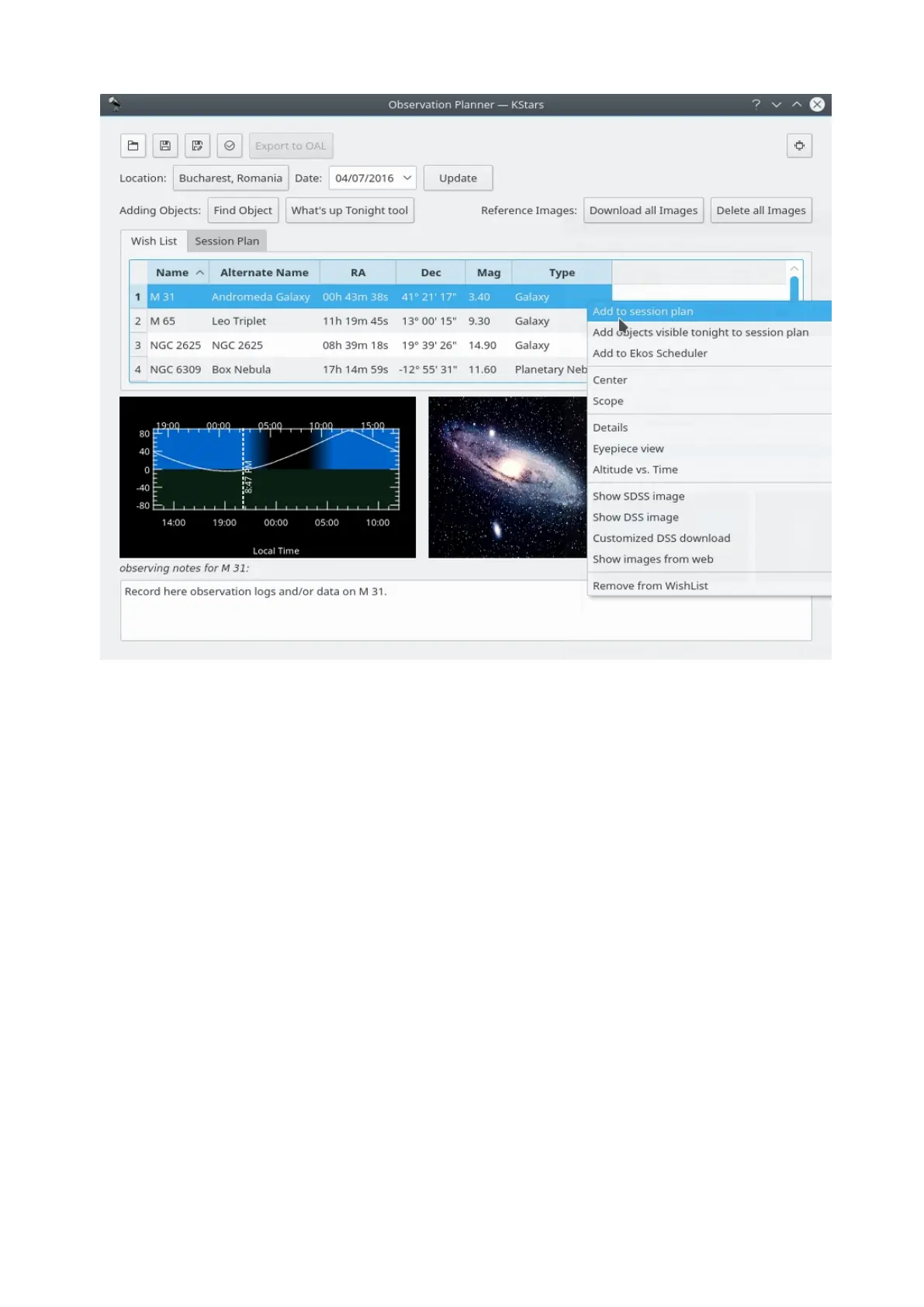
Add objects to Session Plan window
Here is the second way of adding objects in your Observation Plan, using the
Observing List Wizard. You just need to press the fourth button on the top-left
corner of the Observation Planner window.
Despite looking differently this way is basically the same as the first one.
Although that it could be a bit more detailed. Here you can see the same
categories of objects.



 To Next Page