The StellarMate Plus Manual
309 / 341
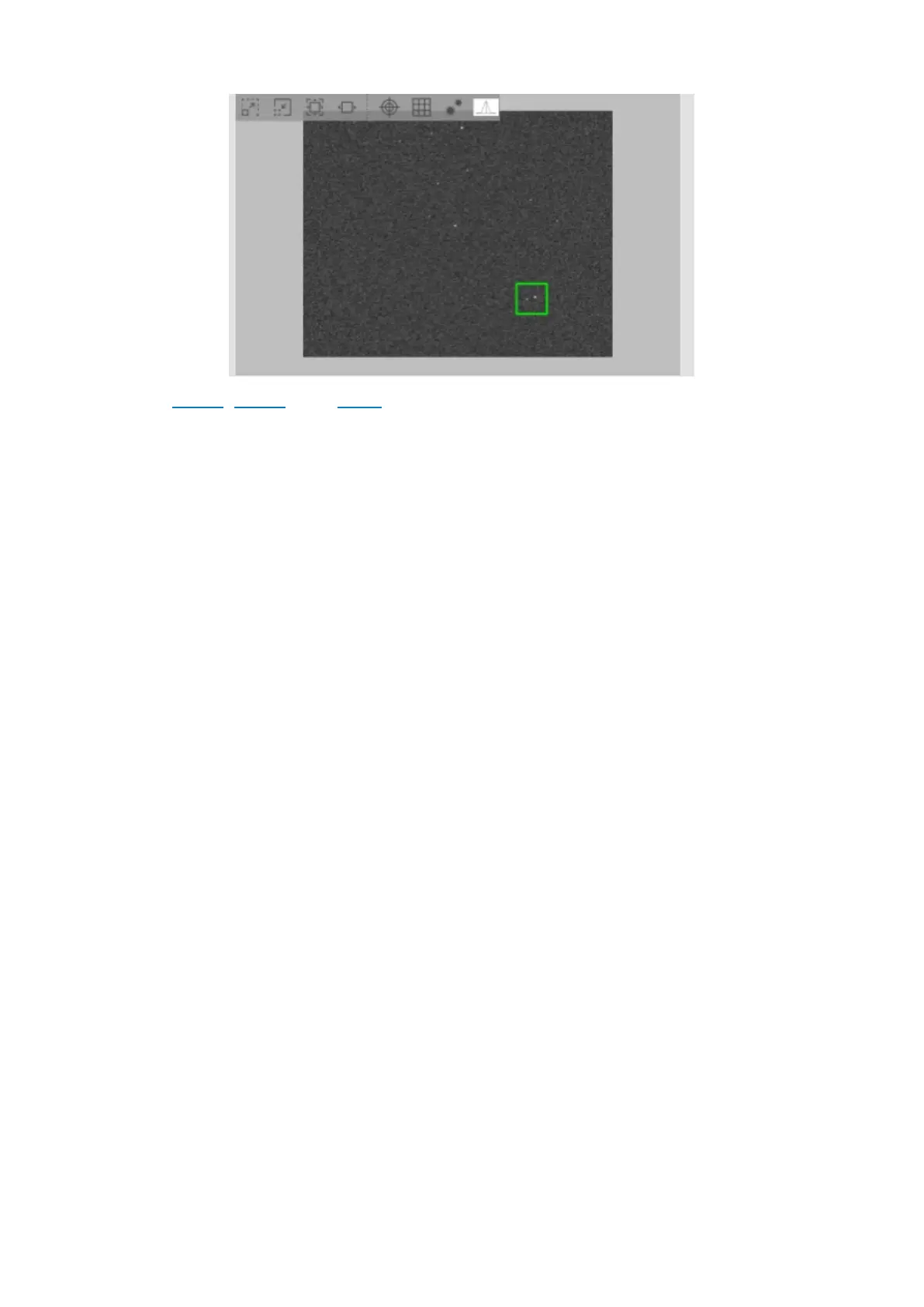
In Ekos Focus, Guide, and Align modules, captured images are displayed in the
embedded FITS Viewer. The embedded viewer includes a floating bar that can be
used to perform several functions:
· Zoom Out
· Zoom In
· Default Zoom
· Zoom To Fit
· Toggle Cross Hairs
· Toggle Pixel Gridlines
· Toggle Detected Stars: Highlight detected stars with red circles.
· Star Profile: View detailed 3D star profile.
The floating bar is automatically hidden once the mouse leaves the embedded
viewer area. You can use the mouse to pan and zoom just like the standalone
FITS Viewer tool. The green tracking box can be used to select a specific star or
region within the image, for example, to select a guide star.
3D Star Profile & Data Visualization Tool


 To Next Page