The StellarMate Plus Manual
312 / 341
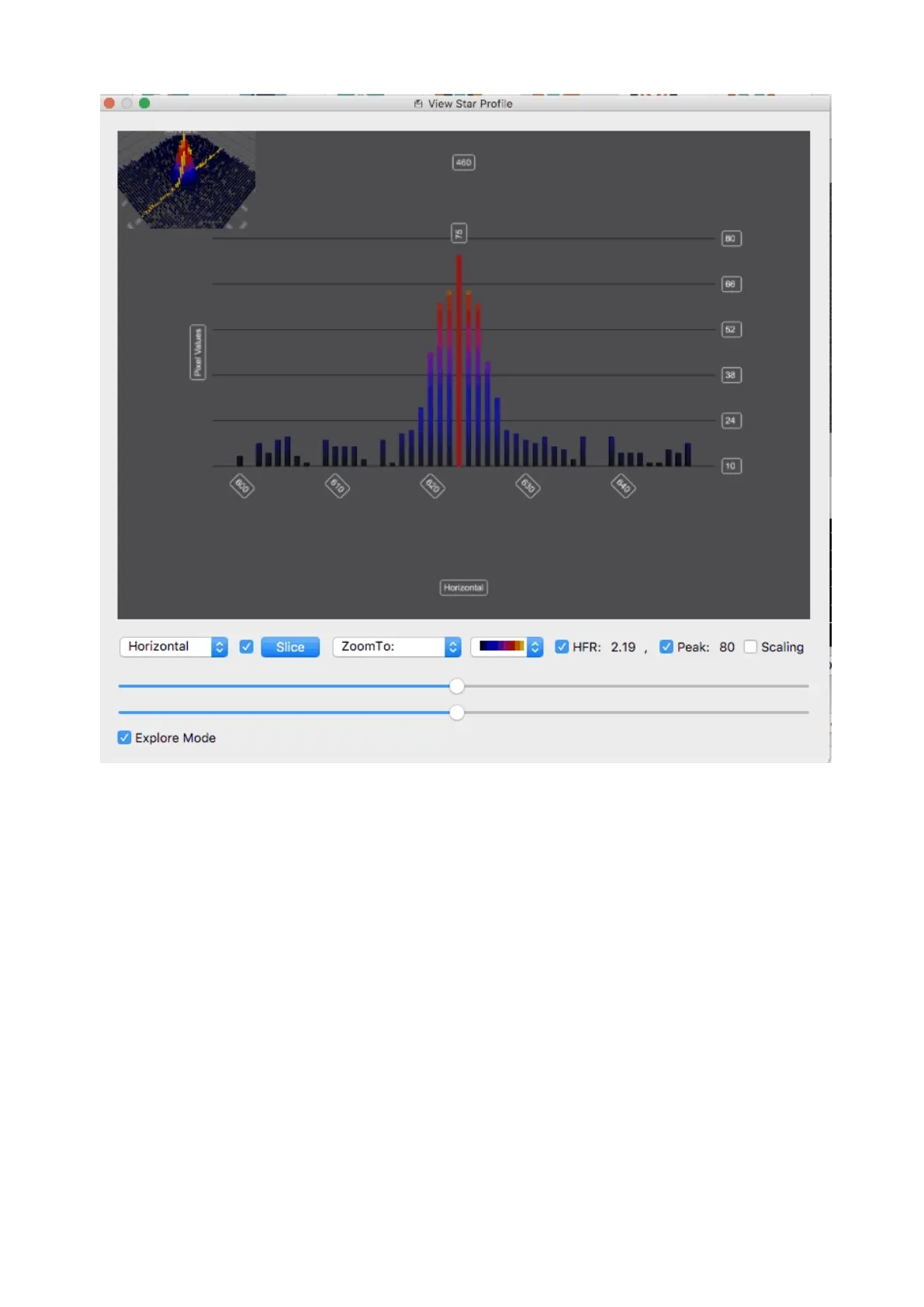
This third slider is very useful to get really big peaks out of the way so you can
study the finer details in the image. There is a checkbox at the top to
enable/disable the cutoff slider. And finally at the bottom of the sliders is
the Auto scale button. This will auto scale the sliders as you sample different
areas in the image. It will not only optimize the display of the data but will also
affect the minimum and maximum points of the slider. If you disable auto scale,
then as you sample different parts of the image, they will be displayed at the
same scale. A particularly useful way to use this is to select an area of your
image using auto scale, tweak the min, max, and cutoff sliders to your liking, and
then turn off the auto scale feature to explore other areas of the graph.



 To Next Page