The StellarMate Plus Manual
324 / 341
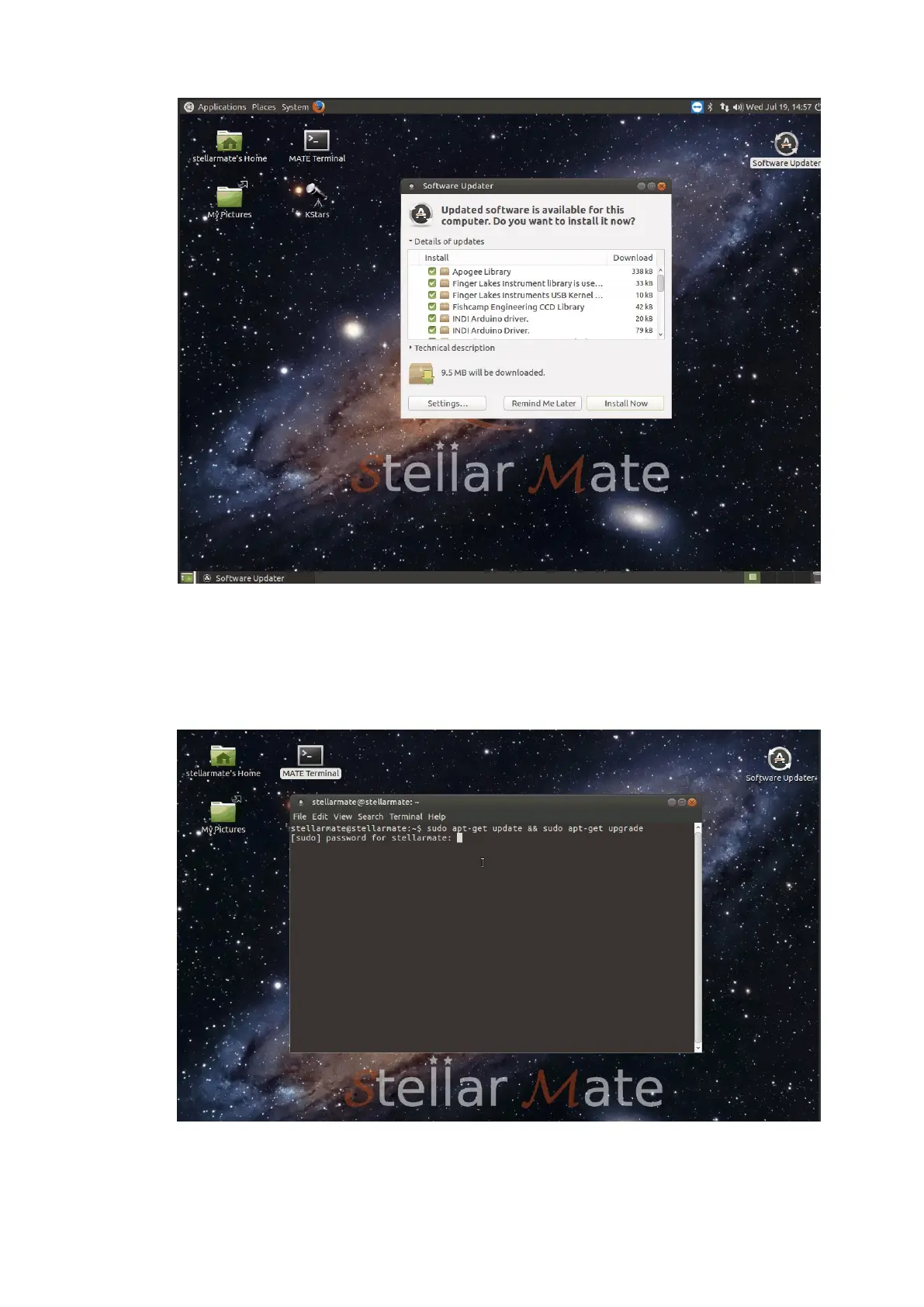
If for any reason you are having problems with the GUI Software Updater,
you can directly write command to start the update process. Double click
the Mate Terminal icon and a terminal window shall be opened. Type in the
following command and press Enter:
sudo apt-get update && sudo apt-get -y upgrade
17.15. Can I use SSH to log in remotely? How about SFTP?
Yes. Use port 5624 to login to StellarMate using your username and



 To Next Page