The StellarMate Plus Manual
329 / 341
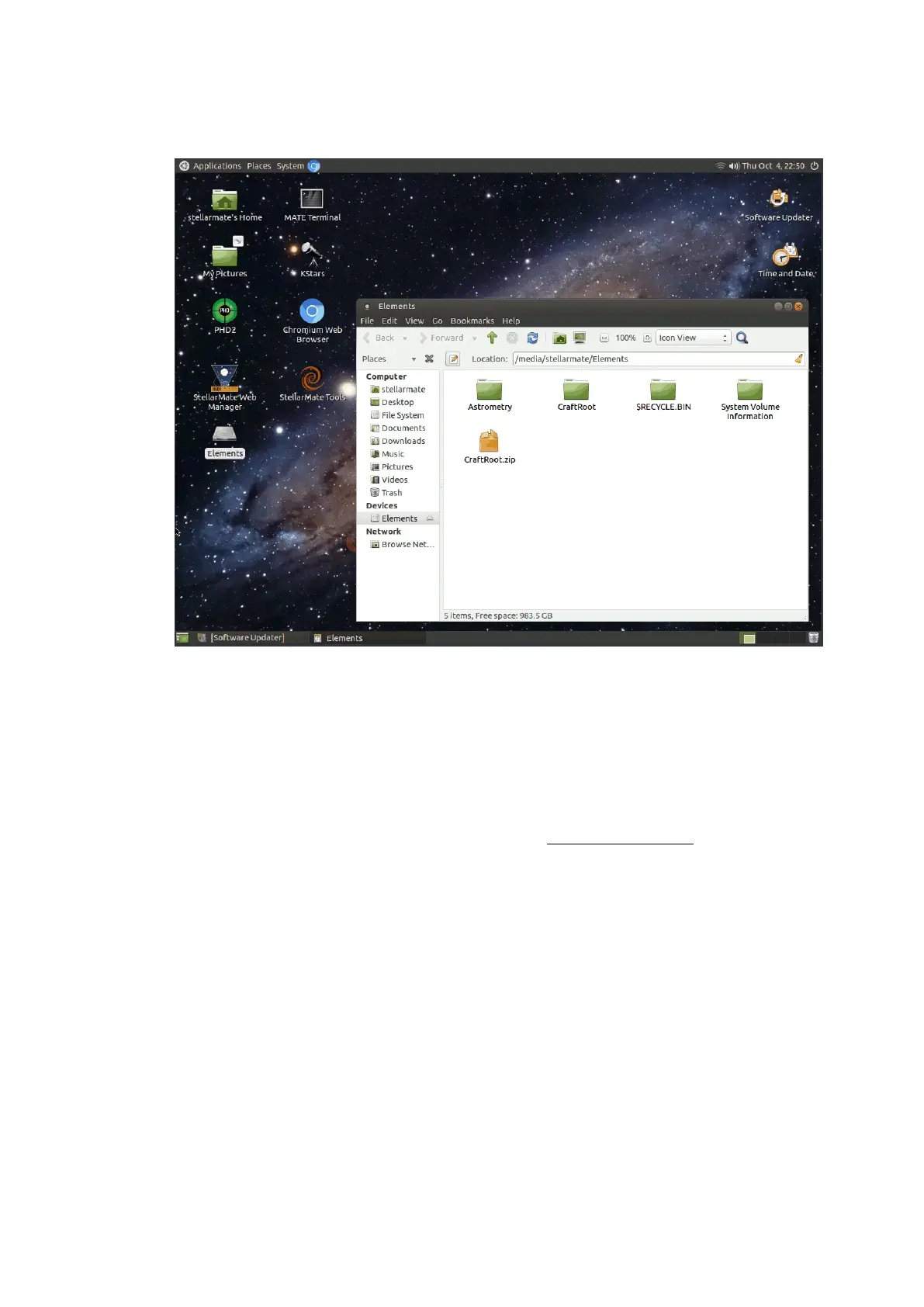
external driver icon on your desktop. Double click it to learn of the
location of the driver.
In the example above, the drive location is /home/stellarmate/Elements.
This is the location URL you need to save your images to. If you need to
save in a directory inside the drive, then simply double-click it and copy
the URL from the location bar. Next, where to put this URL?
1. Using KStars on StellarMate
If you are running KStars inside StellarMate directly, then simply browse
the location in the Directory field of the Capture Module. You can also
paste the URL there directly.



 To Next Page