The StellarMate Plus Manual
333 / 341
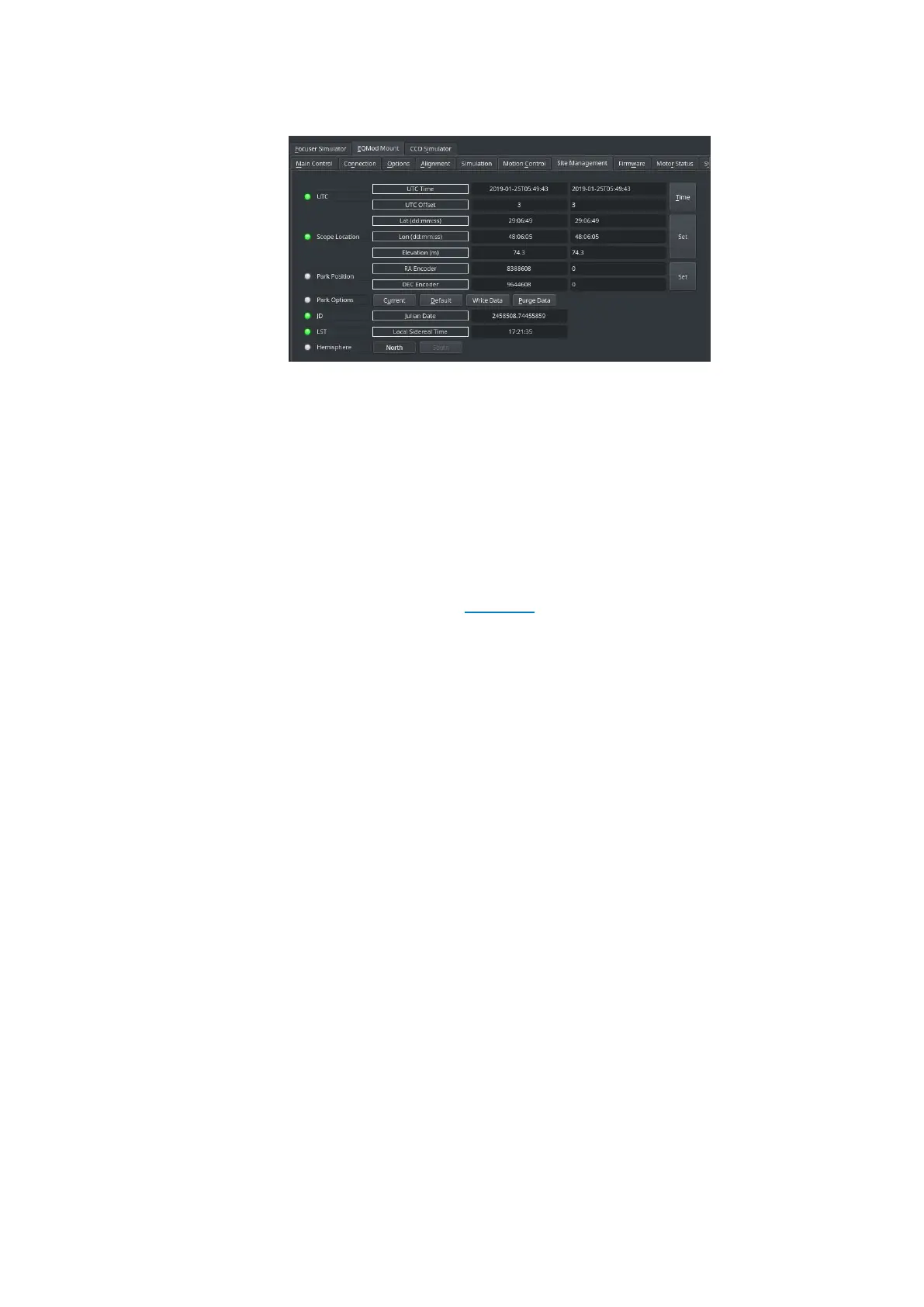
on Purge Data under Park Options.
3. Power off the mount.
4. If the mount is not pointed at the celestial pole with the weights
down, adjust it manually until you reach this position.
5. Power on the mount.
6. Start the Ekos equipment profile again.
Now EQMod should point toward the celestial pole and a new default
parking position is recorded. If you still have issues after performing these
steps, please open a ticket in the support area.
17.28. Why mount slews to the wrong position in the sky?
Power
Make sure your mount have sufficient power to make the slews. Power is
one the primary problems faced by users but it is one of the least issues
users suspect or investigate, so make sure to rule out power as the cause
for the mount erratic behavior.
Alignment
GOTO mounts learn how to go to specific objects in the night sky after
they are properly calibrated and aligned at power up.
All mounts must be first aligned using the handset using 2 or 3 star
alignments before you can use them with StellarMate. The only exception
to this rule is as following:
· EQMOD: When using Skywatcher mounts with EQMod driver, no
alignment is necessary at startup. It should start pointing at the
celestial pole (unless custom parking position is used). Make sure the
mount is powered up while it is in the Home Position. Afterwards,
slew to a nearby star and use Ekos Alignment module to sync the
telescope. EQMod would then be ready to make accurate GOTOs.



 To Next Page