The StellarMate Plus Manual
339 / 341
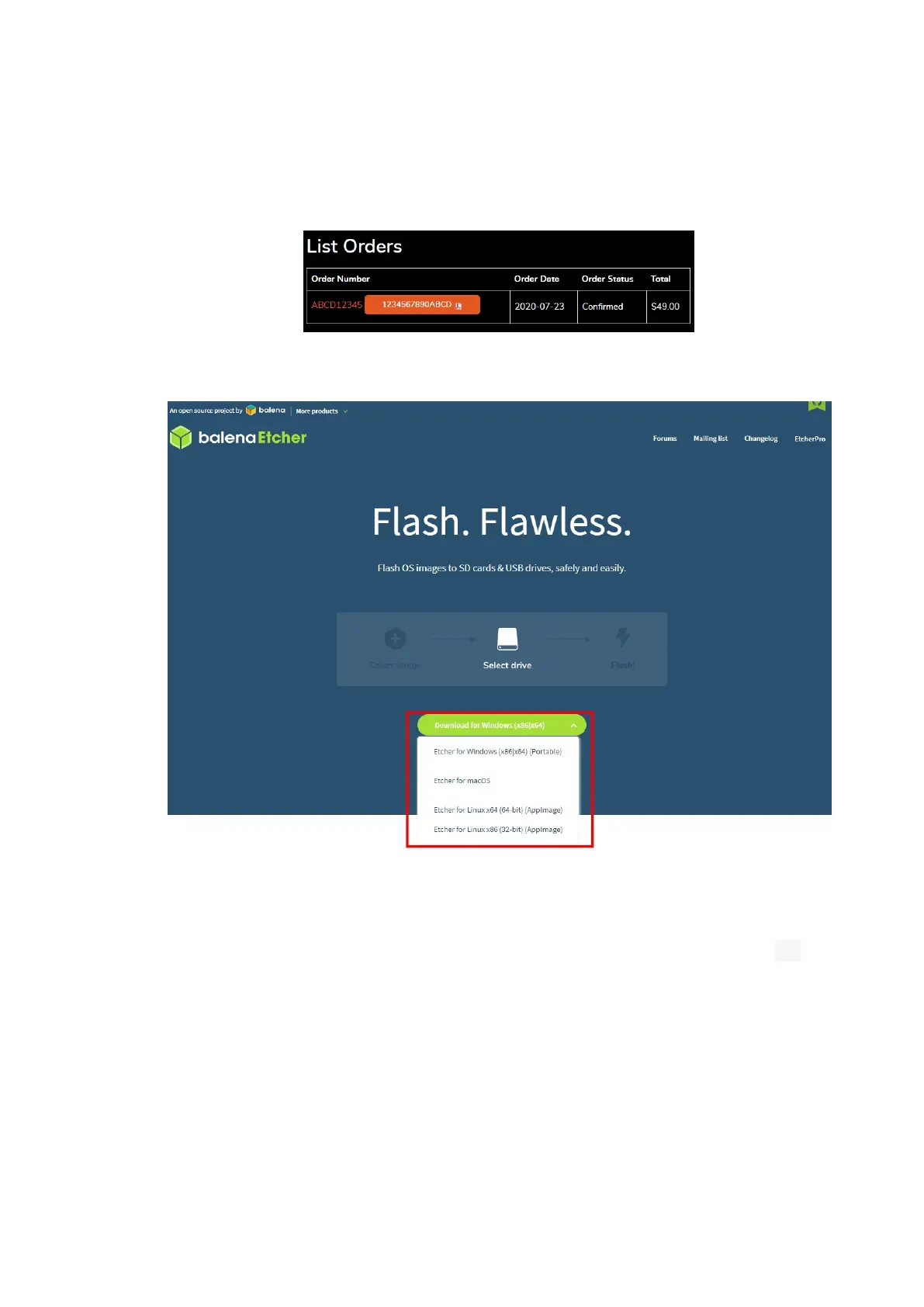
1. Login to the stellarmate.com website and then go to the Orders page.
2. You should see a list of your orders. Click on your order link, then scroll
down to see the downloads. Make sure to download the SM OS version
appropiate for your hardware platform.
3. Download balenaEtcher, and install it, then open it.
4. Connect an SD card reader to your computer with the MicroSD card
inside.
5. Open Etcher and select from your hard drive the StellarMate OS .xz file
you just downloaded to write it to the MicroSD card.



 To Next Page