The StellarMate Plus Manual
41 / 341
camera settings needed for guiding. You can also choose the scope.
· Start guiding
· Preview
· Advanced Settings
· Pixmap Image viewer
· Guide Plot
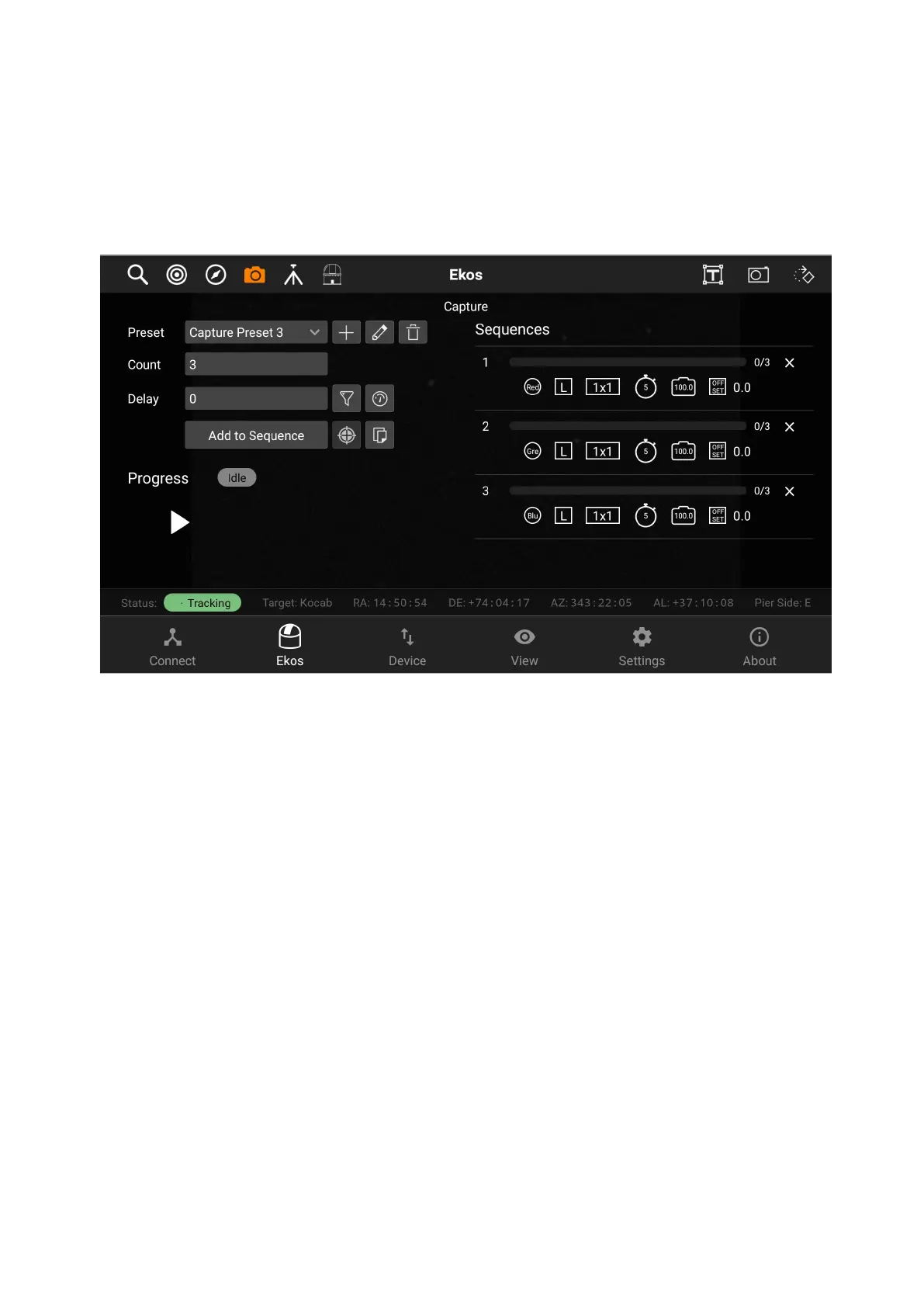
Creating a sequence
To create a sequence, you should first create a new preset by tapping on the +
button next to the preset dropdown box. After filling all the preset settings, you
have to tap on the save button on the top-right.
Capture Presets has the following structure:
1. Preset name
2. Camera
3. Frame Type
4. Exposure
5. Binning
6. Format
7. Filter Wheel
8. Filter
9. Temperature
10. Gain/ISO
11. Offset



 To Next Page