The StellarMate Plus Manual
42 / 341
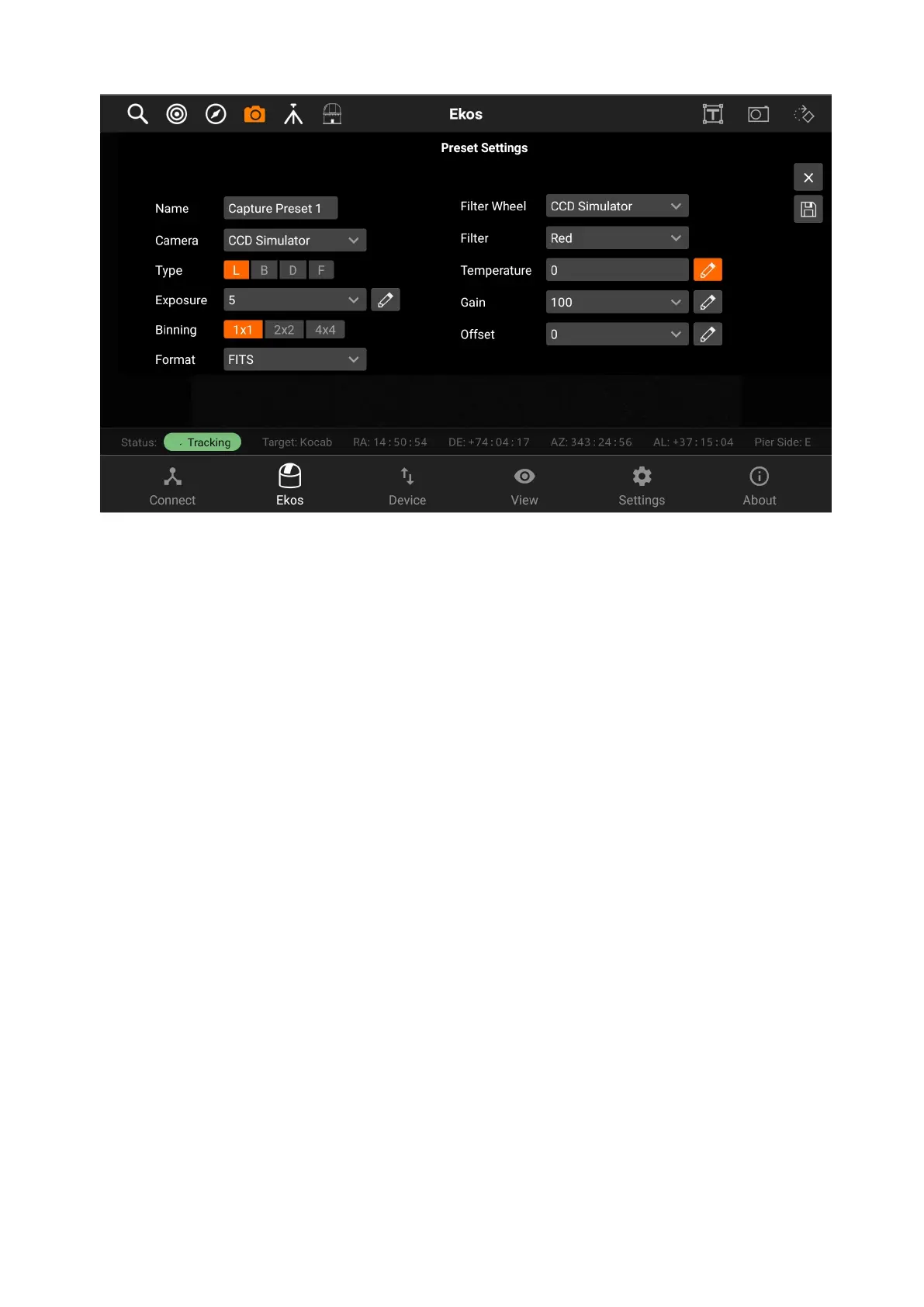
After creating your presets, you can now tap on the preset dropdown in order to
select the preset you want, and then tap on Add to Sequence, so the sequence
can be added to the sequence list.
In the below example, you can see that there are 3 different jobs in the sequence
list as shown by the filter in the beginning of each one. (red, green, and blue)
Sequences have the following structure, displayed through icons for simplicity:
· Top row
1. Job Number
2. Job Progress Bar
3. Count Progress
4. Delete Job
· Bottom row
1. Filter
2. Frame Type
3. Binning
4. Exposure
5. Gain/ISO
6. Offset



 To Next Page