The StellarMate Plus Manual
43 / 341
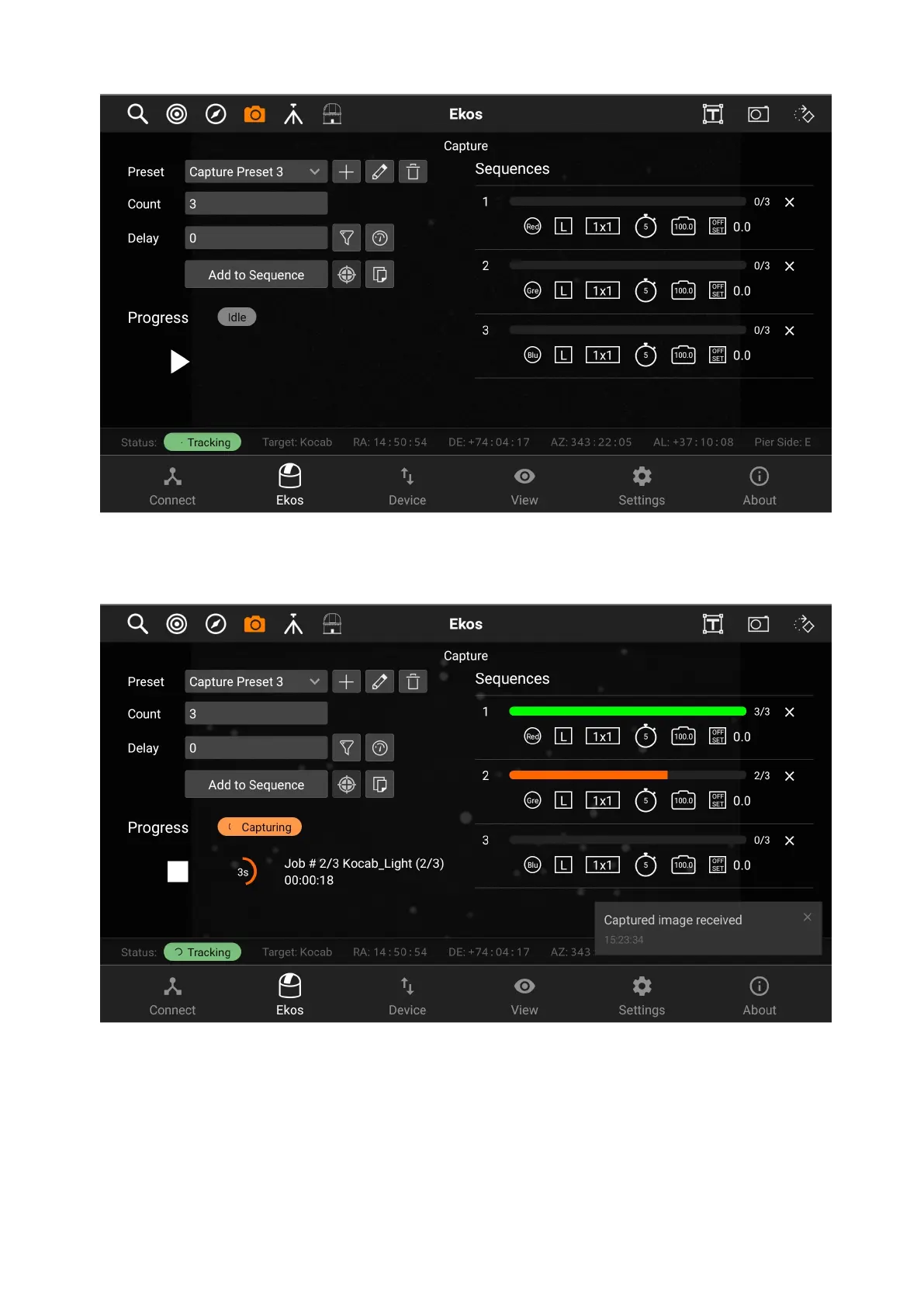
After adding the sequences, tap on the Play button under the Progress header to
start the sequence.
During the capture, a soft "ding" sound will be played for each capture (you can
turn on sounds by switching from Ekos Tab to Settings Tab and then toggling
sounds on). After the capture is complete, you will see a notification message
that says "CCD capture completed" and a "complete" sound will be played. In the
case of the capturing process eing aborted for any reason, an "error" sounds will
be played, and a notification message will be shown.



 To Next Page