A20733 B0 105
Troubleshooting
Anomalies Solutions
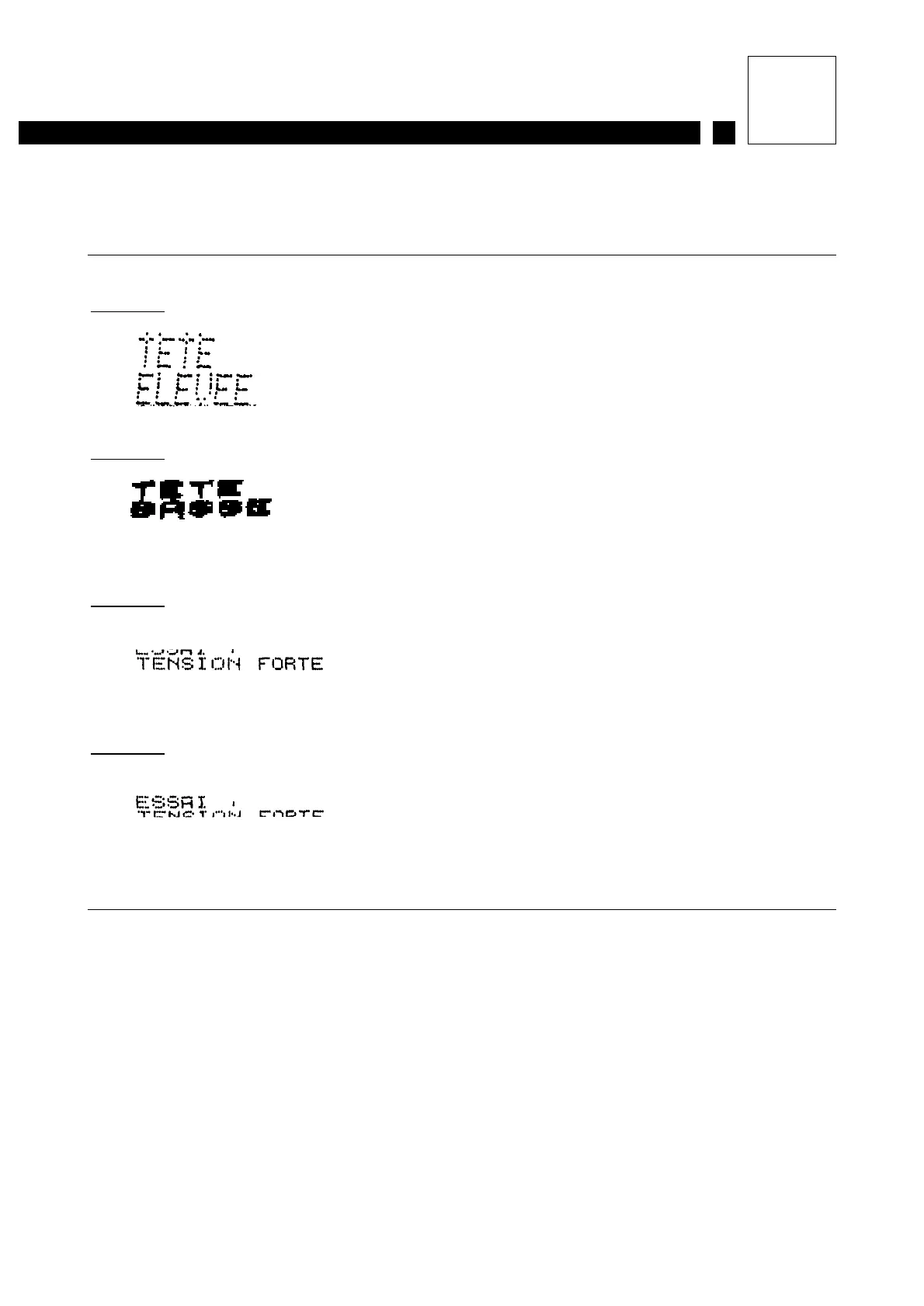
4- Poor print quality
Example 1
:
Example 2
:
Example 3
:
Example 4
:
4a- Clean the print head (including the cover) and check that
there is nothing obstructing the path of the jet.
4b- Check that the head support is stable (no vibrations).
4c- Check the distance between the head and the object
(examples 1 and 2).
4d- Check that the jet is centered in the recuperation gutter
(examples 3 and 4).
4e- Check the viscosity reference time displayed on the printer
and the theoretical viscosity given on the ink data sheet.
4f- The head requires mechanical and/or electronic adjustment.
Contact Imaje Technical Support.
4g- The main board is faulty. Contact Imaje Technical Support.



 To Next Page