A20733 B0 53
LOGO: Inserting
Role
This function can be used to insert from 1 to 15 predefined custom logos into
the message.
For further details, contact your usual Imaje correspondent.
Access
Display
Modify using
Enter the logo number using numeric keys 1 to 9 and alphabetic keys A to F.
The logo must be inserted in line 1 of a double-line message.
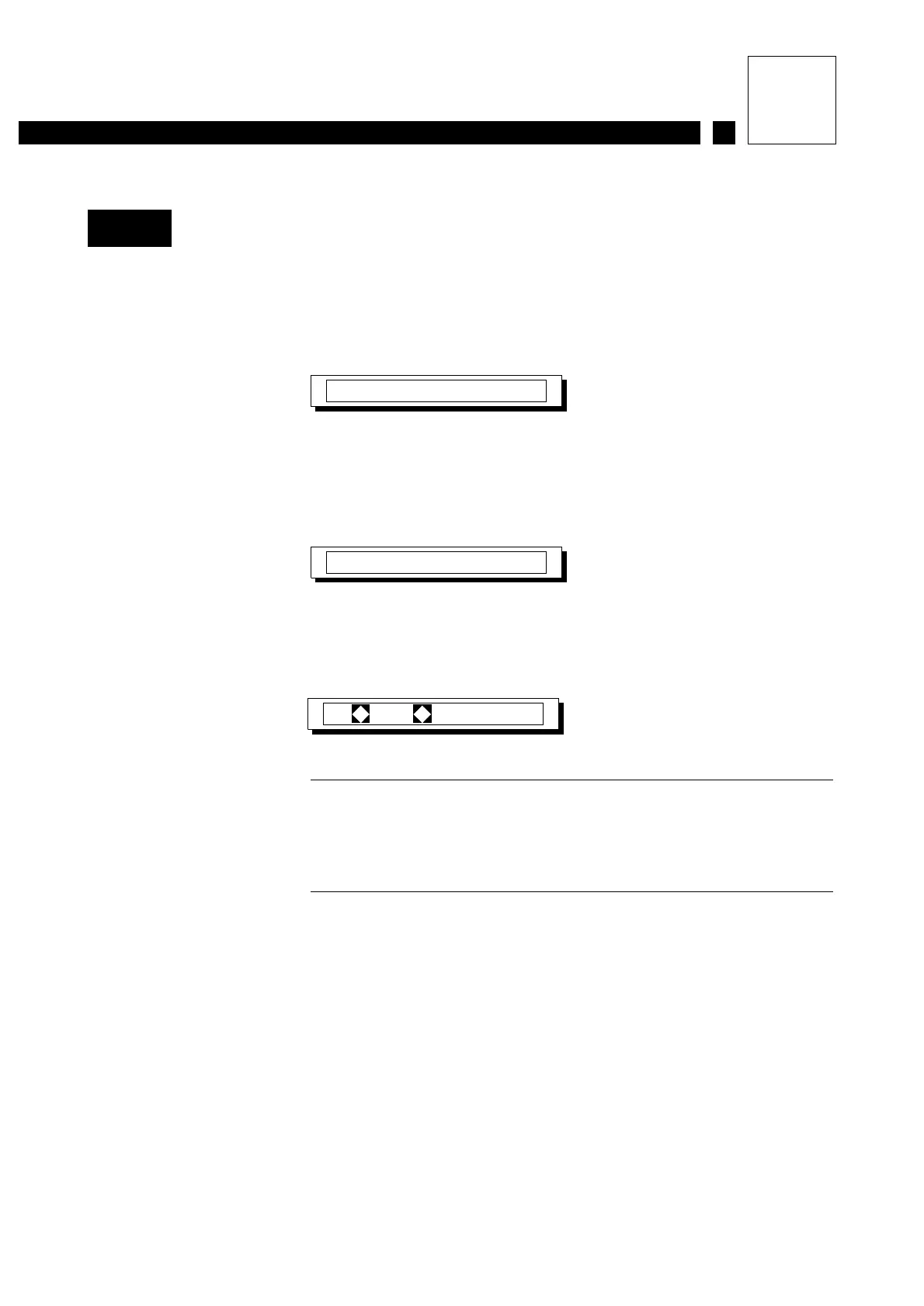
After inserting logo 5, for example, the following is displayed:
NOTE The error message "double line required" is
displayed if the logo is inserted into a single-line
message. The error message "insert code on line 1"
(upper line) is displayed if the logo is inserted in
line 2 (lower line).
Choices
Up to 15 different logos.
- Logos 1 to 9, press the numeric keys.
- Logo 10, press A.
- Logo 11, press B.
- Logo 12, press C.
- Logo 13, press D.
- Logo 14, press E.
- Logo 15, press F.
M22
Function?...
s
Display the message
number by pressing
d or g then tlL
Logo:
1- ¤ 5
Variables



 To Next Page