114 A20733 B1
Adjustment and replacement procedures
1.3 Adjusting the pressure motor speed
Special tools:
- Allen wrench.
The speed of rotation of the motor primarily depends on the ink viscosity. The by-pass must not
be adjusted unless the ink viscosity is correct, i.e. when the viscosity measured by the printer is
within one second of the reference viscosity.
REMINDER: The measured and reference viscosity values can be displayed by pressing
fi.
ADJUSTMENT
1- Start the jets and display the motor speed (
fi).
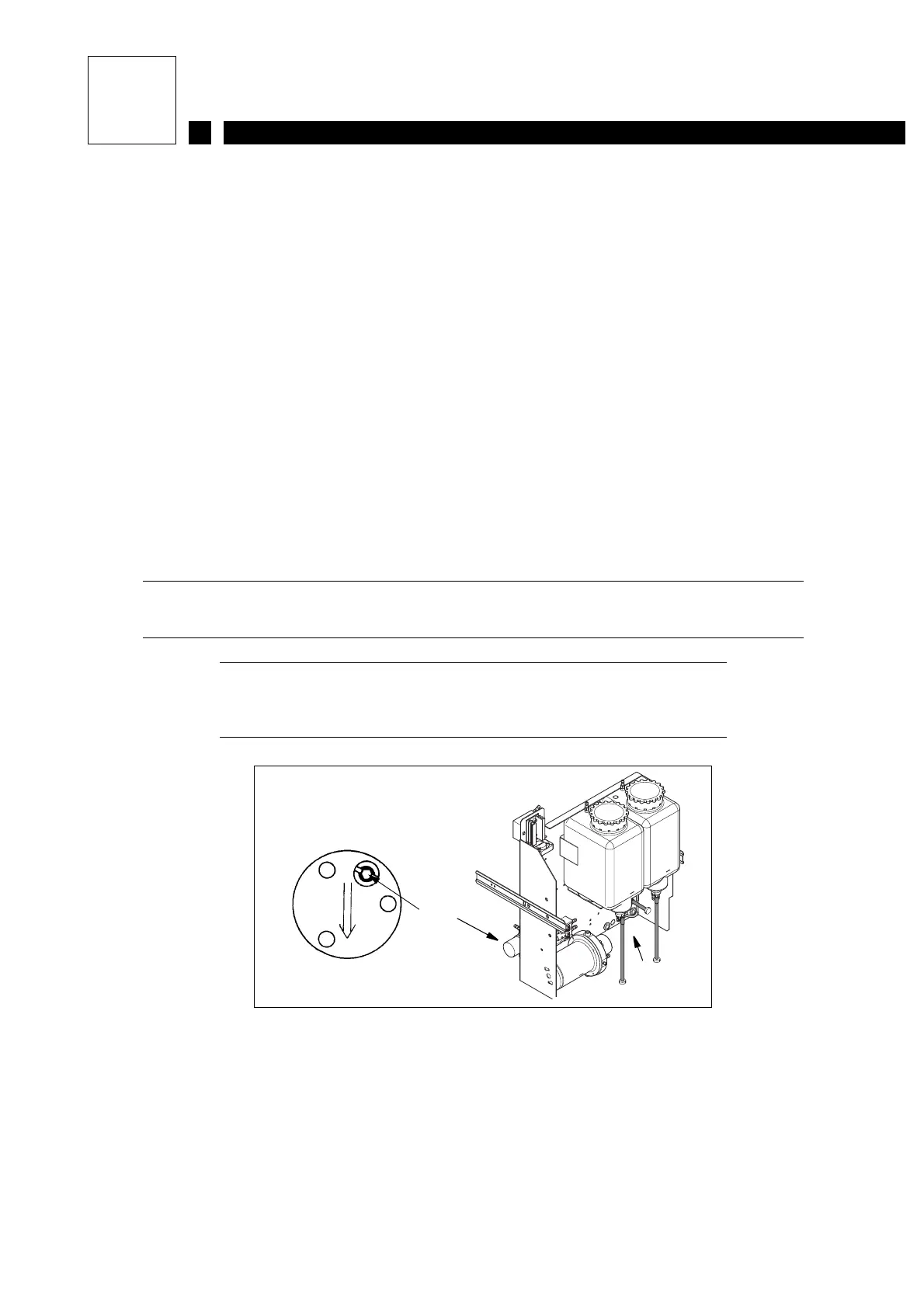
2- Withdraw the ink circuit to the end of the runners. Insert the Allen wrench (3) and turn it half
a turn in either direction and wait for the motor speed displayed on the console to change. By
iteration you should achieve a speed of 1500 rpm, to within 50 rpm.
NOTE It may be necessary to adjust the motor speed after changing
the ink filter cartridge.
1 Pressure pump on S8 Classic
2 Pressure pump on S8 Egg Classic
3 By-pass adjustment
Figure 1
3
2
1



 To Next Page