28/53 IMET - M550 ALL1-EN
6. USING THE RADIO REMOTE CONTROL
Use of the radio remote control following the safety precautions below to ensure safety at work.
6.1. Safety rules
The radio remote control should be used only by competent personnel with a thorough understanding
of the remote control and of the machine controlled. All the persons using the radio remote control
should be adequately instructed.
Do not turn on the transmitting unit if the controlled machine is not completely visible. If the
transmitting unit is used in a closed area or far from the receiving unit, the operator cannot be fully
aware of the movements of the controlled machine. This can lead to hazardous situations.
Whenever work is suspended, even if for short periods, turn off the control unit and remove the key
from the transmitter to prevent unauthorized use.
6.2. Powering and starting the radio remote control
Initial conditions
• Transmitting unit off.
• Load a charged battery in the transmitter (except for M8
DIN units).
• Make sure the mushroom-head STOP button is not
pressed and that no control is in the working
position.
• Power on the machine and the receiving unit.
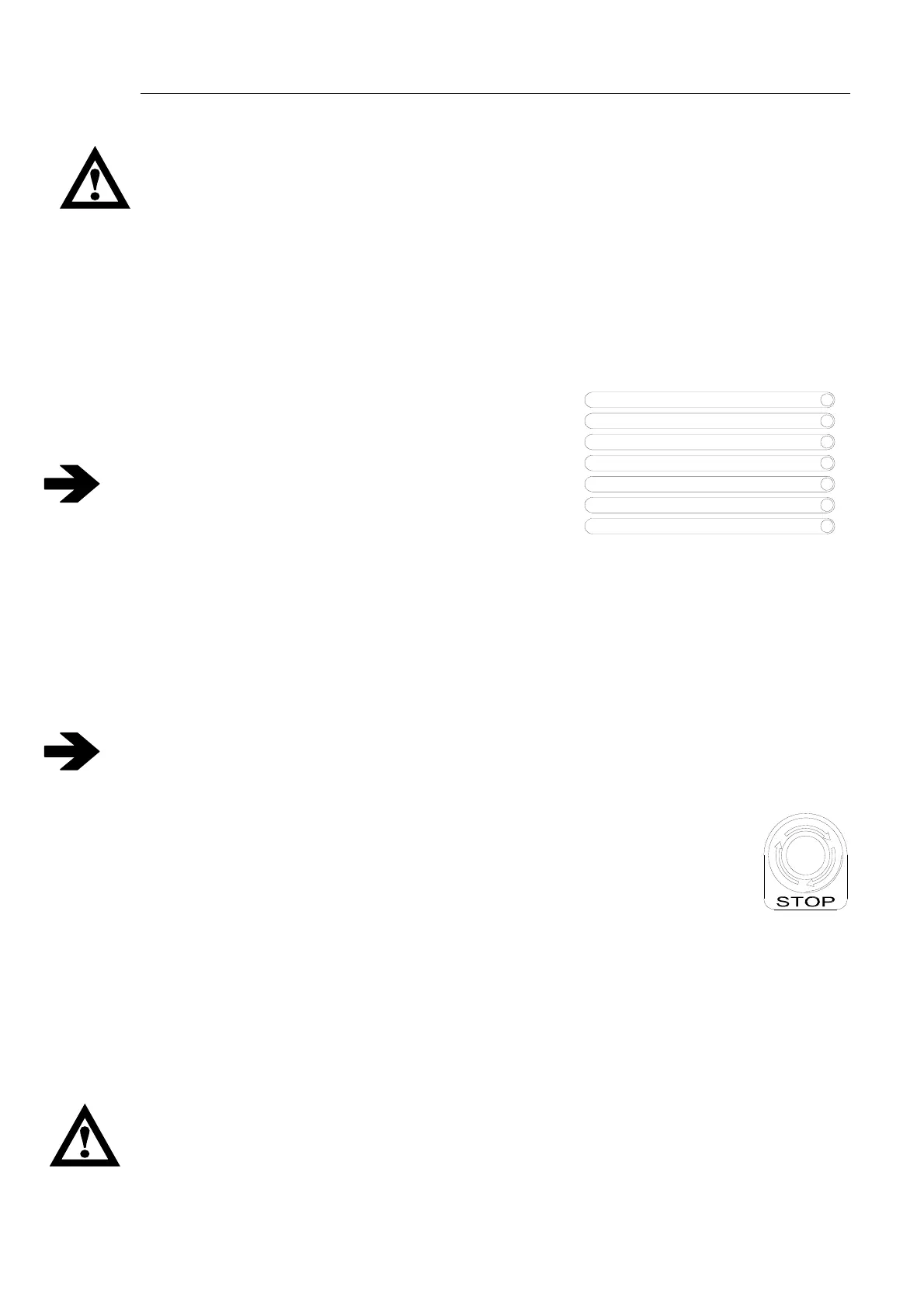
• Wait 2 seconds for the receiver to carry out the safety checks. If the checks are successful, the red
“Passive Emergency Stop A and B” LED and the green Power Supply LED will stay on.
• To enable the transmitter, introduce the magnetic key or, on G4 units, turn the keylock switch
clockwise.
• Press the Start button for one second. The green light on the transmitter should turn on and remain
steady, meaning the unit is working properly. On the receiver, the red LEDs will turn off, while the
yellow “Data Error A and B” LEDs and the green “RF Busy”and “Working” LEDs will turn on. The
radio remote control is now ready to work.
• The safety class of the each control is shown in Annex B.
6.3. STOP
Press the red mushroom button. This will open the STOP circuit on the receiving unit
and disable all the controls. To restore operations, reset the STOP (ISO 13850) button
and press START.
6.4. Turning off the remote control
Remove the magnetic key or, on G4 units, turn the keylock switch anticlockwise. The transmitter will
turn off, the safety circuits will open and all active controls will be disabled.
The transmitting unit also turns off when the battery runs down completely. In this case, the LED on
the transmitter will flash rapidly after shutdown.
6.5. Auto power-off
On request, the auto power-off time can be set to a maximum of 45 minutes, by 3-minute steps.
Transmitting units M550S M8 and M550D M8 switch off automatically after 20 hours of work to
perform automatic tests on safety systems as required by Standard EN 954-1.
Upon explicit request by customers (and under their own responsibility), the auto power-off
function can be excluded. In this case the STOP circuit is downgraded to category 3 or PLd.
Data Error ch. B
RF Busy
Power Supply
Data Error ch. A
Working
Passive Emergency ch. A
Passive Emergency ch. B


 To Next Page