32
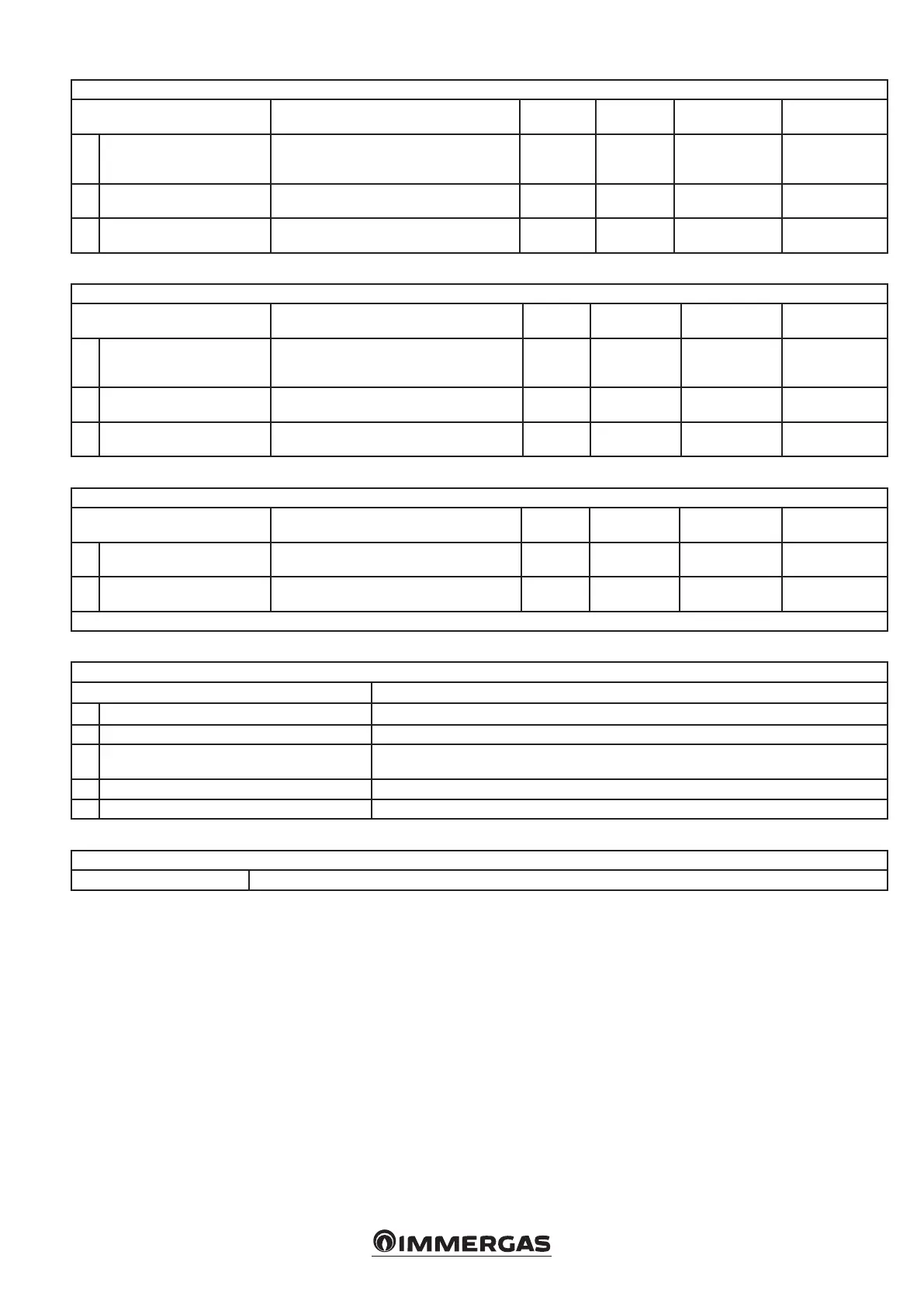
TECHNICIAN/System settings/Decreasing slope menu
Menu item Description Range Default Synchronisation Customised value
1. Power threshold
e decreasing slope is a power value that
triggers the protection. Below this value, the
boiler output is reduced by 1% per time period
0 - 100
(%)
See boiler
booklet
No
2. Step time
Denes the Time [0.2s] for a step during the
descent of the slope
0 - 255
(s)
See boiler
booklet
No
3. Decreasing slope time
Duration of rapid power variation aer burner
ignition
0 - 10
(min)
See boiler
booklet
No
TECHNICIAN/System Settings/User Interface Settings menu
Menu item Description Range Default Synchronisation Customised value
1. Standby backlighting
Standby backlight level. Add text warning: 'keep
backlight level below 30% to reduce display
degradation'.
30 - 100
(%)
See boiler
booklet
No
2. Backlight Active backlight level.
30 - 100
(%)
See boiler
booklet
No
3. Display contrast Denes the contrast of the LCD panel. 0 - 511
See boiler
booklet
No
TECHNICIAN/System settings/Anti-humidity settings menu
Menu item Description Range Default Synchronisation Customised value
1. Anti-humidity functions
Enables the 'Function' of the
heat exchanger.
OFF - ON
(min)
See boiler
booklet
Ye s
2. Fan speed
Denes the fan speed during
this “Function”.
0 - 12750
(rpm)
See boiler
booklet
Ye s
* 0 = O
TECHNICIAN/Diagnostics Menu
Menu item Description
1. Boiler status A new screen with the boiler status will open.
2. System information Shows a list of information about the installation.
3. Log of errors
Shows a list of recent errors. Pressing OK on the highlighted error will open a new screen containing
details of the boiler status when the error occurred.
4. Boiler statistics Shows a list of statistics.
5. Firmware release Shows which rmware version is currently installed on the boards.
TECHNICIAN/Diagnostics/Boiler Status menu
Slave operation Displayed in simple cascade mode (only on slave boilers).






 To Next Page