34
TECHNICIAN/Cascade/Automatic detection Menu
e function called up by this parameter is used to set the role of the Slave appliance in cascade, although normally this menu is opened automatically by activat-
ing this function from Master.
is function can also be used to set a Master or Slave appliance as a single appliance.
See section 'Auto-detection' for more details.
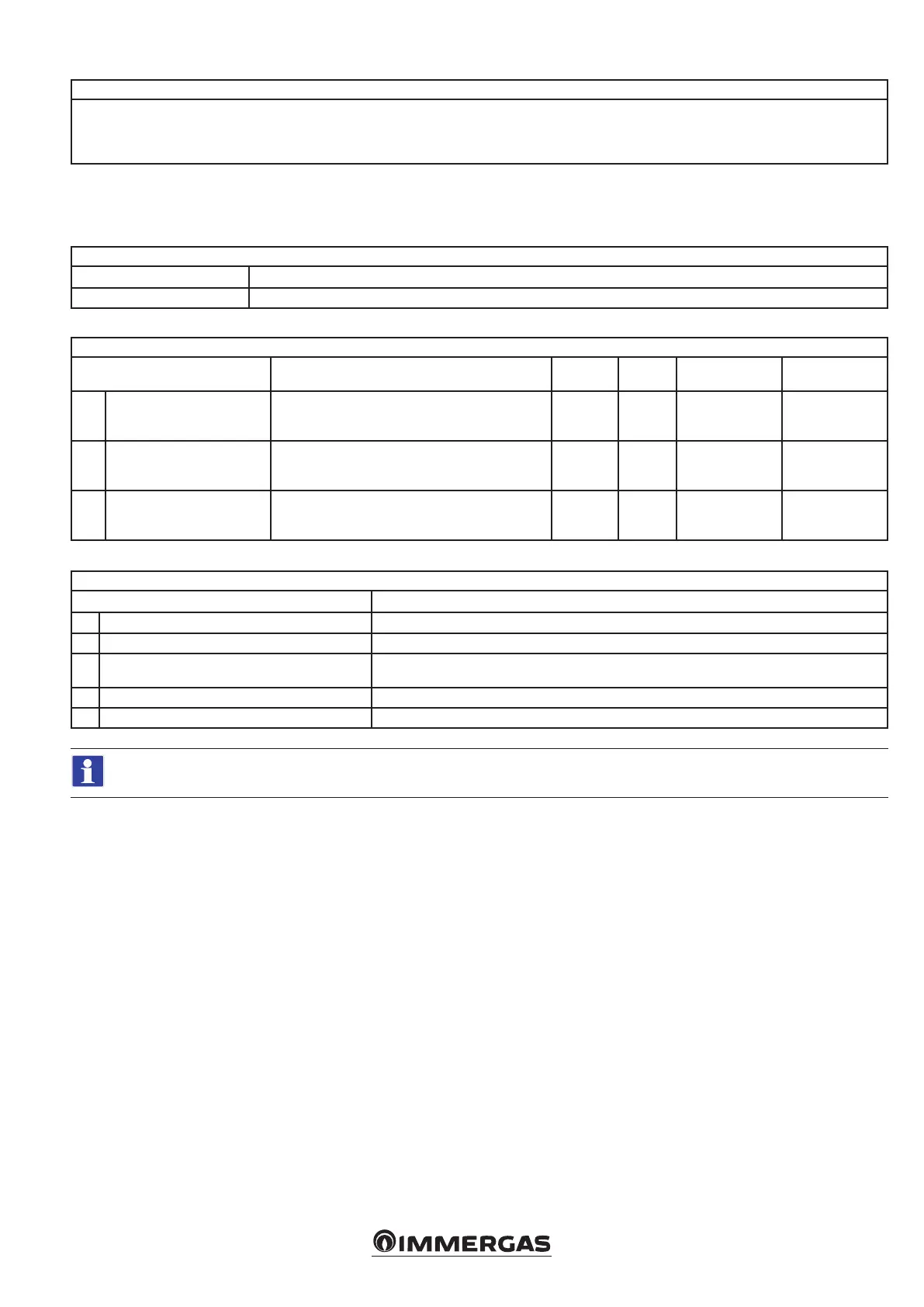
5.7 USER MENU SLAVE
e following parameters are displayed in cascade installation on the Slave appliance(s), i.e. the one(s) following the rst boiler (Master).
USER menu
1 Settings
2 Diagnostics
USER/Settings Menu
Menu item Description Range Default Synchronisation Customised value
1. Standby backlighting
Standby backlight level. Add text warning: 'keep back-
light level below 30% to reduce display degradation'.
30 - 100
(%)
See
boiler
booklet
No
2. Backlight Active backlight level.
30 - 100
(%)
See
boiler
booklet
No
3. Display contrast Denes the contrast of the LCD panel. 0 - 511
See
boiler
booklet
No
USER/Diagnostics menu
Menu item Description
1. Boiler status A new screen with the boiler status will open.
2. System information Shows a list of information about the installation.
3. Log of errors
Shows a list of recent errors. Pressing OK on the highlighted error will open a new screen containing
details of the boiler status when the error occurred.
4. Boiler statistics Shows a list of statistics.
5. Firmware release Shows which rmware version is currently installed on the boards.
For Boiler Status and System Information see chapter Technician Menu (Slave).






 To Next Page