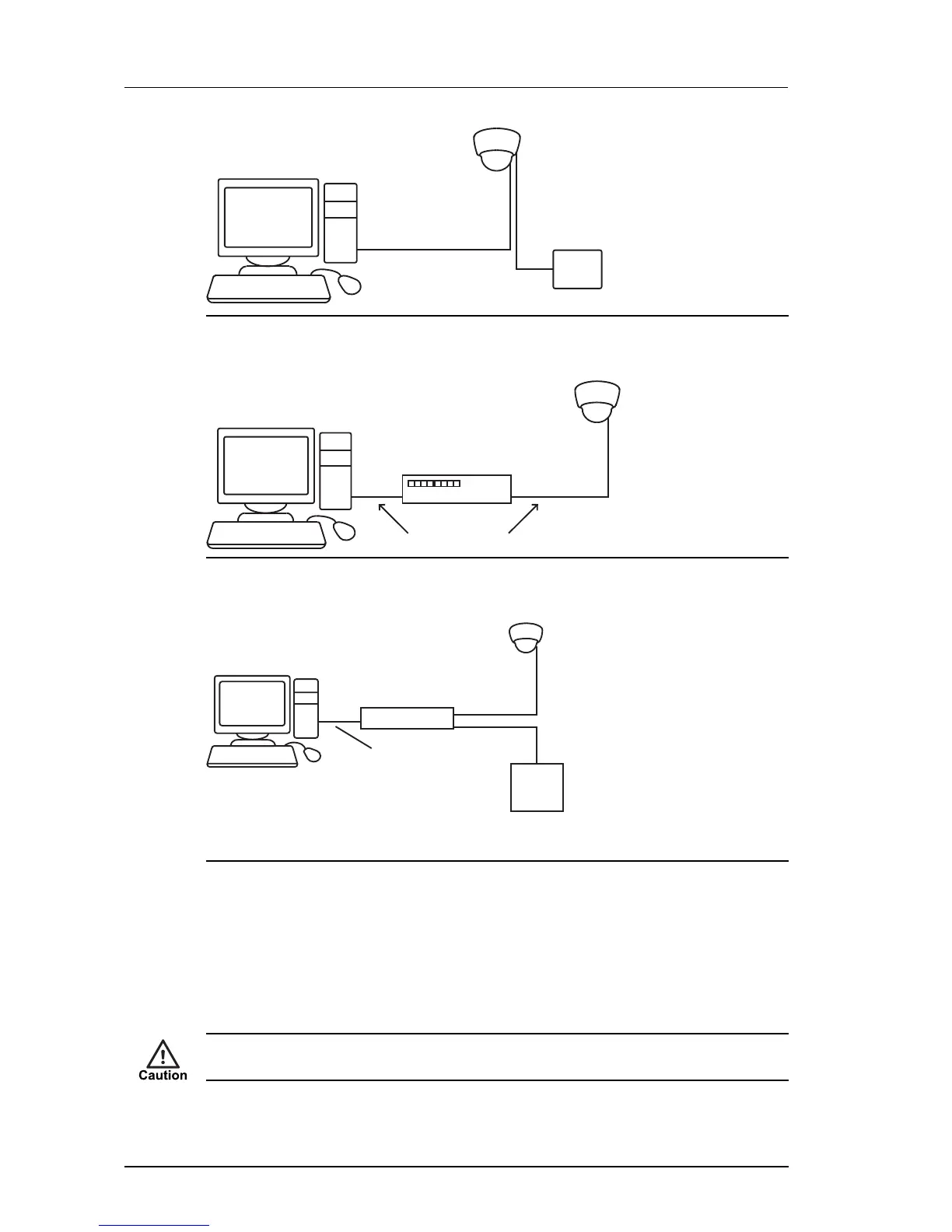
Figure 14: Connecting the device and PC using a cross-over cable
Alternatively, you can connect the unit and PC to the same PoE switch.
Figure 15: Connecting the unit using a PoE switch
A further alternative is to connect the unit to the PC via a PoE injector.
Figure 16: Connecting the unit using a PoE injector
Preparing for initial device configuration
You cannot connect the device to your network until you have changed the IP settings to suit
your network.
To change the factory defaults of your device, you must first, temporarily, modify your PC’s
network settings.
Make a note of the original value of all settings that are to be changed so that you can re-enter
them when you have completed the initial device configuration.
3 Getting Started Enhanced SDFixed Dome - 9000 Range


 To Next Page