iNetVu
®
Mobile Installation Manual Page 36 of 93
15. There are two equivalent methods for running the cables and wiring into your vehicle:
• Using the refrigerator ventilation opening (if large enough)
If the refrigerator ventilation opening is used, take care not to block the vent
and to keep the cables away from any hot surfaces.
• Drilling an opening on the roof.
Steps 17 – 21 describe this method.
16. Drill a 1½” (38.1mm) diameter opening and run the Motor Control Cable, Sensor
Cable, GPS wire, Tx and Rx coaxial cables from the roof into the vehicle leaving AMP
plugs on the outside. Running the cables from the roof in this manner will minimize the
size of the hole that will need to be drilled.
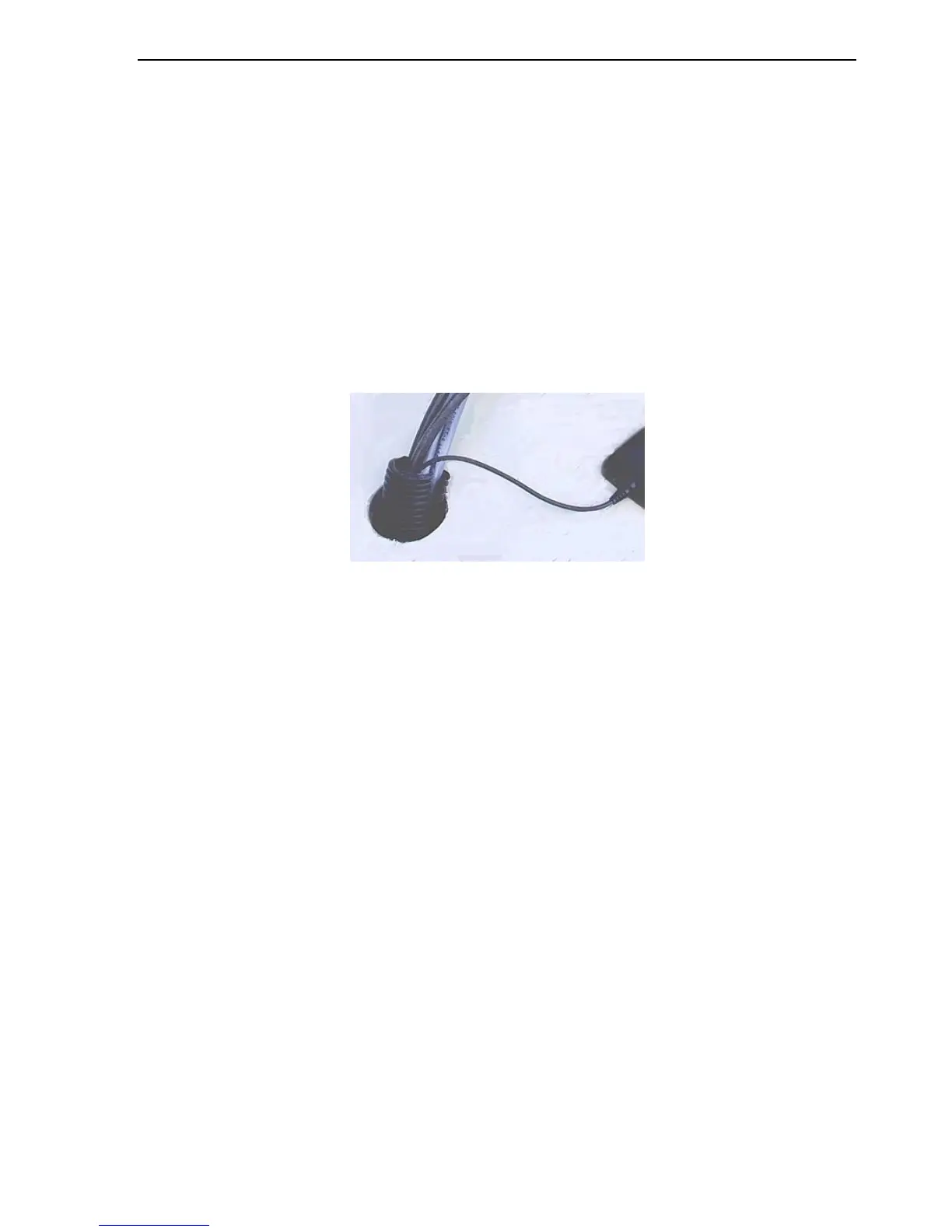
Fig. 17: A plastic sleeve used to prevent the cables from chaffing
17. Use a plastic sleeve to prevent cables from chaffing in the event of the opening having
rough edges.
18. Bundle the cables together neatly and use “P-clamps” to attach the cable assembly to
the roof. The GPS antenna should be located in an open area with an unobstructed
radius where it can “see" the GPS satellite constellation.
To attach to the roof, the GPS antenna utilizes a magnetic fixing. If mounting on a
fiberglass, wood or rubber coated roof, cut a 1/16” (1.6mm) thick mild steel sheet
approximately 3” (76.2mm) x 3” (76.2mm) and drill four holes in the corners as shown
in the figure below. To prevent rusting, this steel mounting plate must be first painted
with a good quality rust proofing paint.
It is highly recommended to use a bead of silicone around the complete
circumference of the antenna.



 To Next Page