46
SCREEN menu
Item Description
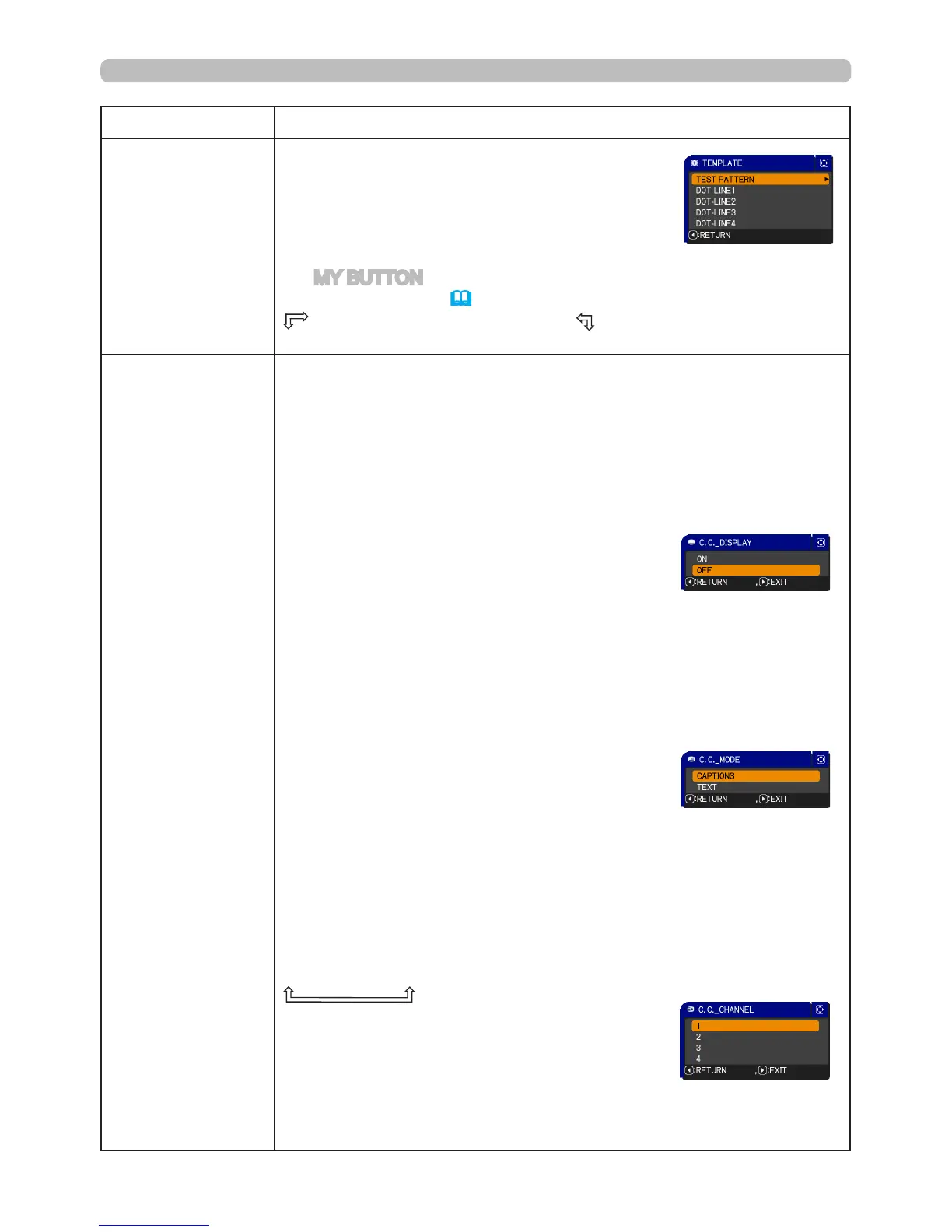
TEMPLATE
Using the ▲/▼ buttons switches the mode for
the template screen.
Press the ► button to display the selected
template, and press the ◄ button to close the
displayed screen.
The last selected template is displayed when
the MY BUTTON allocated to the TEMPLATE
function is pressed (
49
).
TEST PATTERN
ó
DOT-LINE1
DOT-LINE4
ó
DOT-LINE3
ó
DOT-LINE2
C.C.
(Closed Caption)
C.C. is the function that displays a transcript or dialog of the audio
portion of a video, les or other presentation or other relevant sounds.
An NTSC format video or 480i@60 format component video source
which supports closed captioning is required to use this function.
Depending on the equipment or signal source, this feature may not
work correctly. In this case, please turn off C.C.
DISPLAY
Select Closed Caption DISPLAY setting from
following options using ▲/▼buttons.
OFF
ó
ON
OFF:Closed Caption is off
ON: Closed Caption is on
• The caption is not displayed when the OSD menu is active.
• Closed Caption displays the dialog, narration, and/or sound effects
of a television program or other video sources. The Closed Caption
availability is depending upon broadcaster and/or content.
MODE
Select Closed Caption MODE setting from the
following options using ▲/▼buttons.
CAPTIONS
ó
TEXT
CAPTIONS: Display Closed Caption
TEXT: Display Text data, which is for additional information such as
news reports or a TV program guide. The information covers
the entire screen. Not all of the C.C. program has Text
information.
CHANNEL
Select Closed Caption CHANNEL from the following options using
▲/▼buttons.
1
ó
2
ó
3
ó
4
1: Channel 1, primary channel / language
2: Channel 2
3: Channel 3
4: Channel 4
The channel data may vary, depending on the content. Some
channel might be used for secondary language or empty.



 To Next Page