User Manual for the Thermographic System VarioCAM
®
high resolution
6. Quick Start
14 © InfraTec GmbH 2013 User Manual
6.5 Data Storage
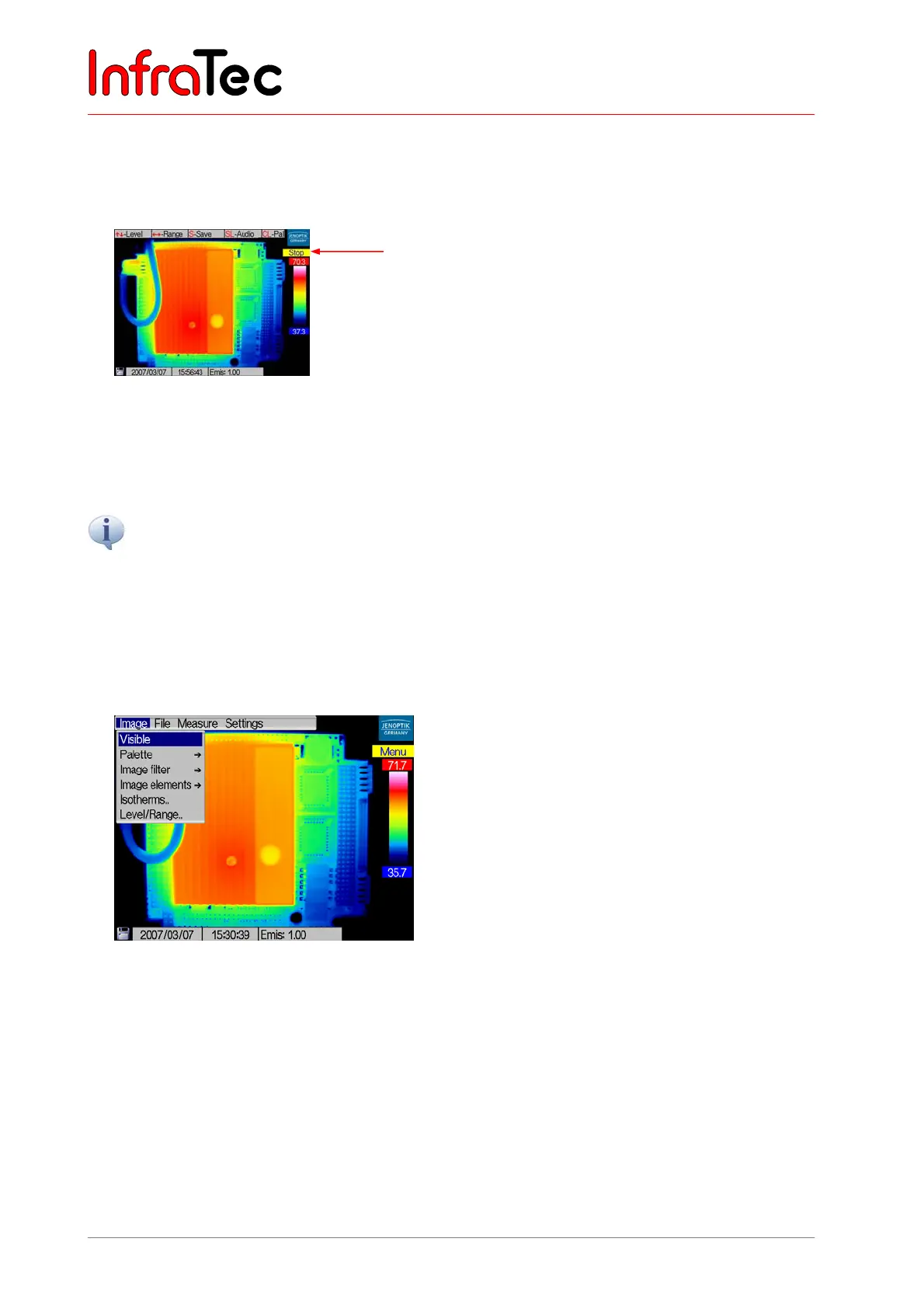
■ For Storage of the thermal image press the S button. The live image freezes, i.e. camera goes into
stop mode.
Fig. 7 Camera menu in stop mode
■ Pressing the S button again saves the thermal image on the SD card. Pressung the C button
interrupts the saving process. The camera will return to the live mode after the saving process.
When using the button SL, the camera saves a thermogram without changing into the stop mode in between.
6.6 Menu Functions
■ VarioCAM
®
hr offers a variety of analytical and automatic features and can be configured for the
respective case of application. The settings and functions are selected in the main menu of the
camera which can be accessed by using Enter.
Fig. 8 Camera menu
■ You navigate in the main menu by moving the joystick , , , and select the functions by
pressing Enter.
6.7 Switching OFF
■ By pressing button CL, the dialogue for switching off is selected and confirmed by pressing Enter.
Stop mode



 To Next Page