User Manual for the Thermographic System VarioCAM
®
high resolution
9. Hardware and Software Installation for VarioCAM® hr*
68 © InfraTec GmbH 2013 User Manual
(IEEE 1394) cable, 6-pin, page 18) makes the hardware connection between the PCI-IEEE 1394 interface
of the PC and the VarioCAM
®
hr.
9.3 Installation of the FireWire Driver for the VarioCAM
®
hr
For installing the device driver “vc_hires23”, the access rights of the user group “Administrators” are
definitely required. After successful installation, the programme IRBIS
®
online/process can be used
with the access rights of the user group “Main users”.
VarioCAM
®
hr and the PC/notebook are connected with the help of the included FireWire (IEEE1394)
cable. Then the PC/notebook and the thermographic system are to be powered on.
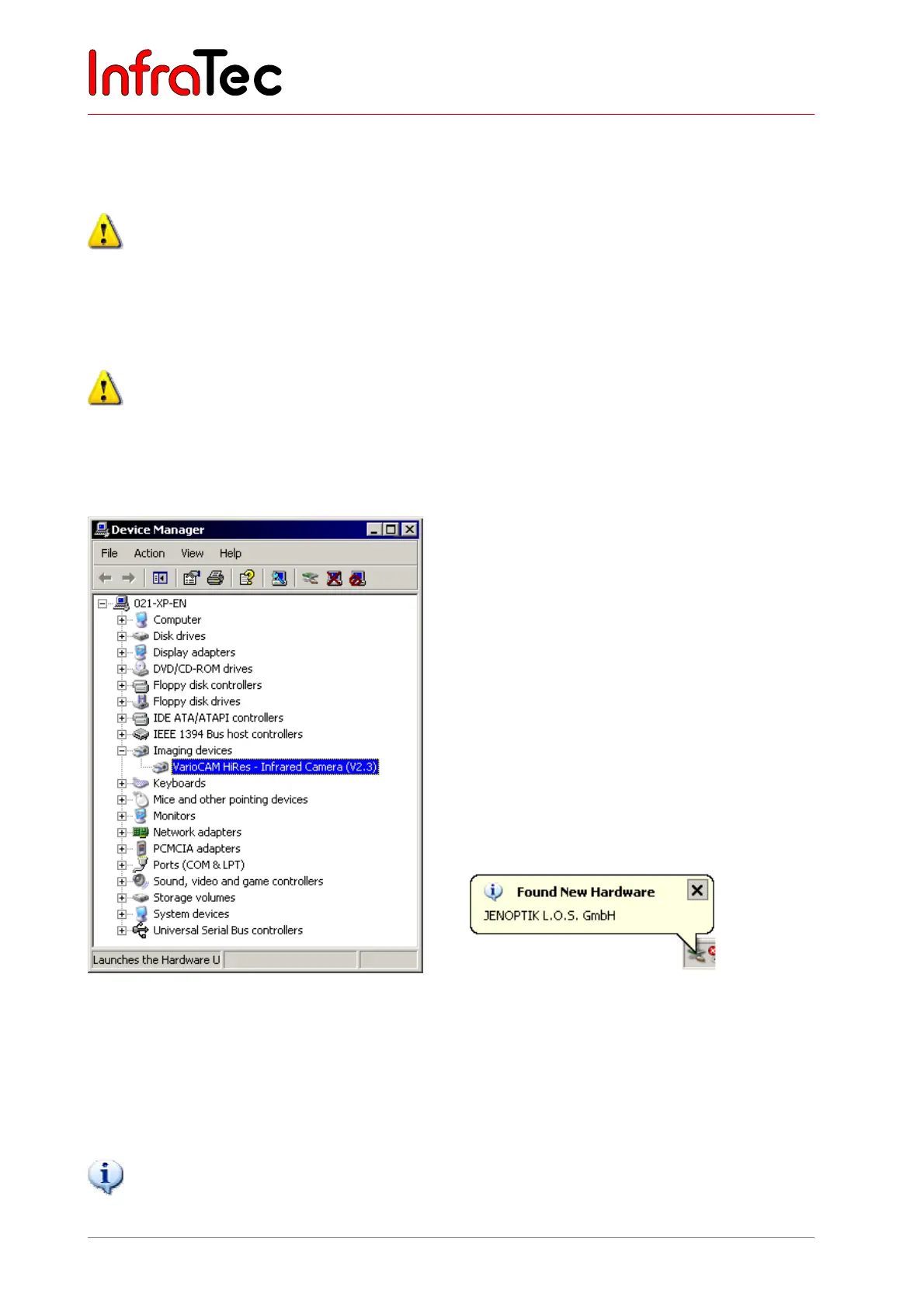
Fig. 147 Device manager – “Imaging device” Fig. 148 Automatic hardware detection
Should you already have installed the infrared camera VarioCAM
®
hr into your control PC by means of
the file “VC2.inf”, the camera will register within the device manager under “IEEE 1394 bus host
controller”. In this case, the current driver "vc_hires23.inf" must be allocated by function “Update
Driver...” (see Fig. 149). To call the pop-up menu “Update Driver…“, highlight the device driver first and
confirm with a right mouse click.
The driver “vc_hires23” is a digitally signed device driver.
Should the thermographic system VarioCAM
®
hr be operated by a PC without any separate power
supply, the manufacturer will not accept any liability for the appropriate operation of the
thermographic system.



 To Next Page