User Manual for the Thermographic System VarioCAM
®
high resolution
8. Operation
User Manual © InfraTec GmbH 2013 53
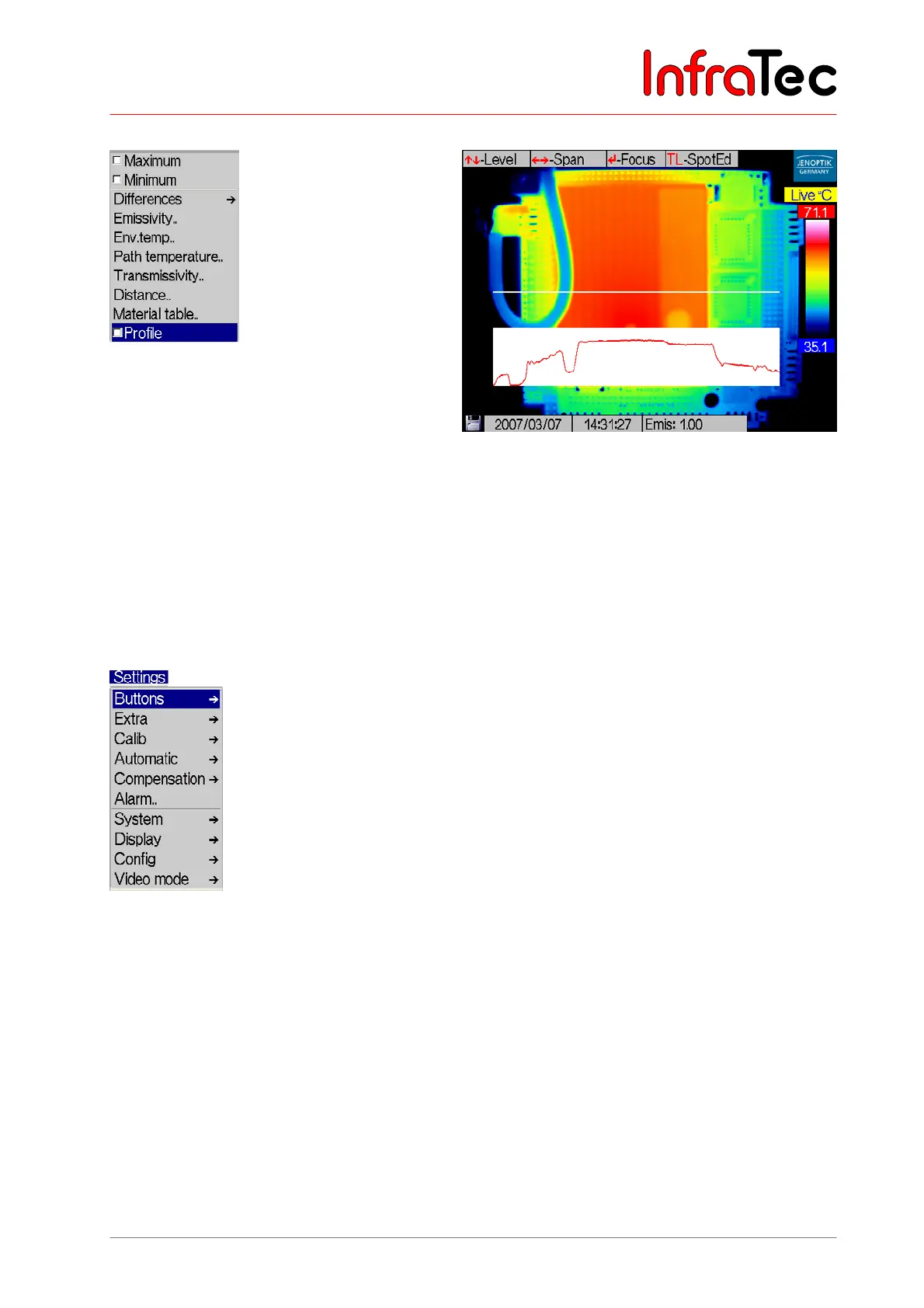
Menu item "Profile"*
Fig. 111 Menu "Measure" - "Profile" Fig. 112 Thermal image with displayed profile
This function allows to display the temperature profile over a straight measurement line running
horizontally across the thermal image (see Fig. 112). The displayed temperature profile is scaled
according to the currently selected temperature scale.
In order to hide the profile, delete the checkmark in the menu.
8.3.4 Menu "Settings"
Fig. 113 Menu "Settings"
Fig. 113 shows the menu Settings. It includes all functions for setting the hardware of the VarioCAM
®
hr.



 To Next Page