User Manual for the Thermographic System VarioCAM
®
high resolution
8. Operation
User Manual © InfraTec GmbH 2013 27
8.2.3 Focus Mode
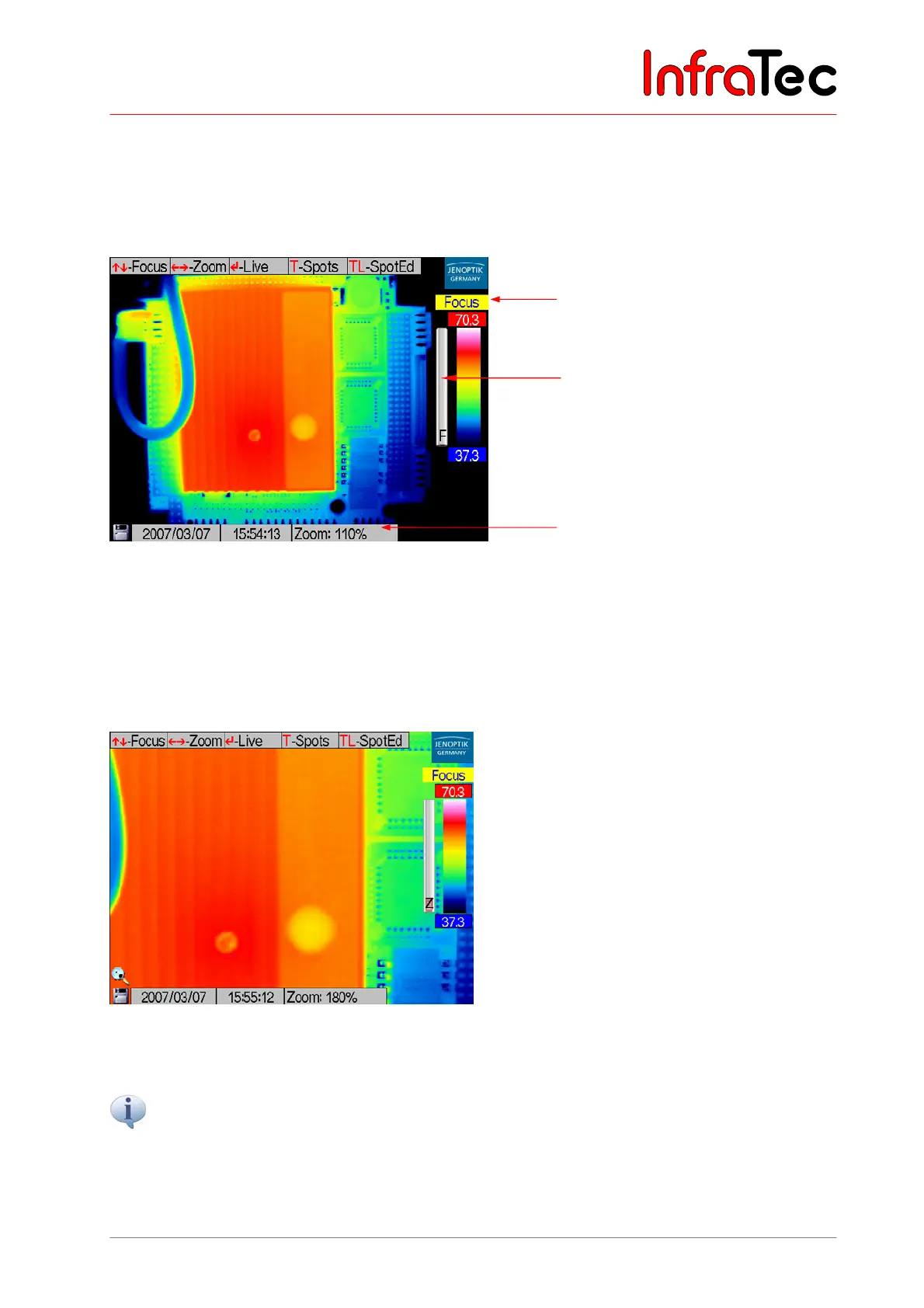
In the focus mode, larger or smaller object distances will be focused on by respectively moving the
joystick and . The progress bar marked F left of the colour palette shows the relative position of the
focus - see Fig. 38.
Fig. 38 Focus mode
Joystick actions and digitally zoom the image in or out. Magnification levels in % are circulated in
the information field. The loupe in the lower left image corner above the SD card symbol signals zoom
adjustment > 100 %. Additionally, a progress bar Z is displayed left of the colour palette. The adjusted
zoom level does not influence the digitally saved temperature data. They contain the complete image
information (without any zoom).
Fig. 39 Zoom
Button TL opens the spot editor – see Chapter 8.2.4, Spot Editor*, page 28.
The colour palette can be changed by means of the C button.
Enter returns the system to the live mode – see Chapter 8.2.4, Spot Editor*, page 28.
“Focus” mode
Pro
ress bar
Information field



 To Next Page